
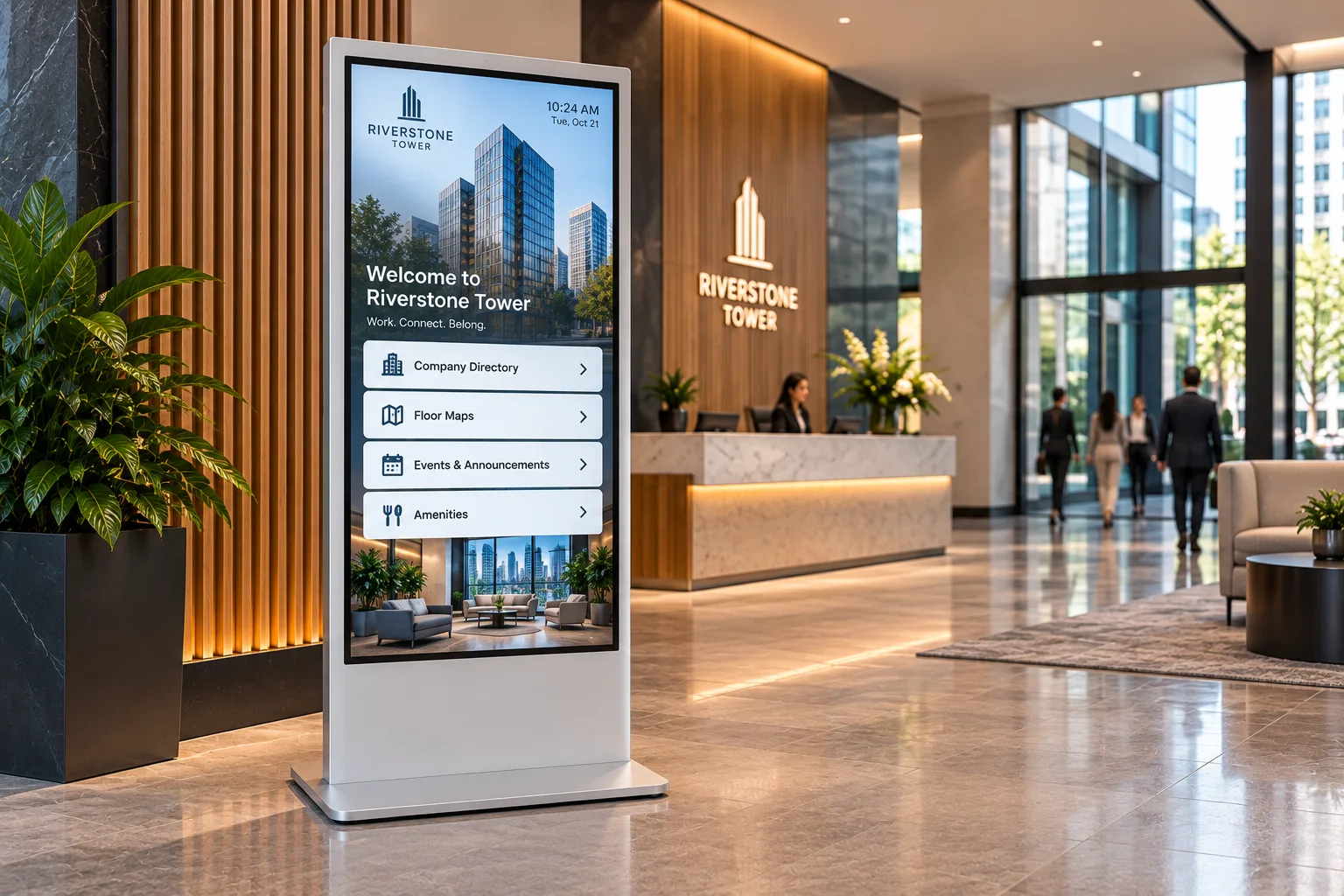
Building Directory and Lobby Kiosks
Replace the static lobby directory, let visitors check themselves in, and reach the employees who never sit at a computer.
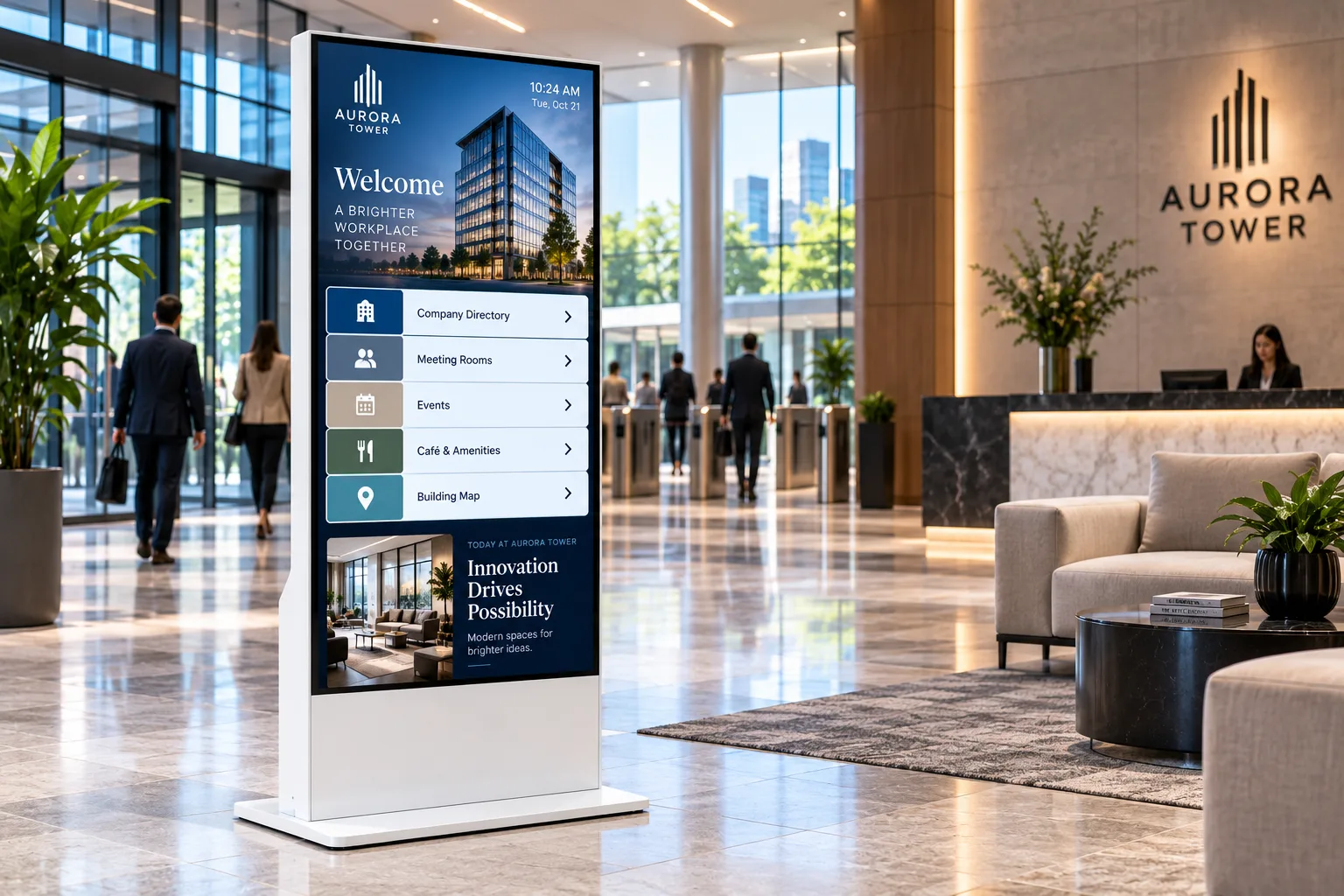
Buildings change faster than their signs
Tenants move in and out. Hybrid schedules leave the lobby packed midweek and far quieter on other days.2 A printed directory is out of date the day a tenant leaves, and every change means a new order from the sign shop.
Inside the business, the people hardest to reach are the ones without a desk. In Microsoft's 2022 survey of 9,600 workers, 63% of frontline workers said messages from leadership don't make it to them.1 A screen on the plant floor or in the break room reaches people an email never will.
Where kiosks work in workplaces and buildings
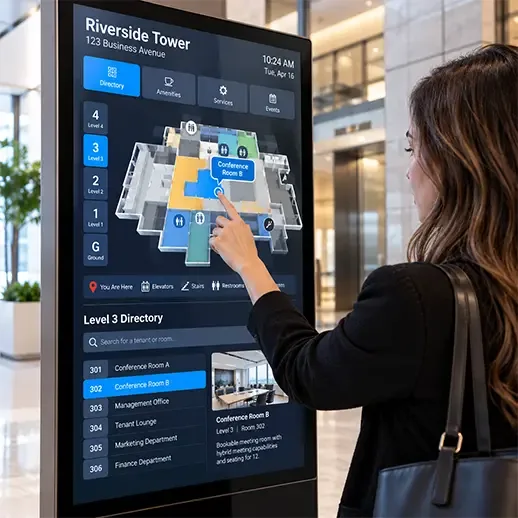
- Building and tenant directories. Searchable directories that update when tenants change, with no reprinting.
- Elevator lobbies. Tenant information, building notices and news where people wait.
- Visitor check-in. Self-service sign-in at reception through your visitor management software, so the security desk can focus on security.
- Workplace wayfinding. Maps to meeting rooms, amenities and departments on large campuses and multi-floor offices.
- Employee communication. News, recognition, performance dashboards and culture messaging in lobbies, break rooms and on the plant floor.
- Health and safety. Safety procedures, training material and emergency information where frontline workers can see them.
- Giving campaigns. Charitable campaign updates and donation information in common areas.
- Cafeterias and amenities. Daily menus, fitness class schedules and building notices.
Recommended hardware
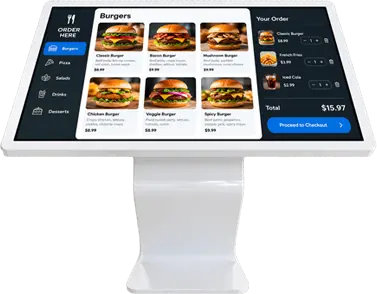
Linea Interactive Kiosks
32 to 85 in
Best for
Lobby directories and reception, in a clean design that suits finished interiors
Product SpecsLinea Full Screen
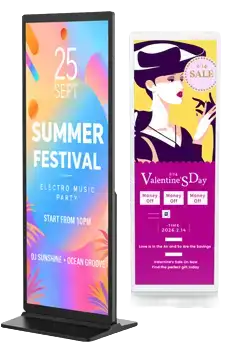
Best for
Tall statement displays for brand and culture messaging in the lobby
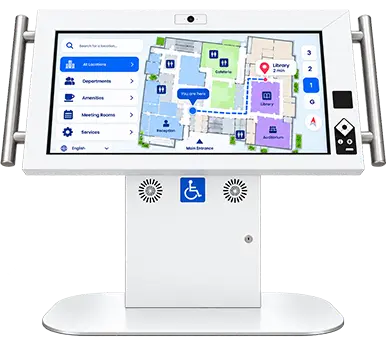
Product SpecsAngled Touch Interactive Kiosk
22 to 65 in
Best for
Reception self-service, with an optional camera
Product SpecsDuraline Kiosk
43 to 55 in
Best for
Plant floors, warehouses and high-traffic common areas
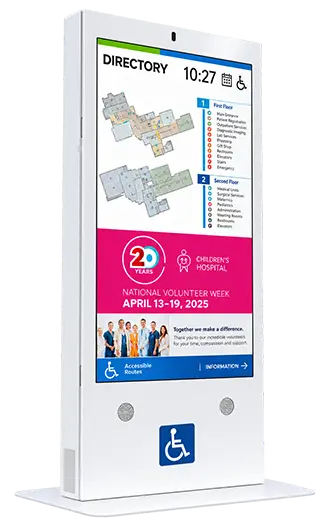
Product SpecsDuraline Angled Accessibility Kiosk
32, 43, 50 in
Best for
Reception and directories every visitor and employee can use, with optional barcode scanner and camera
Product SpecsDuraline Angled Kiosk
Best for
A rugged steel angled kiosk for lobbies and common areas
Product Specs
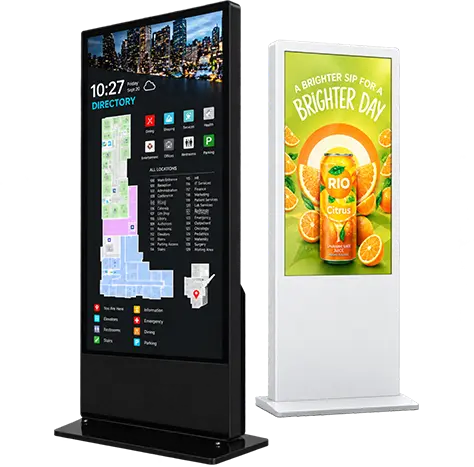
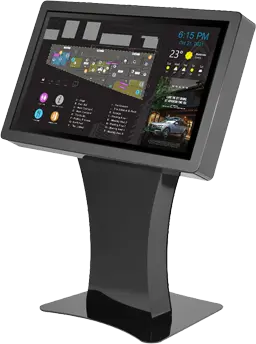
Built for the workplace
- Built for 24/7 operation with commercial-grade displays.
- Steel where it's needed. Duraline enclosures are high-impact steel built to take traffic and bumps, and the Duraline Kiosk display is built to stay reliable in dusty environments.
- Linea panels rated for 50,000 hours, with up to 4K resolution and optional 10-point infrared touch.
- Mix touch and non-touch. Linea comes in touch and non-touch versions with the same display, so one family covers interactive directories and passive screens.
Accessible to every visitor and employee
The Duraline Angled Accessibility Kiosk is designed to CSA/ASC B651.2:25, the National Standard of Canada for accessible self-service interactive devices: a reachable 30-degree screen, knee clearance for wheelchairs, infrared touch that works with a prosthetic or stylus, and a tactile audio keypad. In Ontario, businesses must have regard to accessibility when designing, procuring or acquiring self-service kiosks.4 Read about the accessibility standards.
Runs your software
humanKIOSK supplies the hardware. Each kiosk runs the directory, visitor management, wayfinding or digital signage software your organization, landlord or integrator chooses.
Who we work with
Property and facilities managers, corporate communications and HR, security and reception teams, plant managers, and the AV integrators who fit out buildings.
Frequently asked questions
Can a kiosk replace our printed lobby directory?
Yes. A touch screen directory runs searchable tenant listings from your directory or signage software, so changes happen on screen instead of at the sign shop.
Can visitors sign themselves in?
Yes, with your visitor management software. The kiosk provides the touch screen; the accessible kiosk can add an optional barcode scanner and camera, and Angled Touch offers an optional camera.
Will kiosks survive a plant floor?
Duraline enclosures are high-impact steel built to take public traffic and bumps, and the Duraline Kiosk display is built to stay reliable in dusty environments.
Can we mix interactive and display-only screens?
Yes. Linea comes in touch and non-touch versions with the same display specifications, so directories and passive screens match.
Related industries
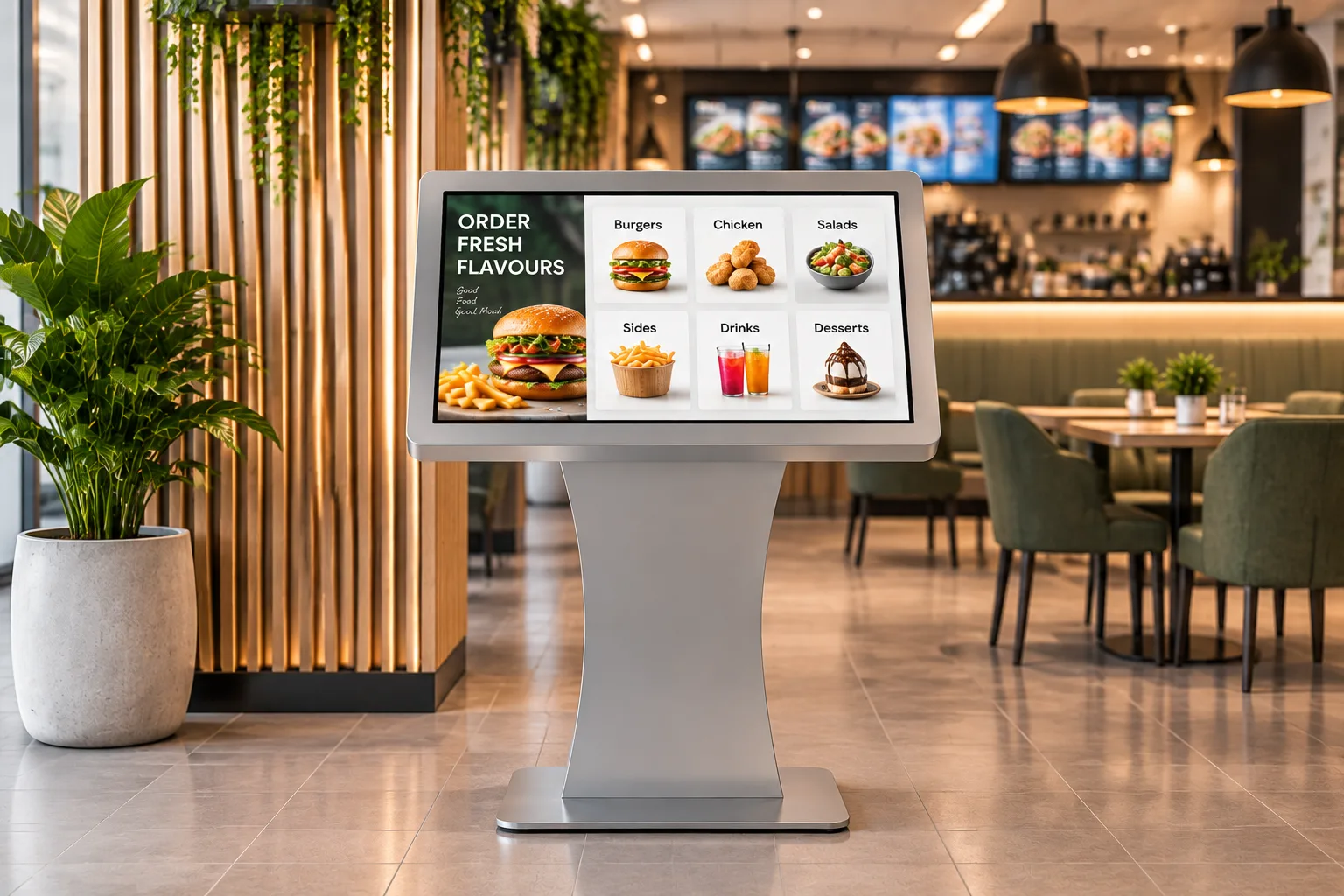 Retail & RestaurantsSelf-ordering, product lookup and promotion for stores, restaurants, malls and bank branches.
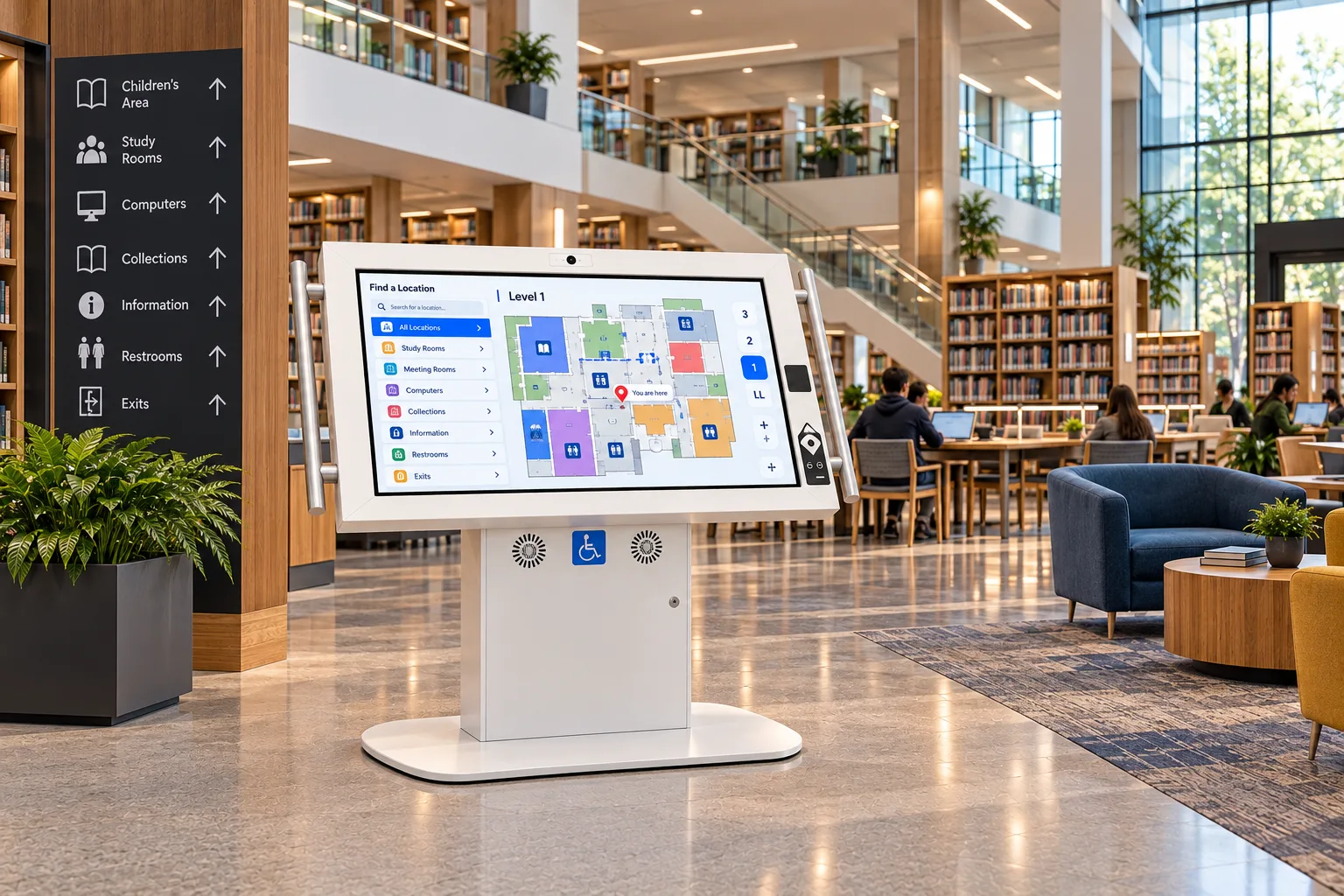 Government & LibrariesAccessible self-service for city halls, service centres, courts and public libraries.
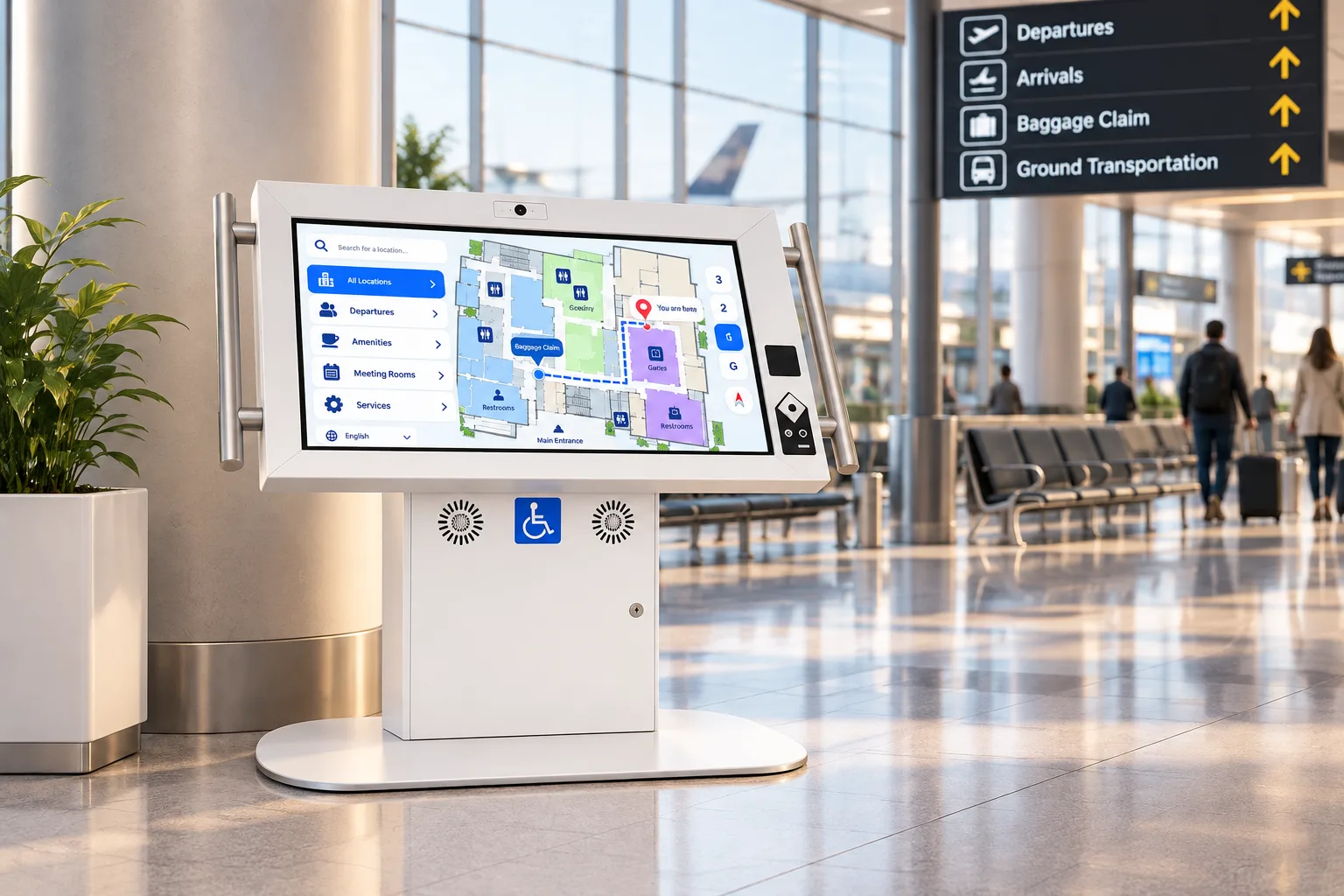 TransportationAccessible, rugged kiosks for airports, transit stations, rail and ferry terminals.
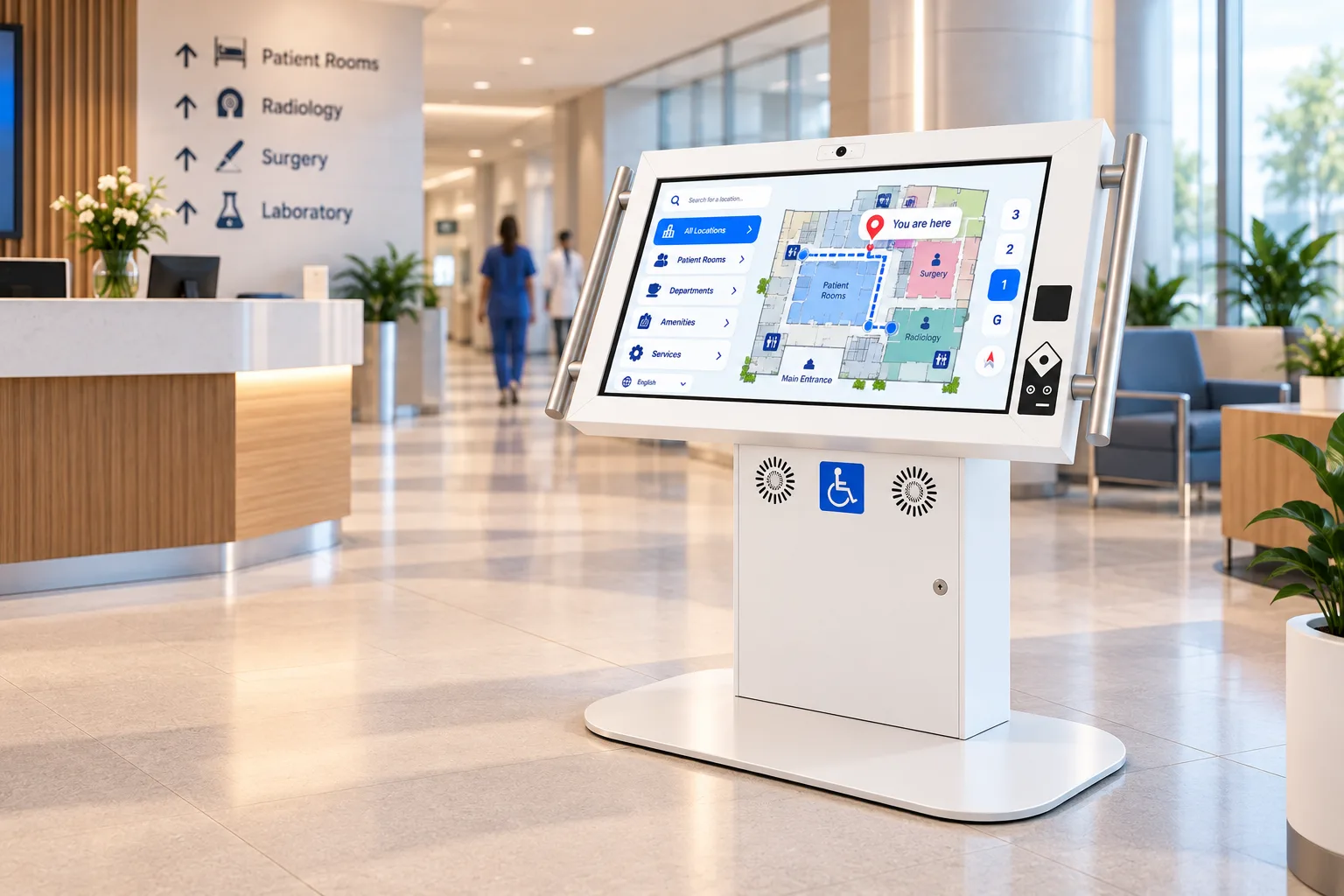 HealthcareCheck-in, wayfinding and patient information on accessible kiosks with an antimicrobial finish.
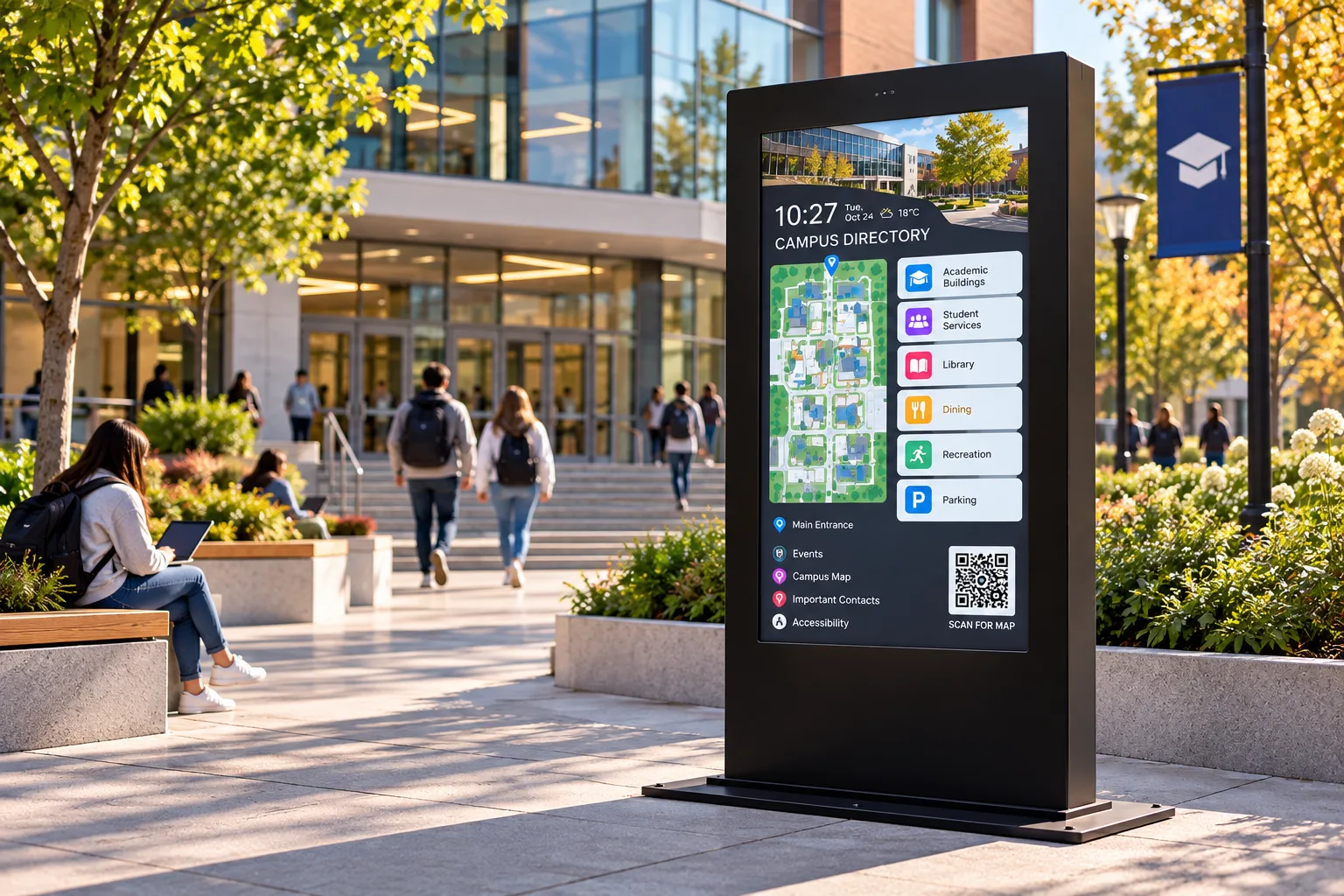 EducationWayfinding, student services and campus-wide notices on kiosks built for a student body.
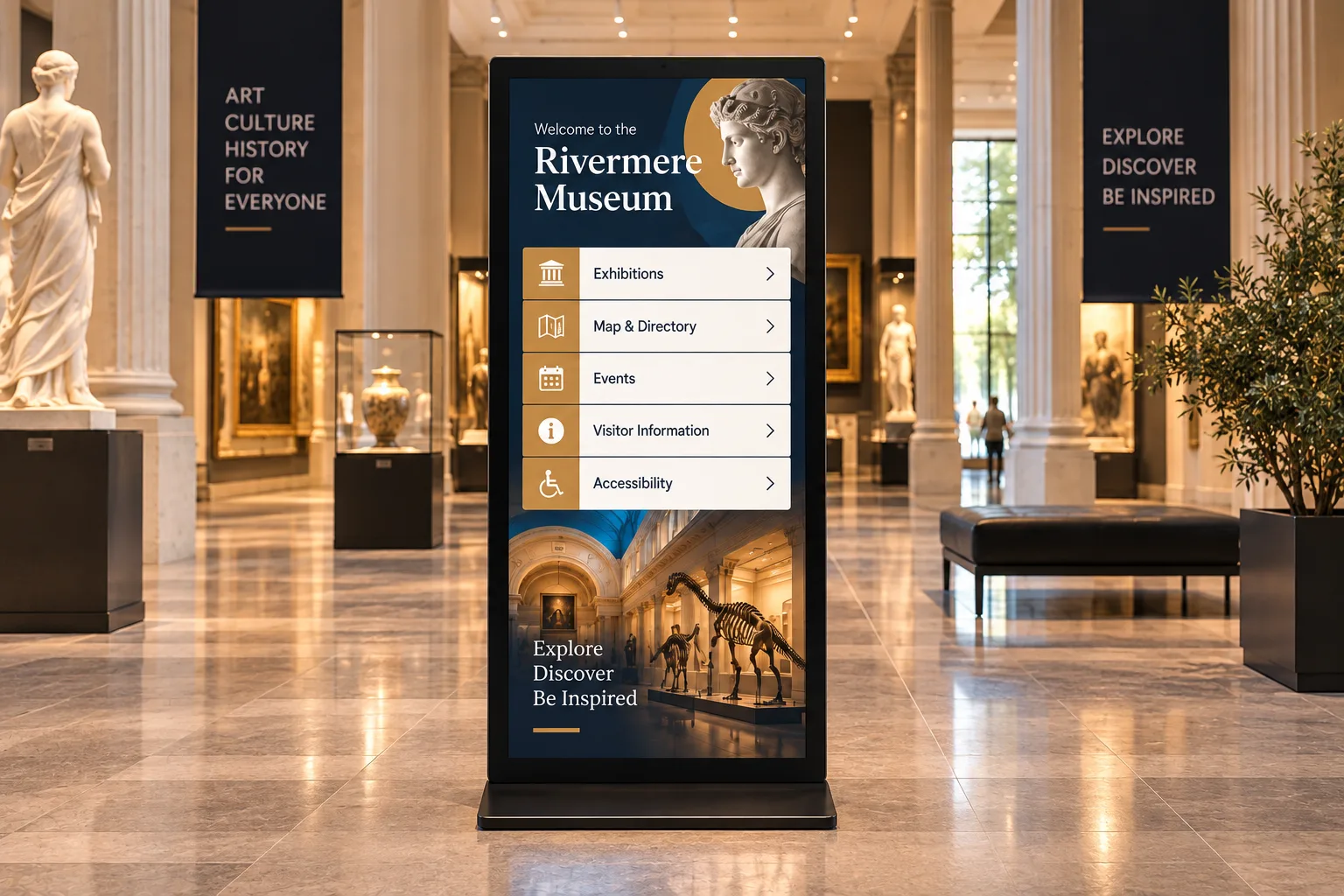 Museums & AttractionsInteractive exhibits, visitor wayfinding and accessible interpretation for museums, science centres, zoos and parks.
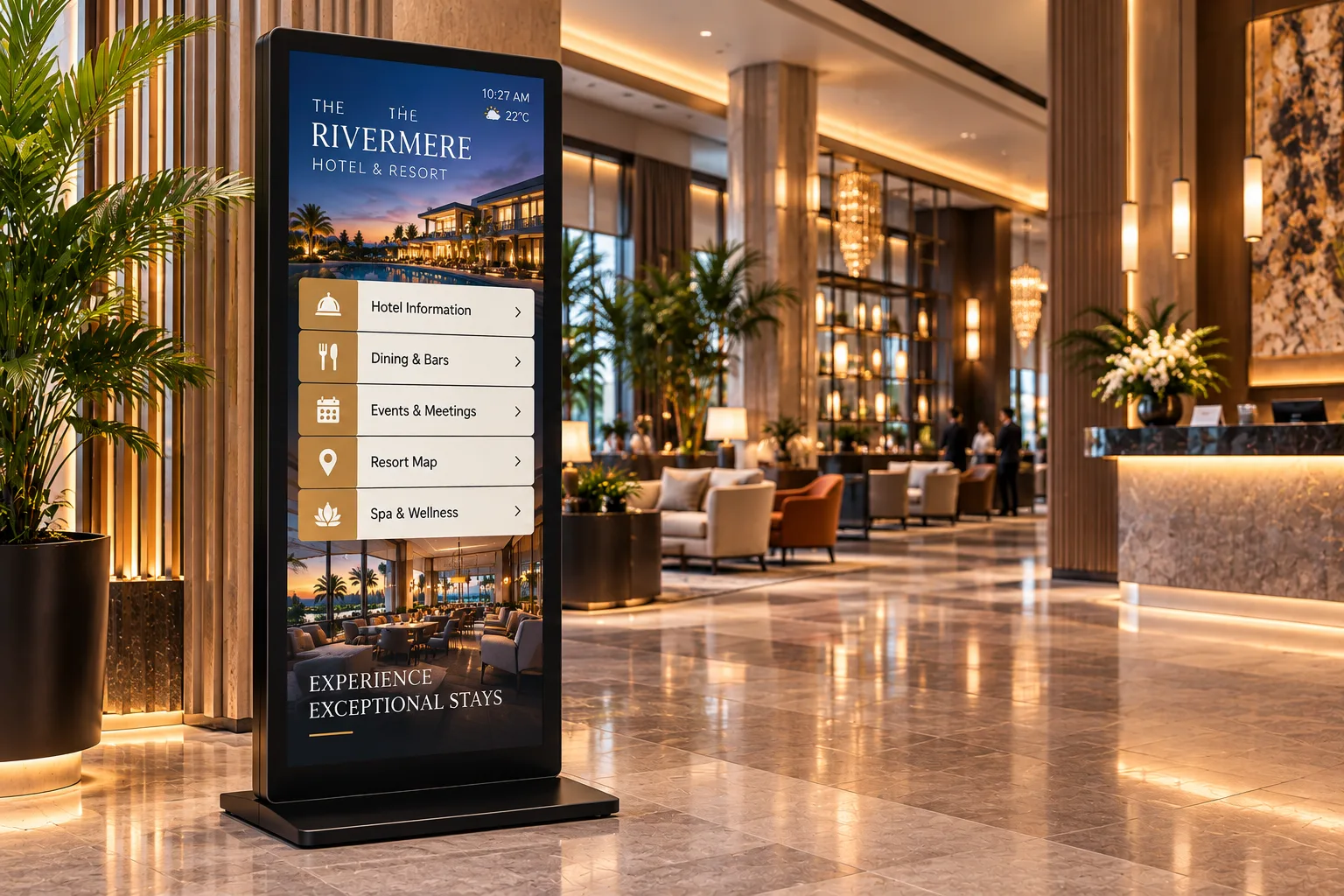 Hospitality & VenuesGuest self-service and wayfinding for hotels, casinos, stadiums, convention centres and trade shows.
Sources
- Microsoft, Work Trend Index Special Report on frontline workers (Edelman Data x Intelligence, 9,600 workers), Jan 2022. https://www.microsoft.com/en-us/worklab/work-trend-index/technology-unlocks-a-new-future-for-frontline
- Kastle Systems, Back to Work Barometer, week ending 14 Oct 2026: 55.1% ten-city average, 64.4% Tuesday peak. https://www.kastle.com/safety-wellness/getting-america-back-to-work/
- Emergence Capital, State of Technology for the Deskless Workforce, 15 Dec 2020. https://www.emcap.com/thoughts/technology-for-the-deskless-workforce
- Ontario Regulation 191/11 (Integrated Accessibility Standards), s. 6(2). https://www.ontario.ca/laws/regulation/110191
Plan your lobby and workplace kiosks
Tell us about your buildings, and we'll recommend kiosks for each space. Integrators and resellers: become a partner.