
Accessible Kiosks for Hospitals and Clinics
Check patients in, guide them to the right department and keep them informed while they wait, on hardware your infection control team can clean and every patient can use.
The front desk is where patient experience starts, and where it stalls
Registration staff are hard to hire and hard to keep. In Experian Health's 2025 survey, 63% of providers named staffing shortages as a patient access challenge and 54% named long wait times.1 Medical practices tell MGMA that front-desk roles are among the most common turnover points.3
Then there's the building. Hospitals grow wing by wing, and patients and visitors get lost on the way to appointments. A study at Emory University Hospital put the cost of wayfinding problems at $220,000 a year, in 1990 dollars.4
And every surface a patient touches has to be cleaned. Public Health Ontario's advice to buyers is blunt: "If you can't clean it, don't buy it."5
Where kiosks work in healthcare
- Patient check-in. Hardware for your check-in software. An optional 1D/2D barcode scanner on the accessible kiosk reads printed barcodes, such as those on appointment letters.
- Private check-in. Patients who use audio listen through the headphone jack, so their information isn't read aloud to the waiting room.
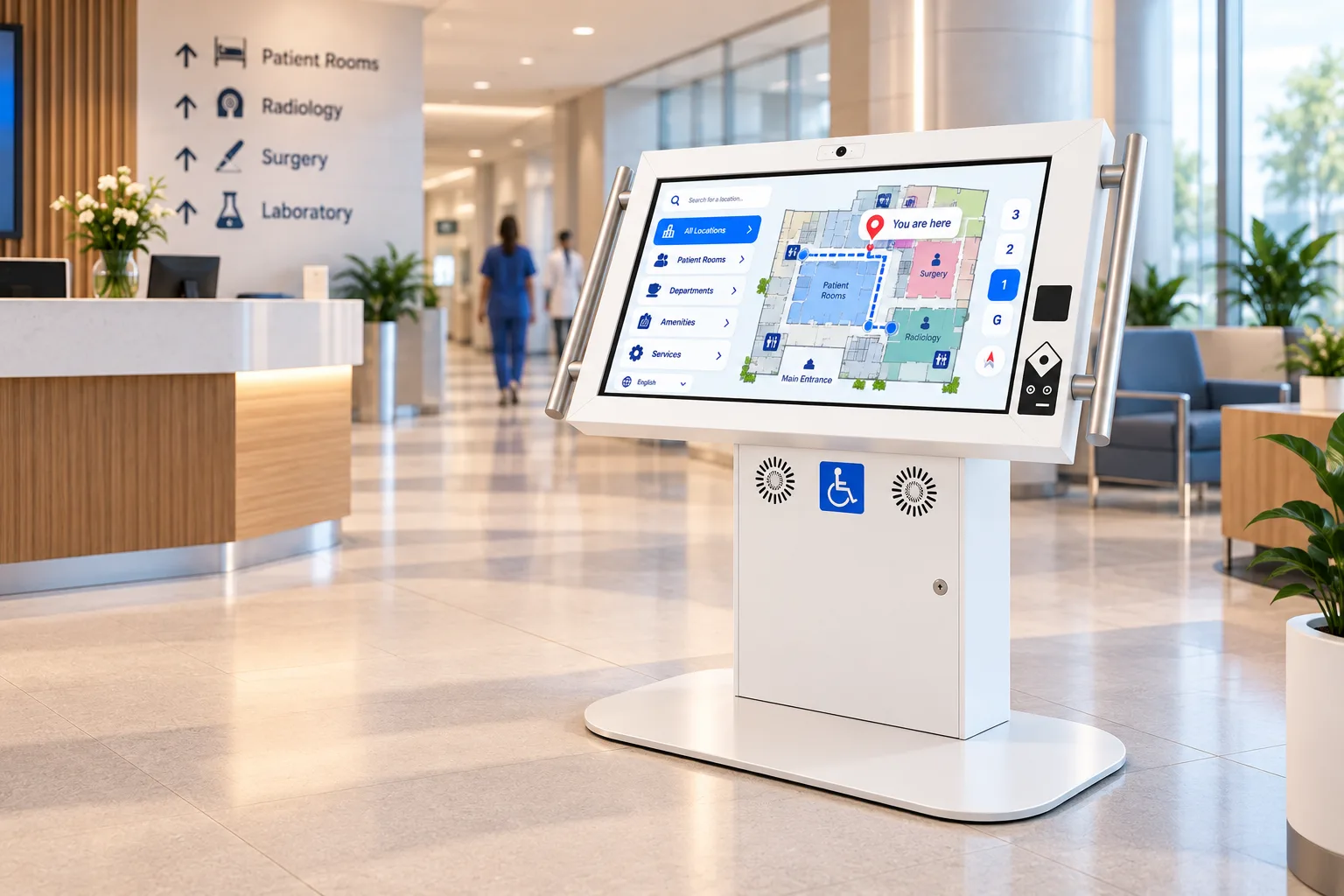
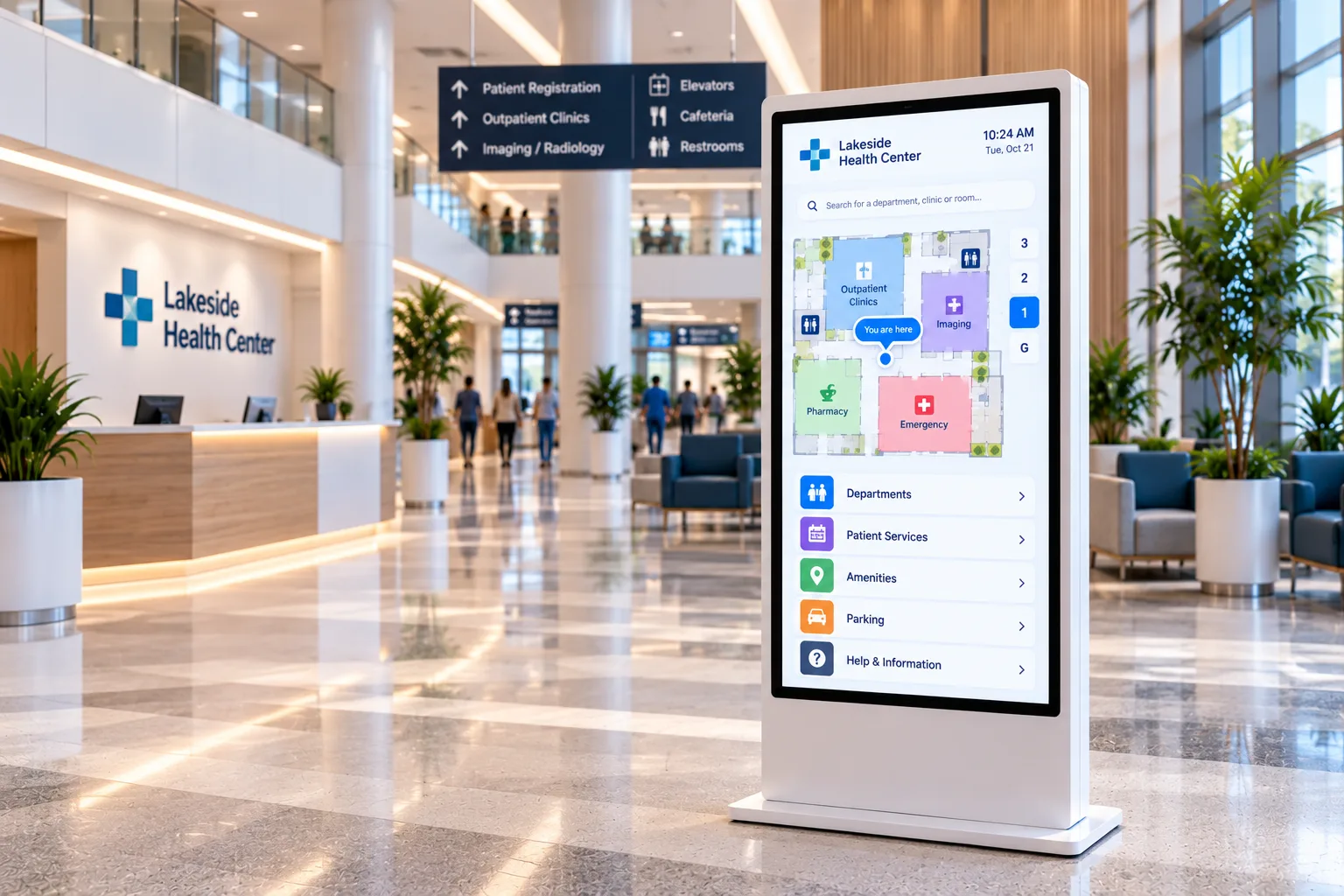
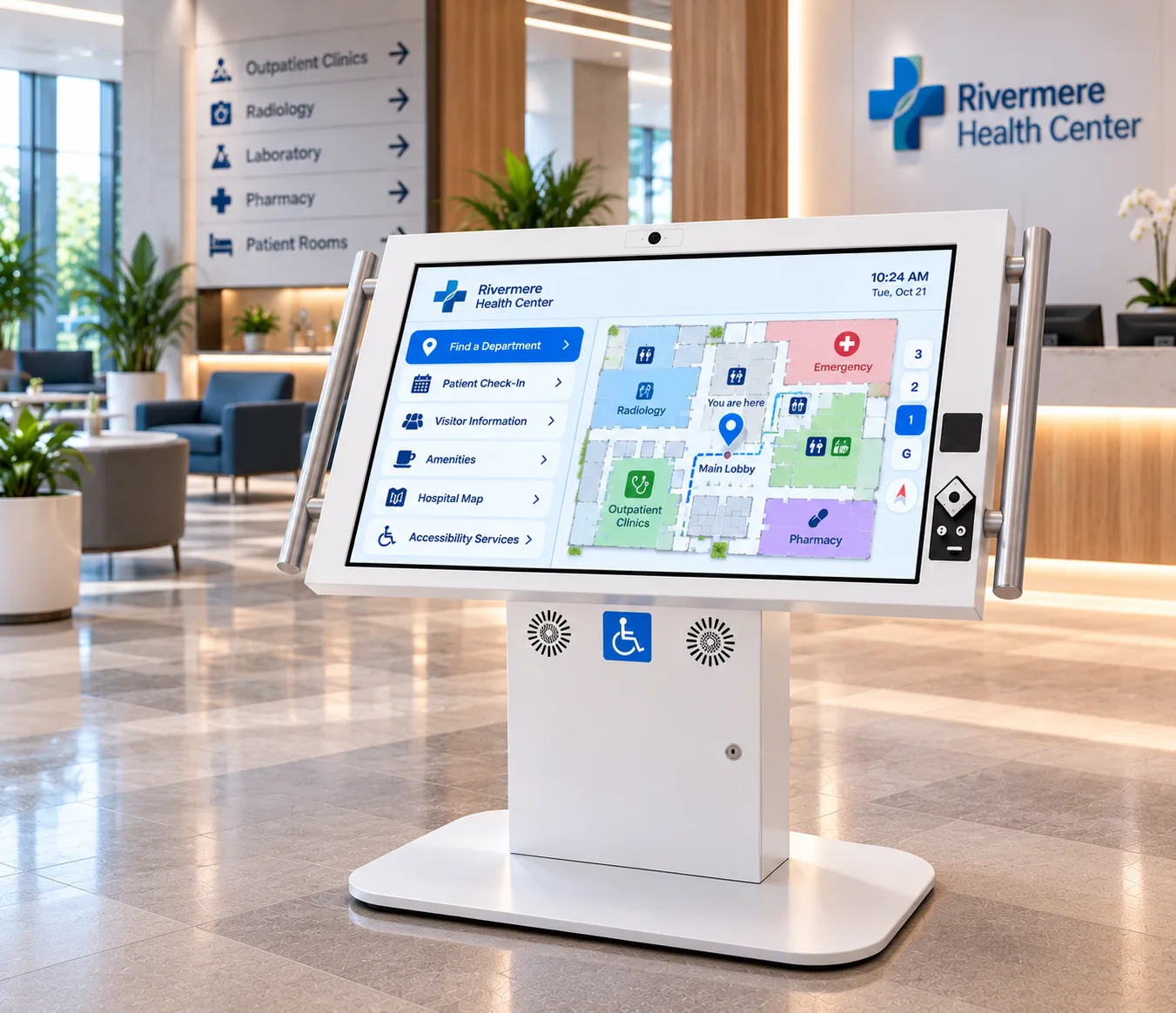
- Hospital wayfinding. Interactive maps at entrances, elevator lobbies and junctions that take patients and visitors to the right clinic.
- Virtual front desk. With the optional camera, microphone and speakers on the accessible kiosk, a remote staff member can greet patients and visitors by video at entrances that aren't staffed around the clock, using your video calling software or Video Presence, our real-time video platform.
- Waiting room information. Health education, service information and updates while patients wait.
- Visitor information. Visiting hours, parking, food services and directions to patient rooms for families.
- Long-term care and labs. Visitor sign-in, specimen-collection check-in and resident information.
Multilingual check-in and wayfinding are application choices: your software can offer the languages your patients speak, on screen and through the headphone jack.
Recommended hardware
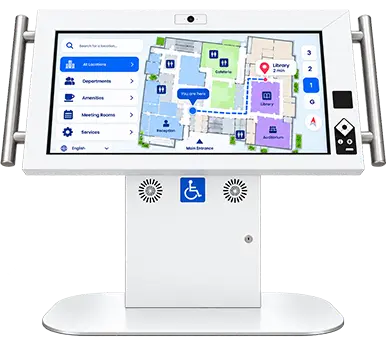
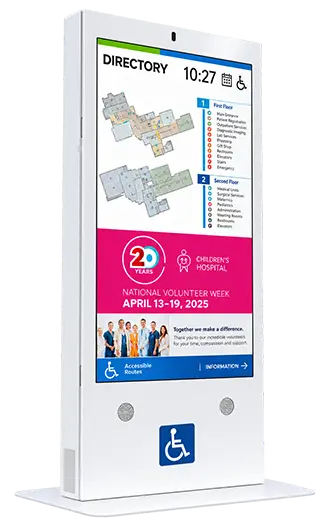
Duraline Angled Accessibility Kiosk
32, 43, 50 in
Best for
Check-in and wayfinding every patient can use, from a wheelchair, with low vision or with a prosthetic
Product SpecsDuraline Kiosk
43 to 55 in
Best for
Busy main entrances and emergency department waiting areas
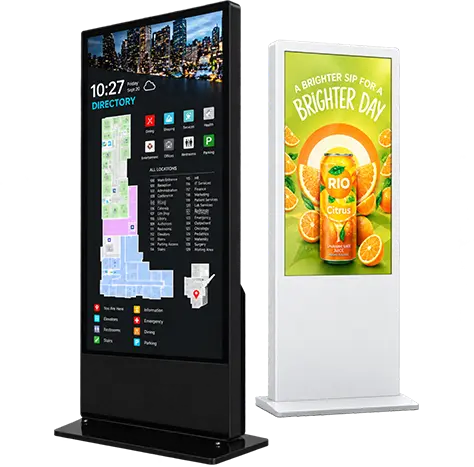
Product SpecsLinea Interactive Kiosks
32 to 85 in
Best for
Lobby and staff directories in finished interiors
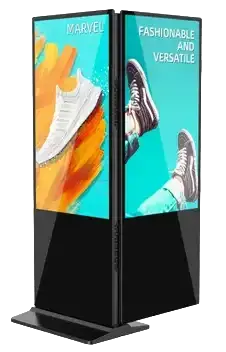
Product SpecsLinea Double Sided
Best for
Corridors and atriums seen from both directions
Product Specs
Built for a care environment
- Antimicrobial finish. The accessible kiosk has an antimicrobial powder-coat finish in RAL 9003 signal white, with a matte, slip-resistant base. The finish withstands cleaning with 10% bleach solution. Antimicrobial protection is limited to the finish itself.
- Glass-fronted screen. The accessible kiosk's infrared touch sits behind anti-reflective glass.
- Stylus-friendly. Infrared touch responds to a stylus, so your infection control team can choose a stylus practice for check-in.
- High-impact steel. Duraline enclosures are built to take public traffic, bumps and bruises; the accessible kiosk is 14-gauge steel.
- Built for 24/7 operation for departments that never close.
- Serviced in place. The accessible kiosk is built from off-the-shelf, USB-connected components, so your biomedical or IT team can hold spares and swap a part on site instead of shipping the kiosk.
Accessible to every patient
The Duraline Angled Accessibility Kiosk is designed to CSA/ASC B651.2:25, the National Standard of Canada for accessible self-service interactive devices.
| Patient need | How the kiosk provides it |
|---|---|
| Reach from a wheelchair | Screen tilted at 30 degrees, keypad and optional scanner within the 400 to 1,200 mm reach range, and 685 mm of knee clearance |
| Touch with a prosthetic or stylus | Infrared touch, which doesn't need skin contact |
| Use without reading the screen | Tactile audio keypad with an illuminated 3.5 mm headphone jack and a volume key |
| Support while standing | Contrasting grab bars rated to 1.3 kN |
| Hearing assistance | Optional assistive listening package with an induction loop and Auracast broadcast audio |
The obligations are real. In the United States, the 2024 HHS Section 504 rule bars recipients of HHS federal financial assistance from excluding people with disabilities from any program "provided through kiosks", and its definition of a kiosk includes patient check-in.6 In Ontario, designated public sector organizations, which include public hospitals, "shall incorporate accessibility features when designing, procuring or acquiring self-service kiosks."7 Read about the accessibility standards.
Runs your software
humanKIOSK supplies the hardware. Each kiosk runs the check-in, queue management, wayfinding or digital signage application your hospital or integrator chooses. Patient data stays in your check-in system.
Who we work with
Patient experience and access leaders, infection prevention and control, facilities and redevelopment teams, accessibility committees, IT and the integrators who deliver hospital projects. Installation drawings for the accessible kiosk are available on request.
Frequently asked questions
Can the kiosk be cleaned with hospital disinfectants?
Yes. The enclosure's antimicrobial powder-coat finish withstands cleaning with 10% bleach solution, and the screen sits behind glass. For other disinfectants, share your list with us during specification.
Does the kiosk meet accessibility requirements for patient check-in?
The Duraline Angled Accessibility Kiosk is designed to CSA/ASC B651.2:25. The check-in application must also be accessible, including audio output and keypad navigation, so plan both together.
What can the barcode scanner read?
The optional scanner on the accessible kiosk reads printed 1D and 2D barcodes. What happens next, such as finding the appointment, depends on your check-in software.
Can we choose a colour other than white?
Yes. Each custom colour on the accessible kiosk is checked against the contrast requirements for grab bars and controls before production.
Related industries
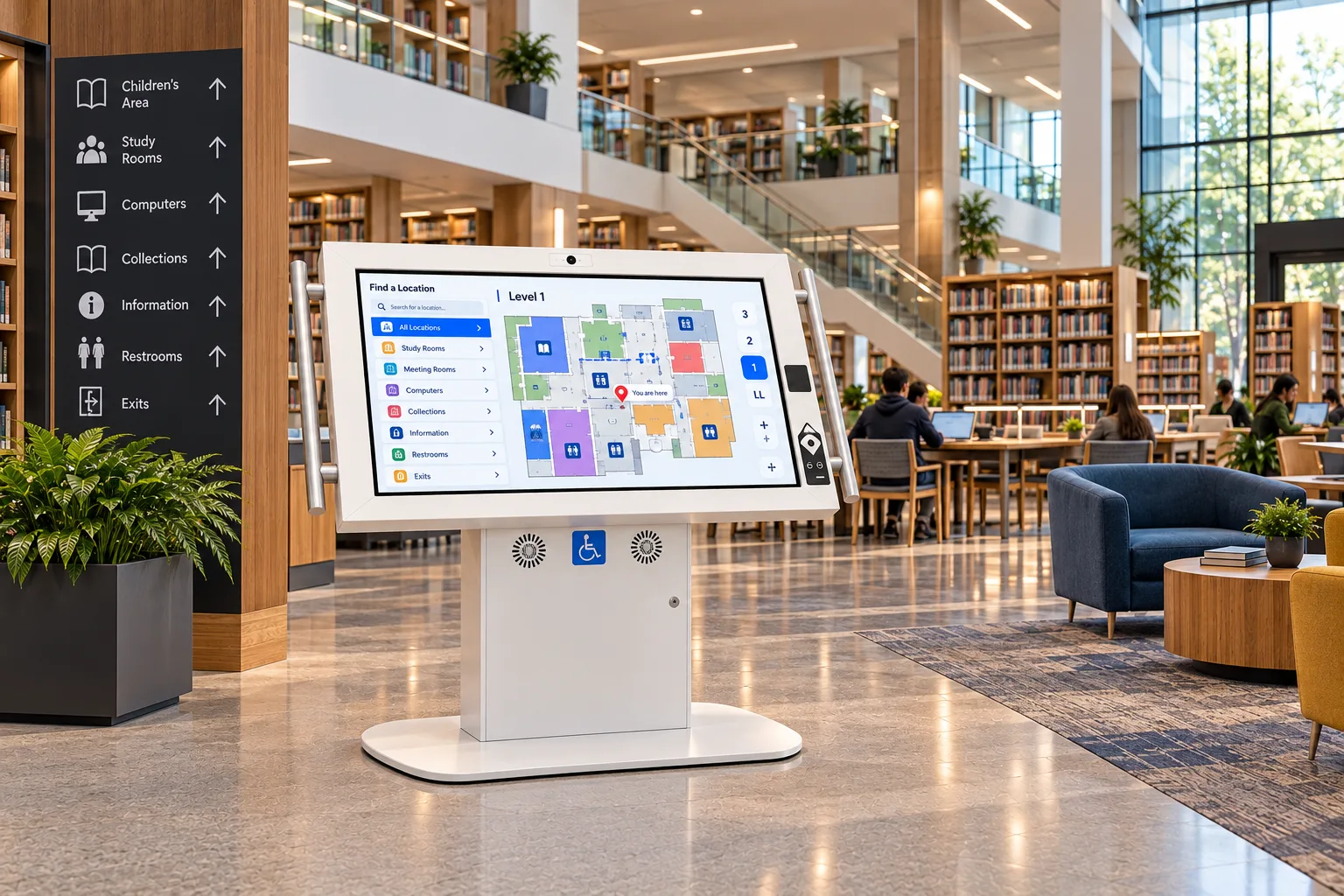 Government & LibrariesAccessible self-service for city halls, service centres, courts and public libraries.
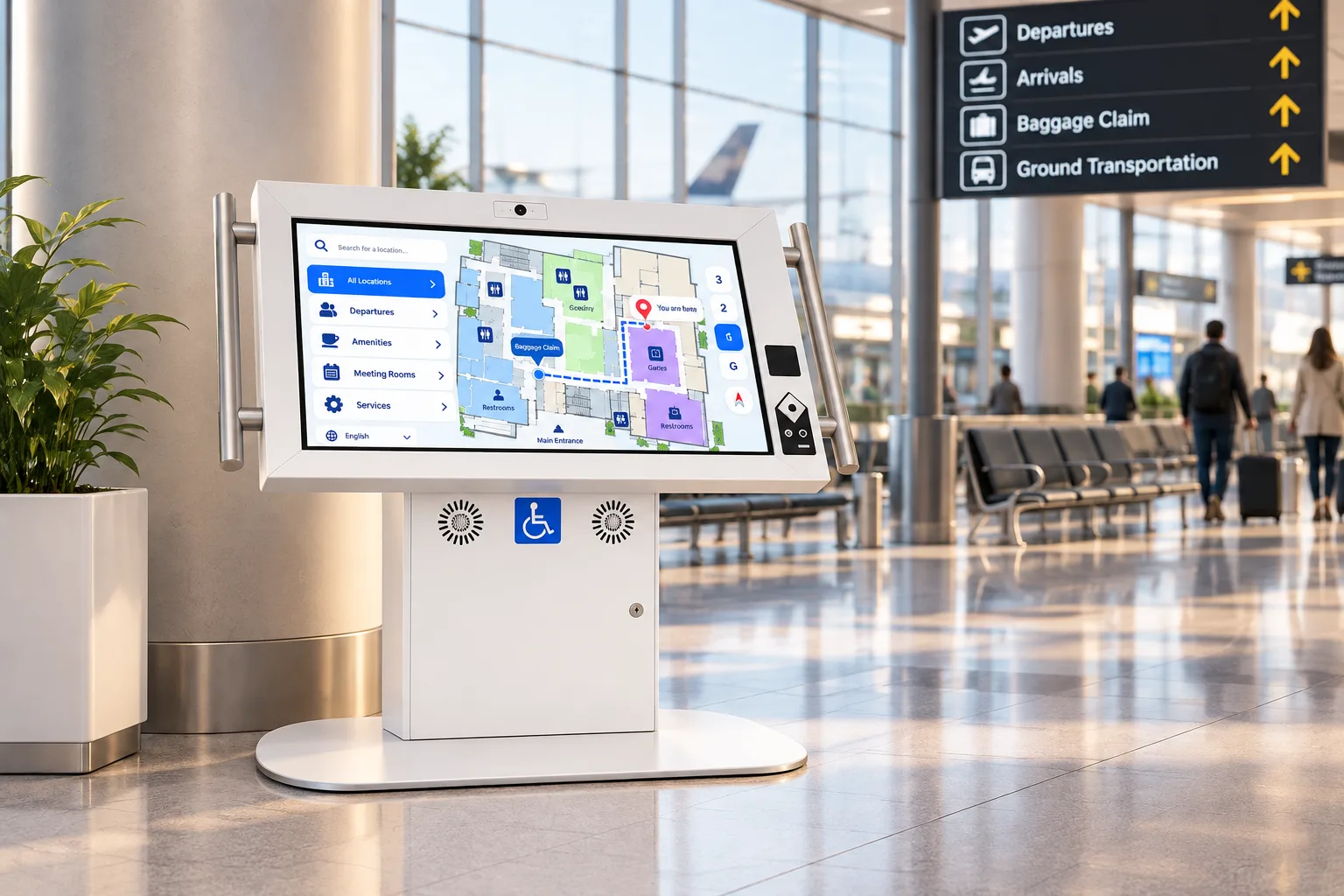 TransportationAccessible, rugged kiosks for airports, transit stations, rail and ferry terminals.
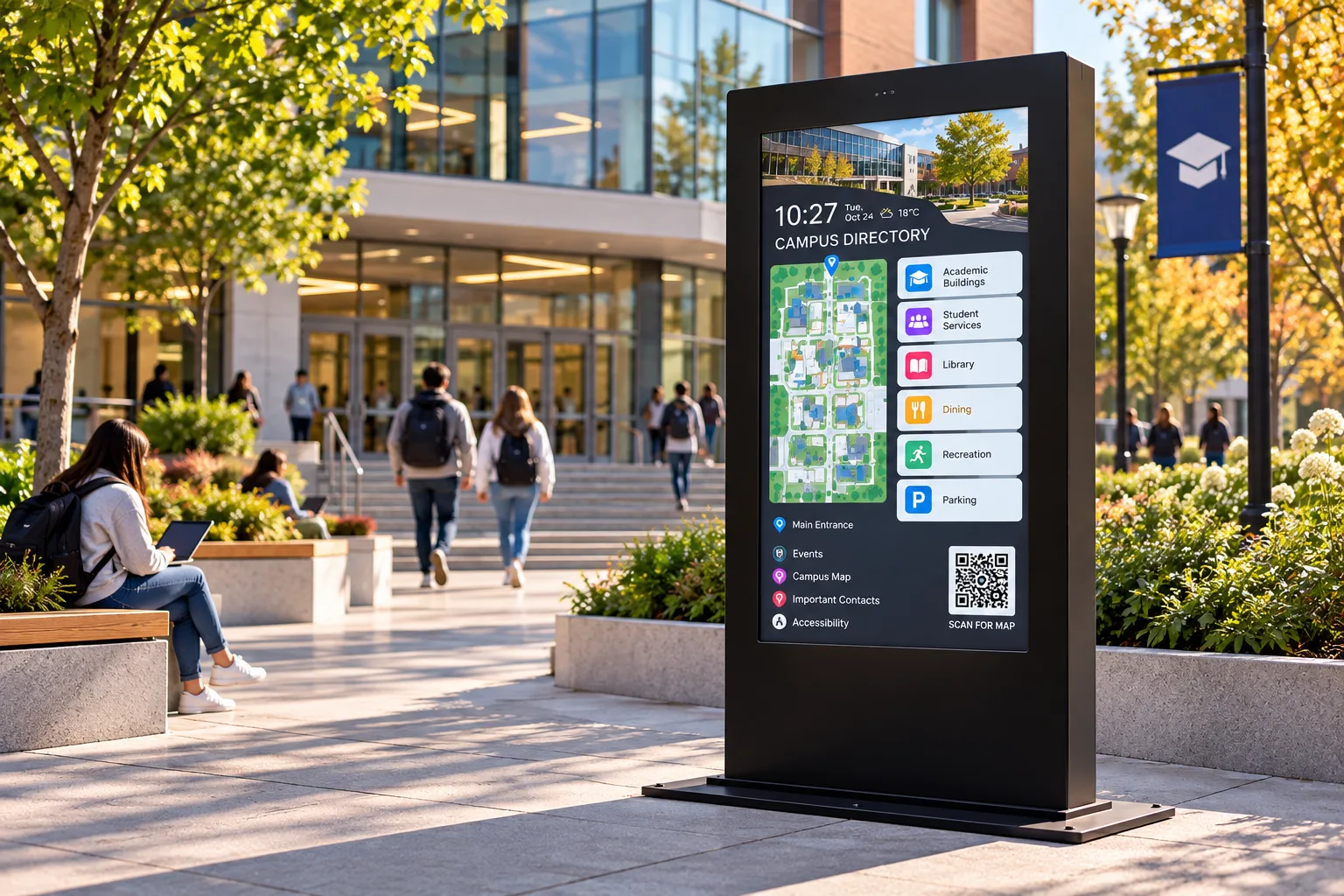 EducationWayfinding, student services and campus-wide notices on kiosks built for a student body.
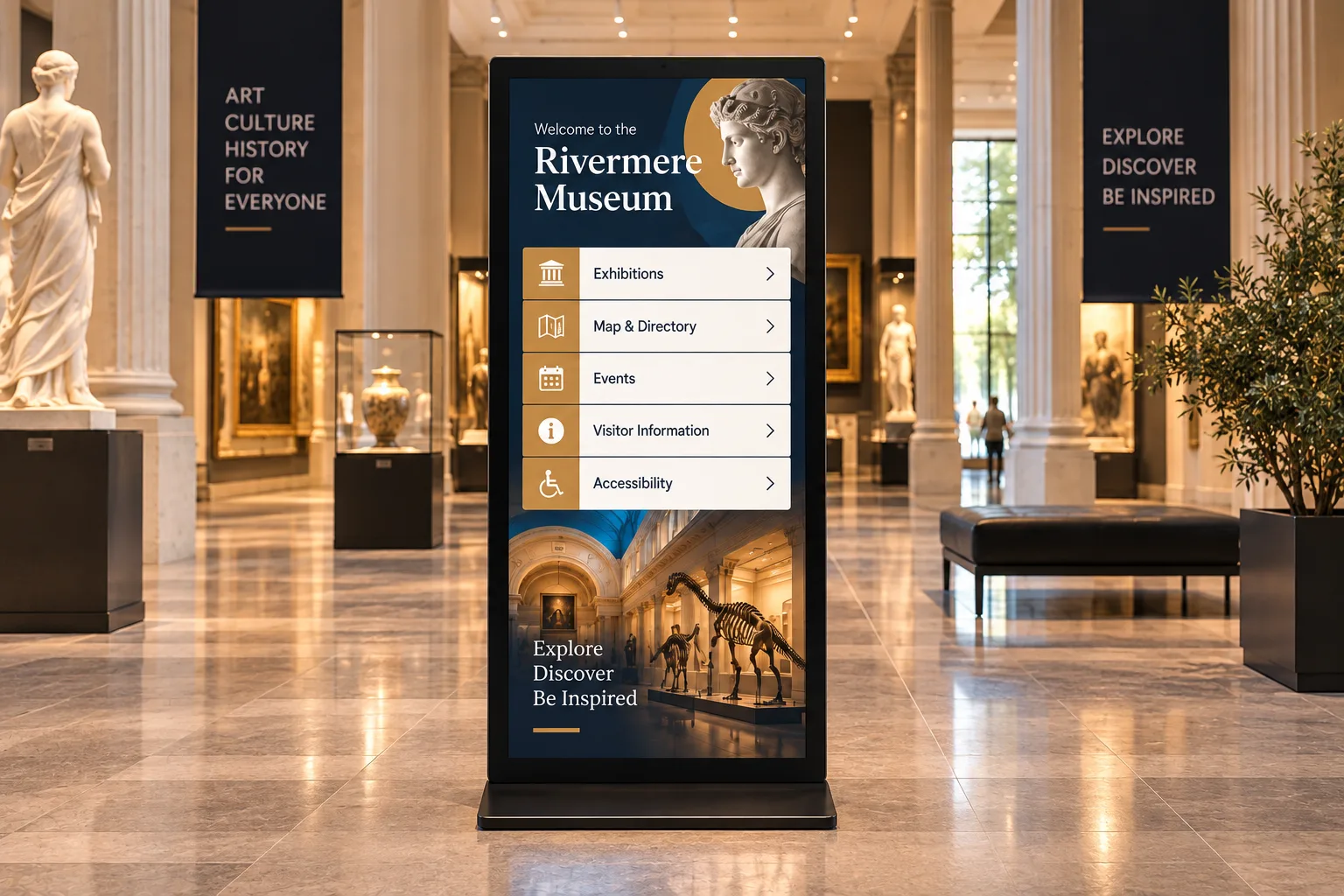 Museums & AttractionsInteractive exhibits, visitor wayfinding and accessible interpretation for museums, science centres, zoos and parks.
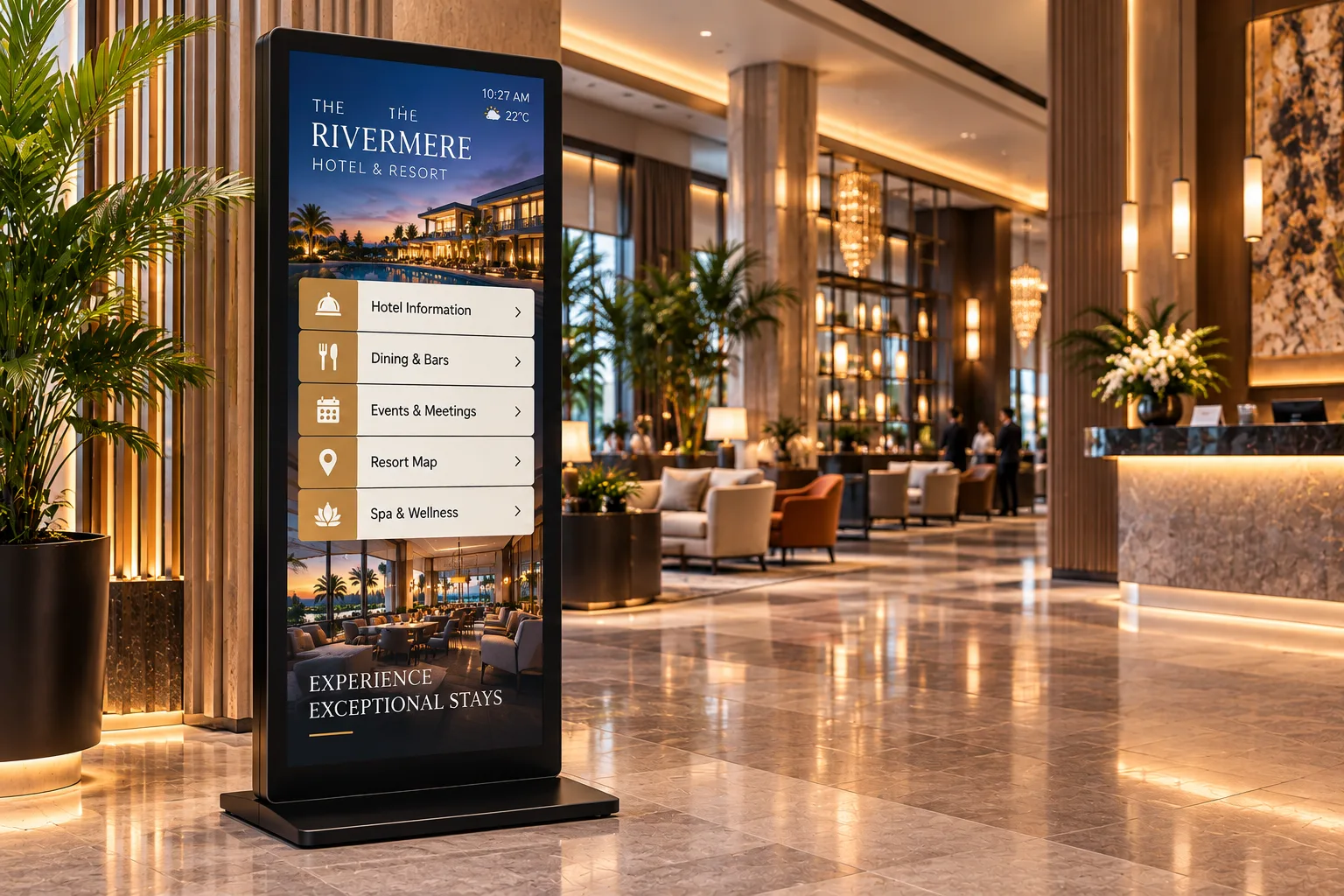 Hospitality & VenuesGuest self-service and wayfinding for hotels, casinos, stadiums, convention centres and trade shows.
 Retail & RestaurantsSelf-ordering, product lookup and promotion for stores, restaurants, malls and bank branches.
 Corporate & Real EstateLobby directories, visitor check-in and workforce communication for offices, buildings and plants.
Sources
- Experian Health, 2025 State of Patient Access, press release, 28 Apr 2025. https://www.experianplc.com/newsroom/press-releases/2025/-improving-patient-access--experian-health-survey-highlights-pro
- Statistics Canada, Canadian Survey on Disability 2022, The Daily, 1 Dec 2023. https://www150.statcan.gc.ca/n1/daily-quotidien/231201/dq231201b-eng.htm
- MGMA Stat, "Stabilized but not solved: Staff turnover in 2026", 28 May 2026. https://www.mgma.com/mgma-stat/stabilized-but-not-solved-staff-turnover-in-2026
- Devlin, A.S., "Wayfinding in Healthcare Facilities", Behavioral Sciences 4(4), 2014, citing Zimring, The Costs of Confusion (Georgia Institute of Technology, 1990). https://pmc.ncbi.nlm.nih.gov/articles/PMC4287692/
- Public Health Ontario / PIDAC, Best Practices for Environmental Cleaning for Prevention and Control of Infections, 3rd edition, revised Nov 2025. https://www.publichealthontario.ca/-/media/documents/b/2018/bp-environmental-cleaning.pdf
- US Department of Health and Human Services, Section 504 final rule, 45 CFR 84.10 and 84.83, 89 FR 40066, 9 May 2024. https://www.govinfo.gov/content/pkg/FR-2024-05-09/html/2024-09237.htm
- Ontario Regulation 191/11 (Integrated Accessibility Standards), s. 6(1) and Schedule 1. https://www.ontario.ca/laws/regulation/110191
Plan your hospital kiosks
Tell us where patients get stuck, at registration, in the lobby or in the corridors, and we'll recommend kiosks for each spot. Integrators and resellers: become a partner.