
Interactive Kiosks for Campuses and Schools
Help students find the room, the service and the shuttle on their own, and put campus news and notices where they'll see them.
Every September, thousands of people who don't know where anything is
A campus is a small city that turns over part of its population every year. New students, transfer students, visiting families and conference guests all ask the same questions at the same front desks: where is this building, where do I pay this, when does this close. Help desks get stretched, printed signs go out of date, and students with disabilities need answers in a form they can use.
Where kiosks work on campus
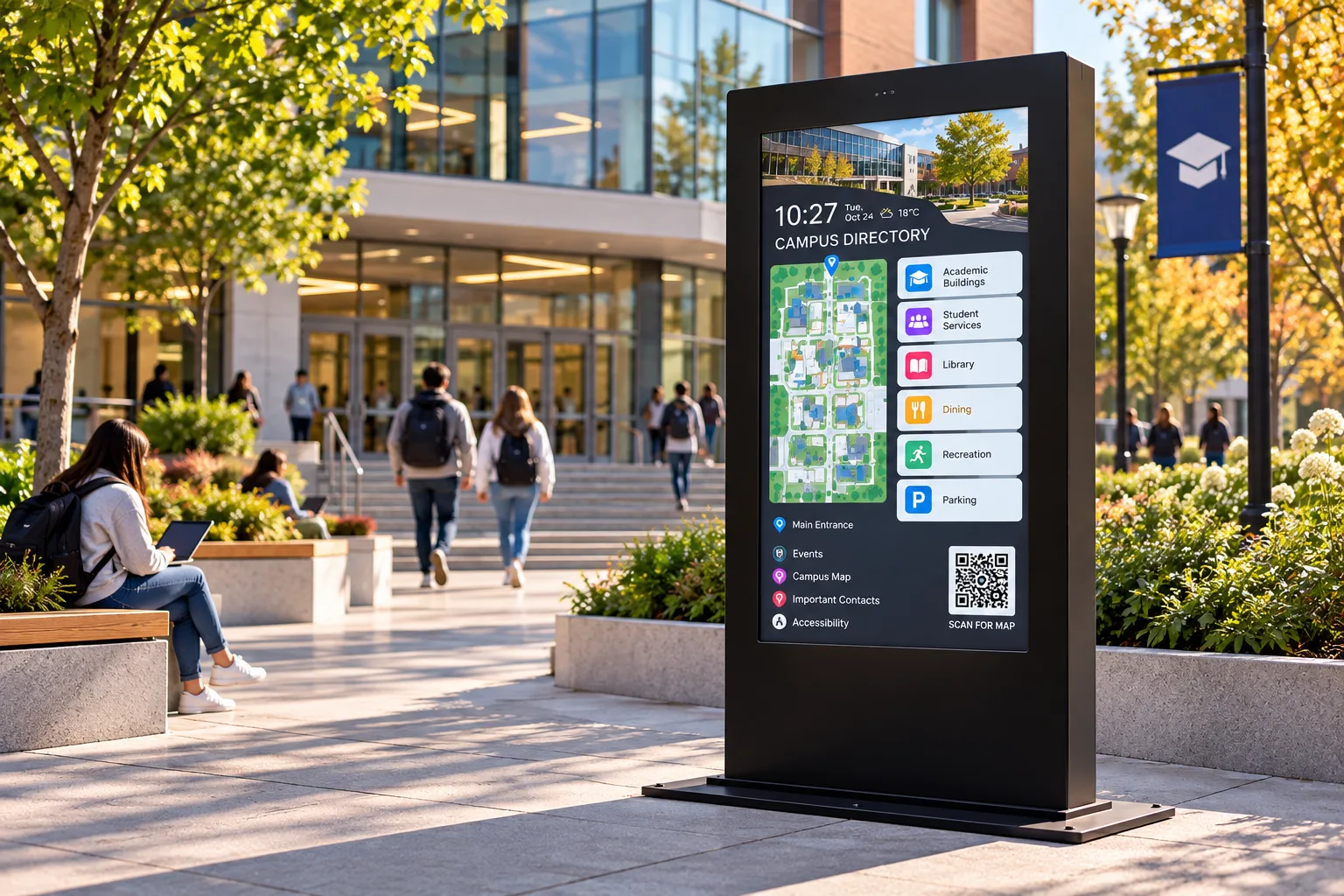
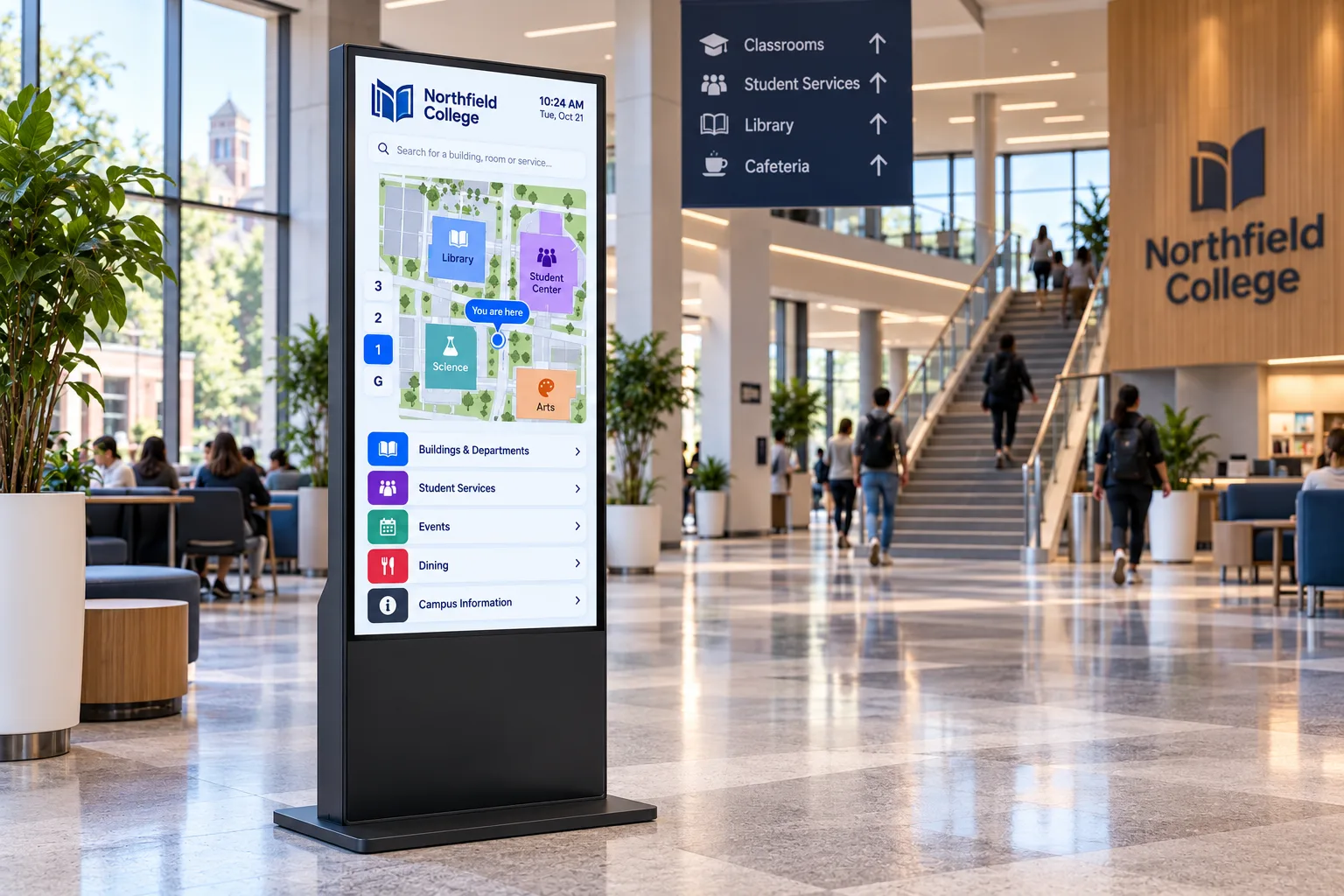
- Campus wayfinding. Interactive maps at building entrances, residences and transit stops, so the answer is where the question is asked.
- Student services. Self-service lookups for timetables, room bookings, library holds and office hours, available after the office closes.
- Events calendar. Campus events, club fairs and athletics schedules in the places students pass every day.
- Orientation and open days. Welcome content, schedules and directions for first-time visitors, reused all year.
- Food services and residences. Menus, food court specials, hours and notices on screens that change as fast as the menu does.
- School offices. Visitor sign-in at the main office of a school or district building, through your visitor management software.
- Emergency and safety messages. A network of screens across campus adds a highly visible channel for urgent notices, alongside your alerting system.
Recommended hardware
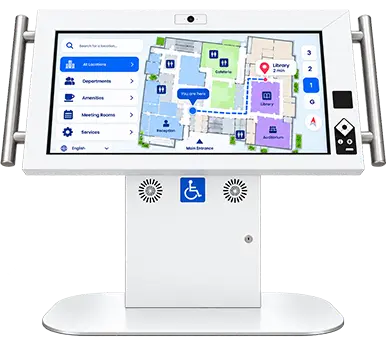
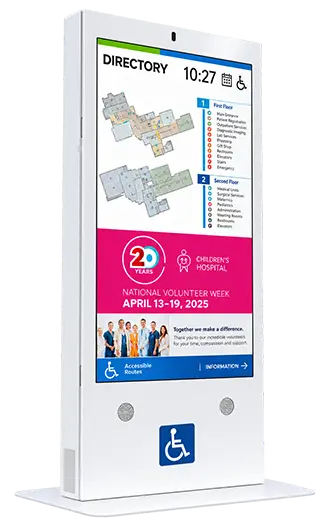
Duraline Angled Accessibility Kiosk
32, 43, 50 in
Best for
Student services and wayfinding points every student can use, including wheelchair users
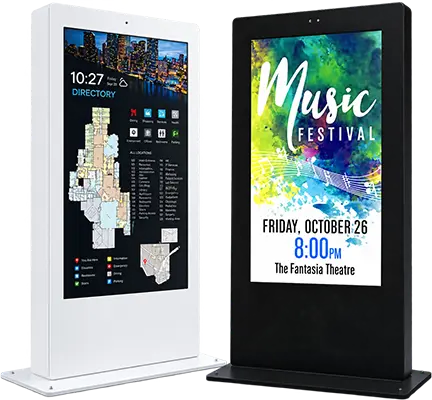
Product SpecsDuraline Kiosk
43 to 55 in
Best for
High-traffic lobbies and residences that take bumps every day
Product SpecsDuraline Outdoor Kiosks
55 to 75 in
Best for
Campus maps at quads, parking and transit stops, in every season
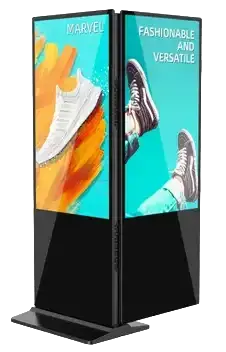
Product SpecsLinea Double Sided
Best for
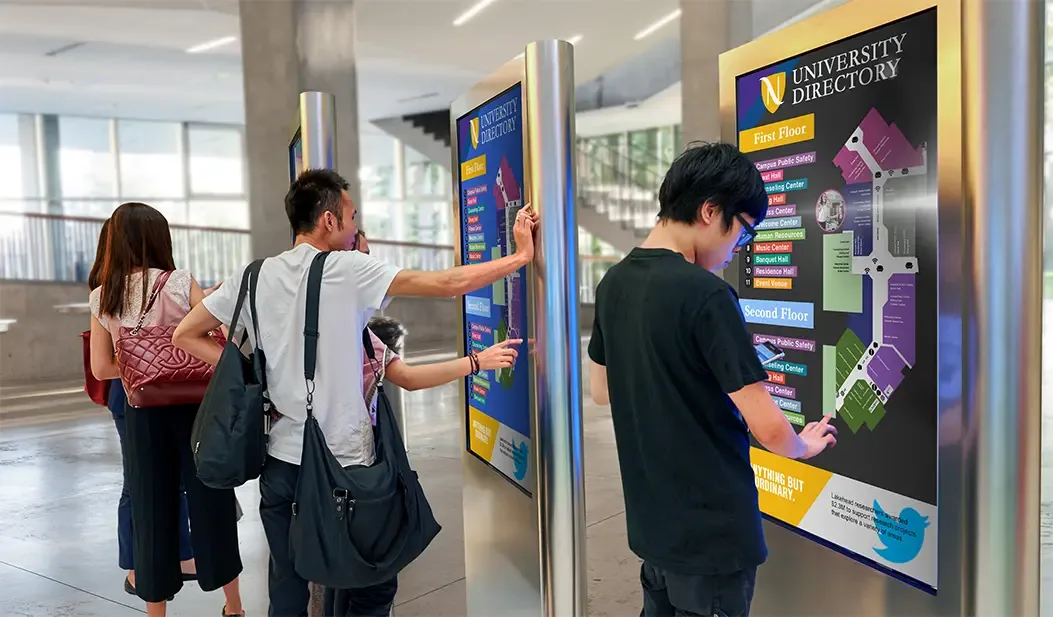
Corridors and atriums where students approach from both directions
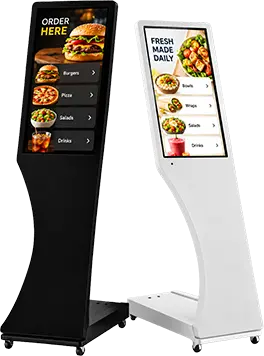
Product SpecsSigno 15.6 in
Best for
Battery-powered check-in for open days and orientation, moved to wherever the crowd is
Product Specs
Built for a student body
- High-impact steel. Duraline enclosures are built to take public traffic, bumps and bruises; the accessible kiosk is 14-gauge steel.
- Made for the weather. Duraline Outdoor kiosks run from -40 to 60 °C, with 3,000-nit screens that stay readable in direct sun, and are tested to winds of 135 mph (217 km/h).
- Built for 24/7 operation with commercial-grade displays.
- Campus colours. The accessible kiosk can be painted in custom colours, with decals and wraps; each colour is checked for contrast on grab bars and controls.
Accessible by design
The Duraline Angled Accessibility Kiosk is designed to CSA/ASC B651.2:25, the National Standard of Canada for accessible self-service interactive devices. Its 30-degree screen sits within reach of a seated user, with knee clearance for a wheelchair to pull in. The infrared touch screen responds to a finger, a prosthetic or a stylus. A tactile keypad with a headphone jack lets students navigate by audio.
That matters on campus. In Ontario, designated public sector organizations, which include colleges of applied arts and technology and universities that receive provincial operating grants, "shall incorporate accessibility features when designing, procuring or acquiring self-service kiosks."4 Read about the accessibility standards.
Runs your software
humanKIOSK supplies the hardware. Each kiosk hosts the application your institution or your integrator chooses: your campus map, your student portal, your digital signage platform. The accessible kiosk can be fitted with an optional 1D/2D barcode scanner, which your software can use with barcoded student cards.
Who we work with
Facilities and campus planning, student services, IT, accessibility services, school districts and the AV integrators who deliver campus projects.
Frequently asked questions
Can students use the kiosks outdoors in winter?
Yes. The Duraline Outdoor range is all-weather, with an operating range of -40 to 60 °C and sealed, high-brightness displays. An optional infrared touch overlay works with gloved hands.
Do the kiosks meet campus accessibility requirements?
The Duraline Angled Accessibility Kiosk is designed to CSA/ASC B651.2:25. Your application must also be accessible, so plan both together.
Can the kiosks show emergency notices?
The kiosks display whatever your software sends to them. If your alerting or signage platform can push a notice to a screen, the kiosk will show it.
Can kiosks move between open days and orientation events?
Yes. Signo runs on battery power, weighs 8.5 kg and has wheels, so it goes wherever the event is.
Related industries
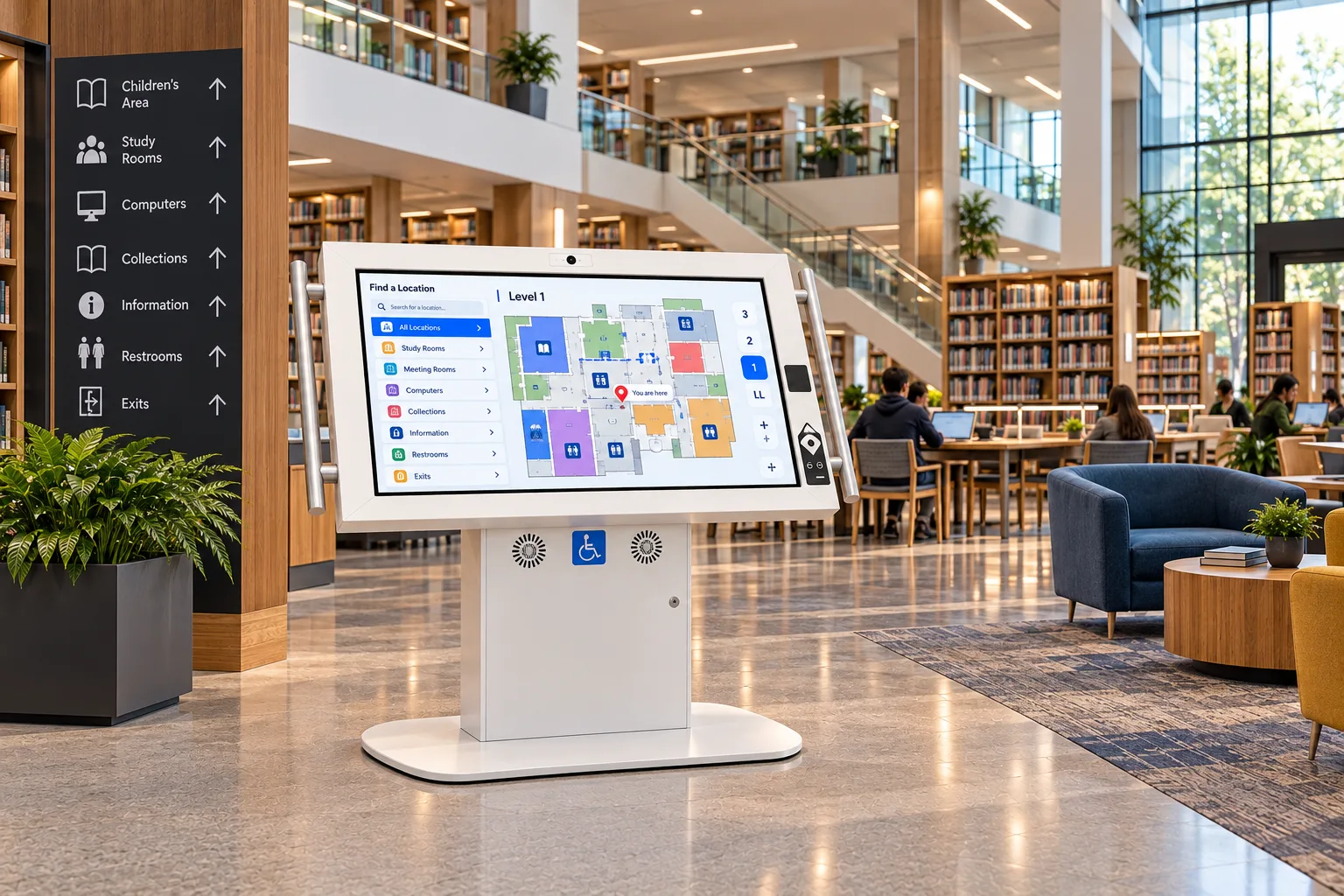 Government & LibrariesAccessible self-service for city halls, service centres, courts and public libraries.
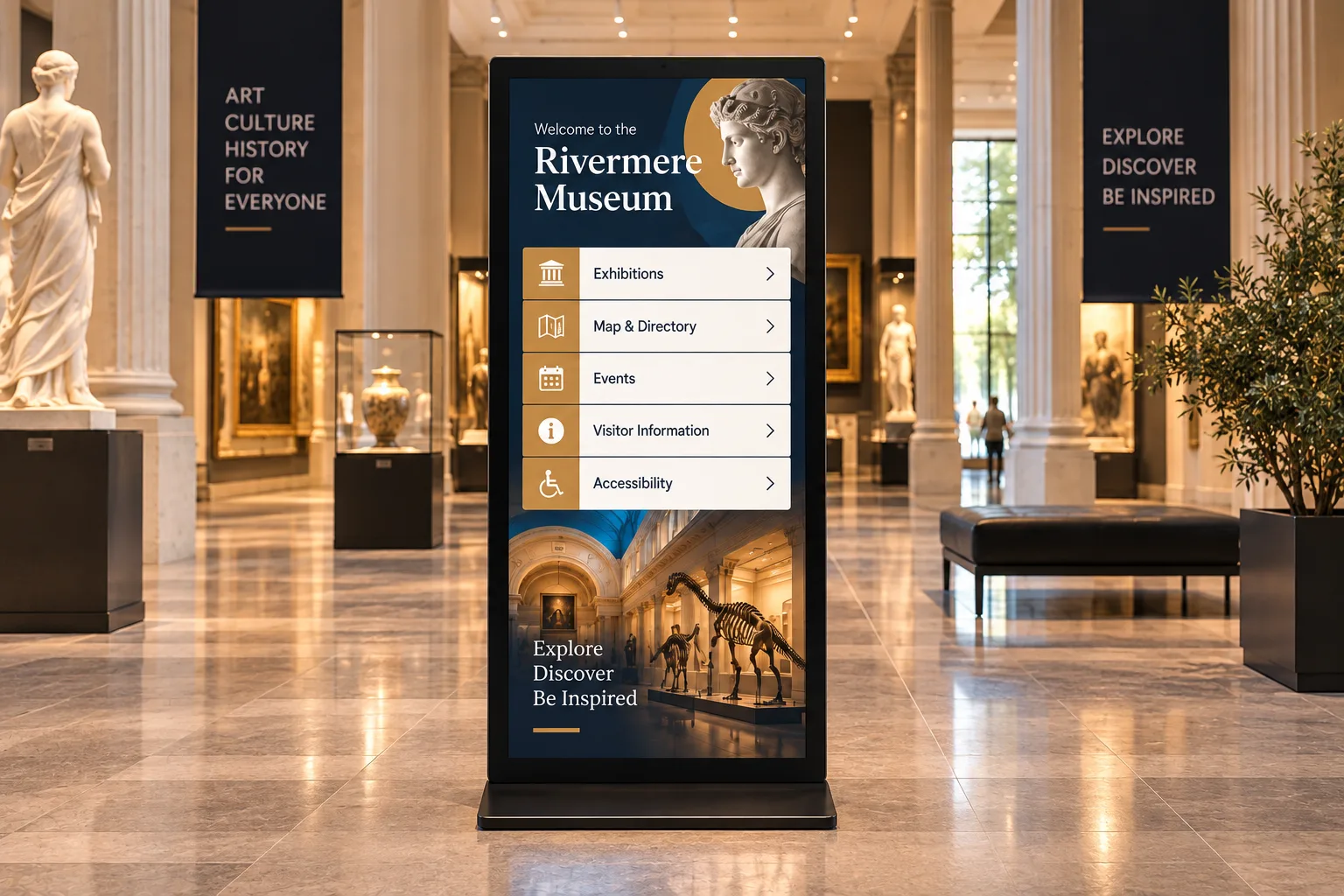 Museums & AttractionsInteractive exhibits, visitor wayfinding and accessible interpretation for museums, science centres, zoos and parks.
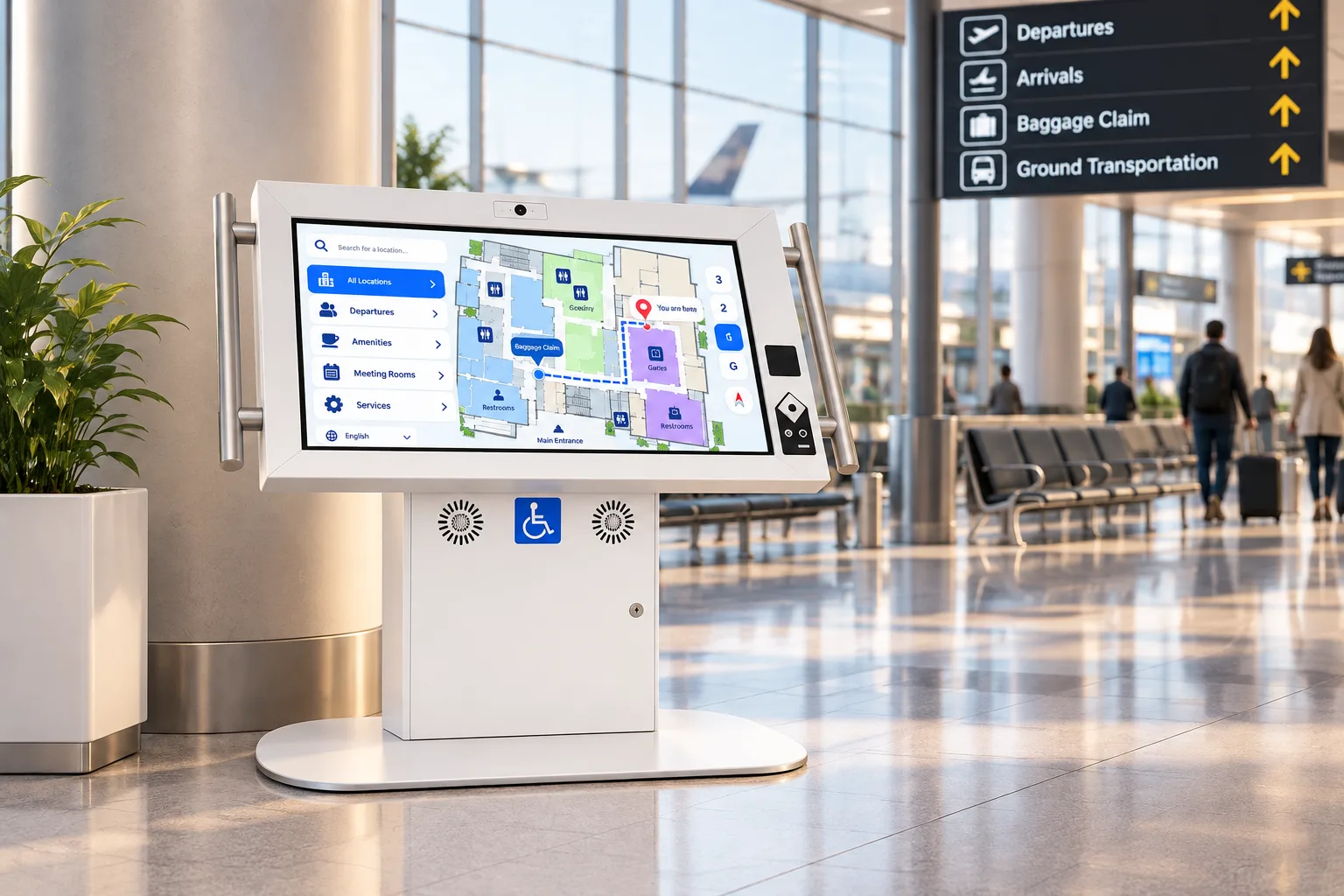 TransportationAccessible, rugged kiosks for airports, transit stations, rail and ferry terminals.
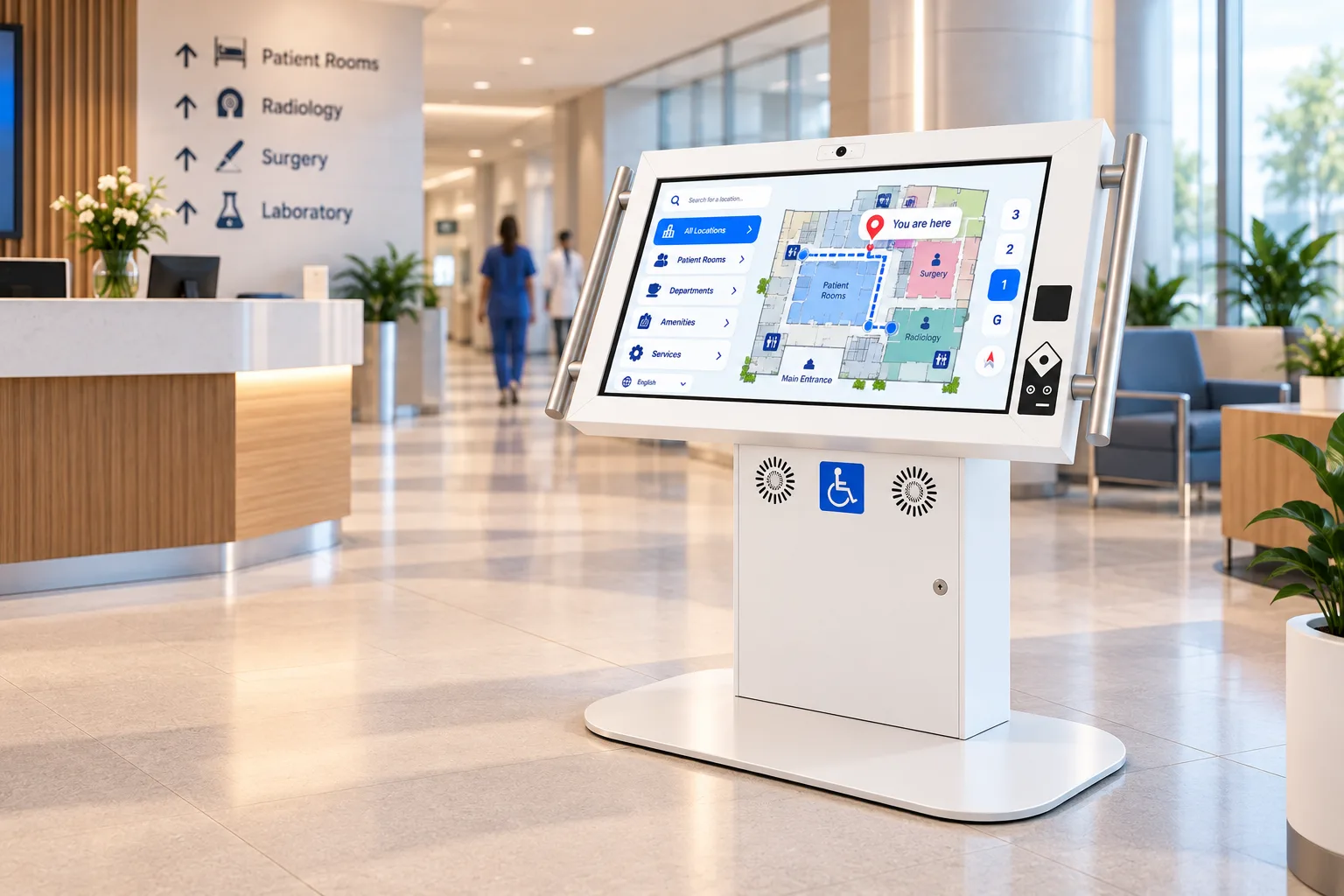 HealthcareCheck-in, wayfinding and patient information on accessible kiosks with an antimicrobial finish.
 Hospitality & VenuesGuest self-service and wayfinding for hotels, casinos, stadiums, convention centres and trade shows.
 Retail & RestaurantsSelf-ordering, product lookup and promotion for stores, restaurants, malls and bank branches.
 Corporate & Real EstateLobby directories, visitor check-in and workforce communication for offices, buildings and plants.
Sources
- Statistics Canada, The Daily, "Canadian postsecondary enrolments and graduates, 2023/2024", 20 Nov 2025. https://www150.statcan.gc.ca/n1/daily-quotidien/251120/dq251120e-eng.htm
- NCES, Digest of Education Statistics, Table 303.10 (2024 edition): 19,039,584 students, fall 2023. https://nces.ed.gov/programs/digest/d24/tables/dt24_303.10.asp
- Statistics Canada, Canadian Survey on Disability 2022, The Daily, 1 Dec 2023. https://www150.statcan.gc.ca/n1/daily-quotidien/231201/dq231201b-eng.htm
- Ontario Regulation 191/11 (Integrated Accessibility Standards), s. 6(1) and Schedule 1. https://www.ontario.ca/laws/regulation/110191
Plan your campus kiosks
Tell us where students get lost or stuck, and we'll recommend the kiosks for each spot. Integrators and resellers: become a partner.