
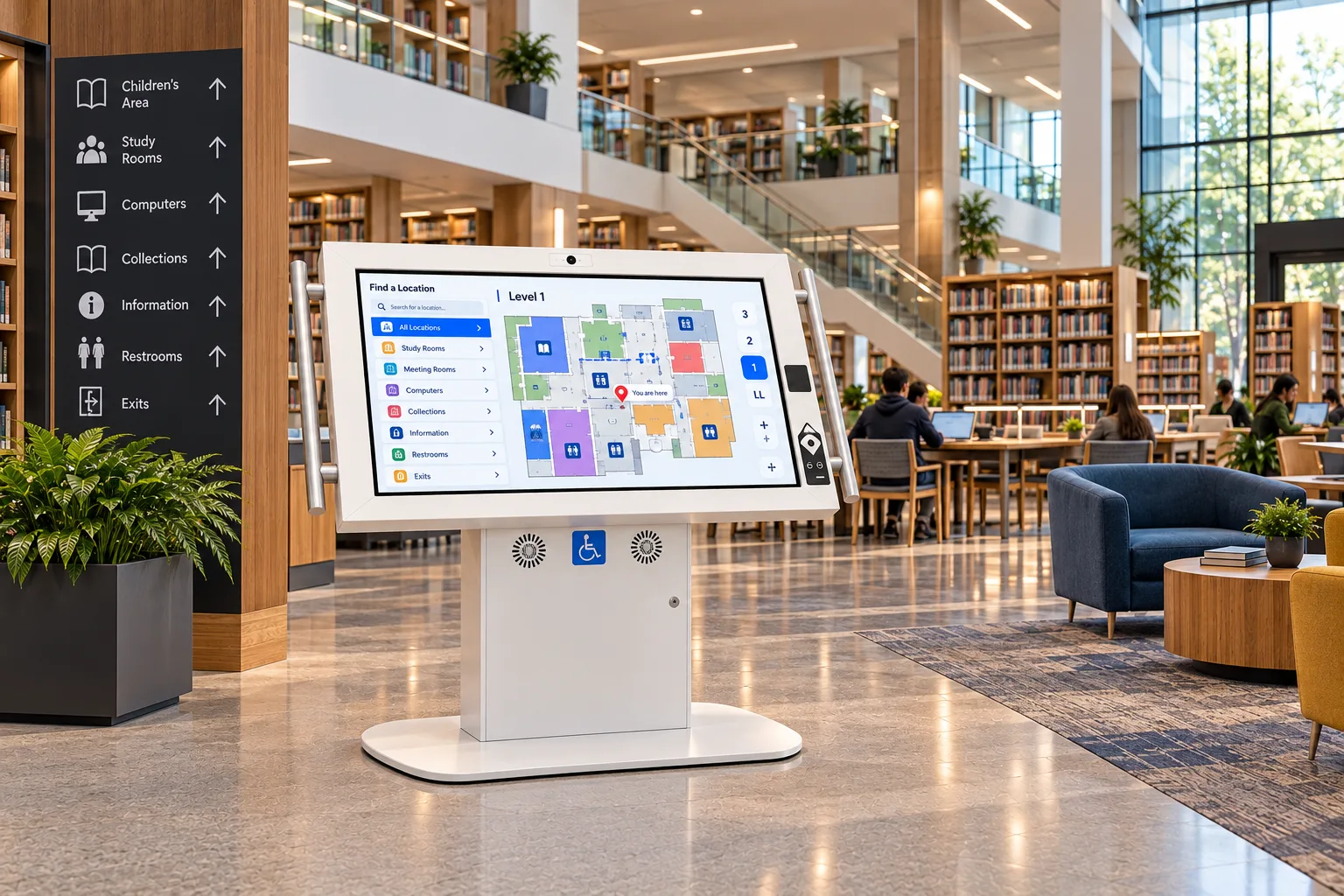
Accessible Kiosks for Government and Libraries
Serve every resident at the counter, in the lobby and after hours, with self-service that people with disabilities can actually use.
A public service has to serve the whole public
Residents come to a city hall, a service centre or a library for something specific: pay a bill, renew a permit, find a form, find a book. Self-service shortens the line, but only if everyone can use it. A kiosk that a wheelchair user can't reach, or a blind resident can't navigate, sends them back to the counter you were trying to free up.
The rules say so:
- Ontario. The provincial government and designated public sector organizations "shall incorporate accessibility features when designing, procuring or acquiring self-service kiosks." Other organizations must have regard to accessibility when they do.4
- US federal agencies. The Section 508 standards name "information kiosks" as closed systems that must work without the user attaching their own assistive technology, with requirements for speech output and tactile controls.5
- US state and local government. The Department of Justice's 2024 Title II rule covers websites and mobile apps. For closed systems such as kiosks, the Department notes they "may need to be made accessible in accordance with the existing title II regulation."6
Where kiosks work in government and libraries
- Service centres and city halls. Queue check-in, service directories and form lookups through your service software.
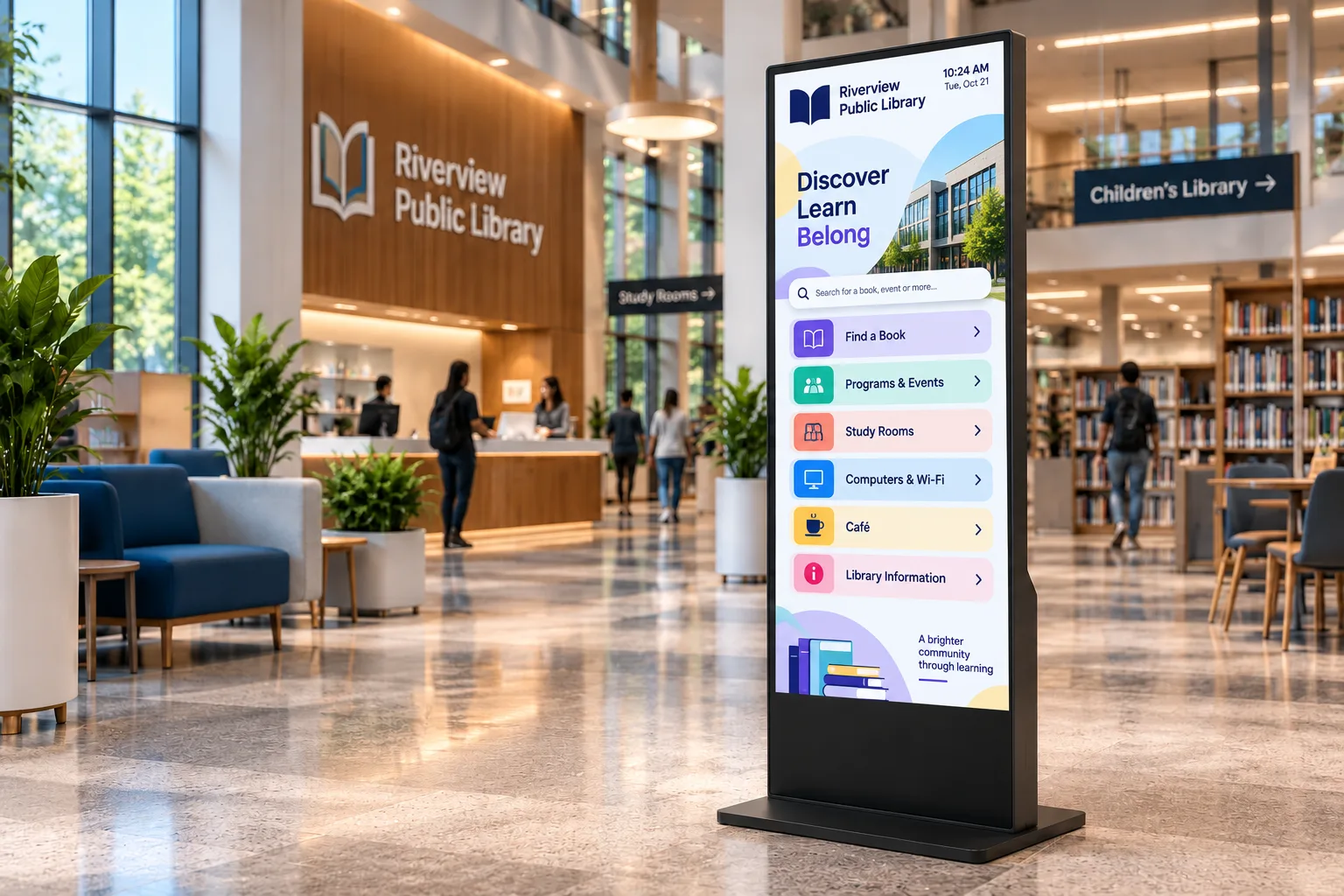
- Virtual service counters. With the optional camera, microphone and speakers on the accessible kiosk, staff at a central office can serve residents by video at branch locations, using your video calling software or Video Presence, our real-time video platform.
- Courthouses. Docket lookup and courtroom wayfinding for people who have never been in the building.
- Public libraries. Catalogue search, event calendars, room booking and library card sign-up, alongside your self-checkout.
- Community and recreation centres. Program schedules, registration and facility maps.
- Outdoor civic information. Downtown maps, transit connections, tourism information and public notices, in every season.
- Public notices. Highly visible screens for closures and service changes, driven by your systems.
Bilingual and multilingual service is an application choice: your software can offer the languages your residents need, on screen and through the headphone jack.
Recommended hardware
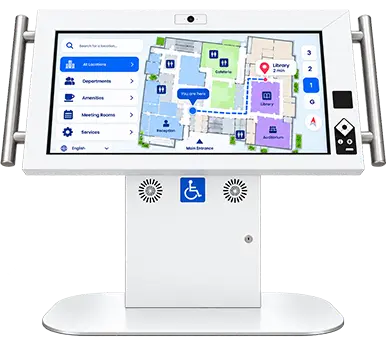
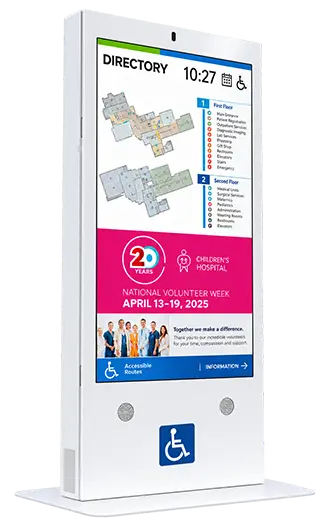
Duraline Angled Accessibility Kiosk
32, 43, 50 in
Best for
Any public self-service point where accessibility is required
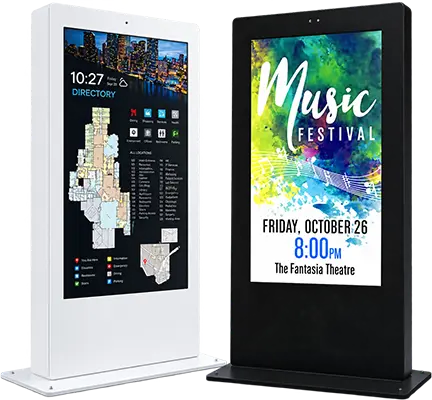
Product SpecsDuraline Kiosk
43 to 55 in
Best for
Busy lobbies and service centres
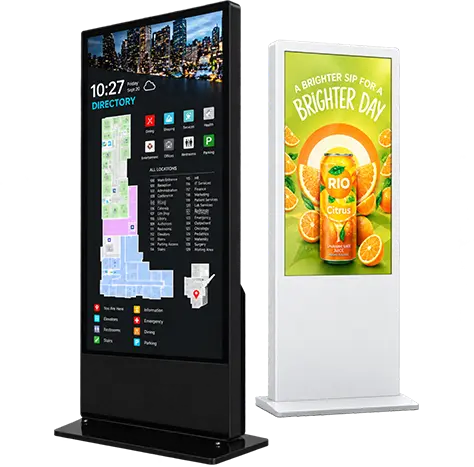
Product SpecsDuraline Outdoor Kiosks
55 to 75 in
Best for
Downtown wayfinding, civic squares and transit connections
Product SpecsLinea Interactive Kiosks
32 to 85 in
Best for
Library and community-centre information in finished interiors
Product Specs
Built for public buildings
- Built for 24/7 operation for lobbies and outdoor locations that never close.
- High-impact steel. Duraline enclosures are built to take public traffic, bumps and bruises; the accessible kiosk is 14-gauge steel.
- Anchored and locked. Duraline kiosks are mounted to the floor, and their components sit behind a locked cabinet door.
- All-weather outdoor models that run from -40 to 60 °C, with 3,000-nit screens readable in direct sun and wind testing to 135 mph (217 km/h).
- Serviced in place. The accessible kiosk is built from off-the-shelf, USB-connected components, so your technicians can hold spares and swap a part on site instead of shipping the kiosk.
Designed to CSA/ASC B651.2:25
CSA/ASC B651.2:25 is the National Standard of Canada for accessible self-service interactive devices, from CSA Group and Accessibility Standards Canada. It covers design, manufacture, site preparation and installation.7 The Duraline Angled Accessibility Kiosk is designed to it.
| Resident need | How the kiosk provides it |
|---|---|
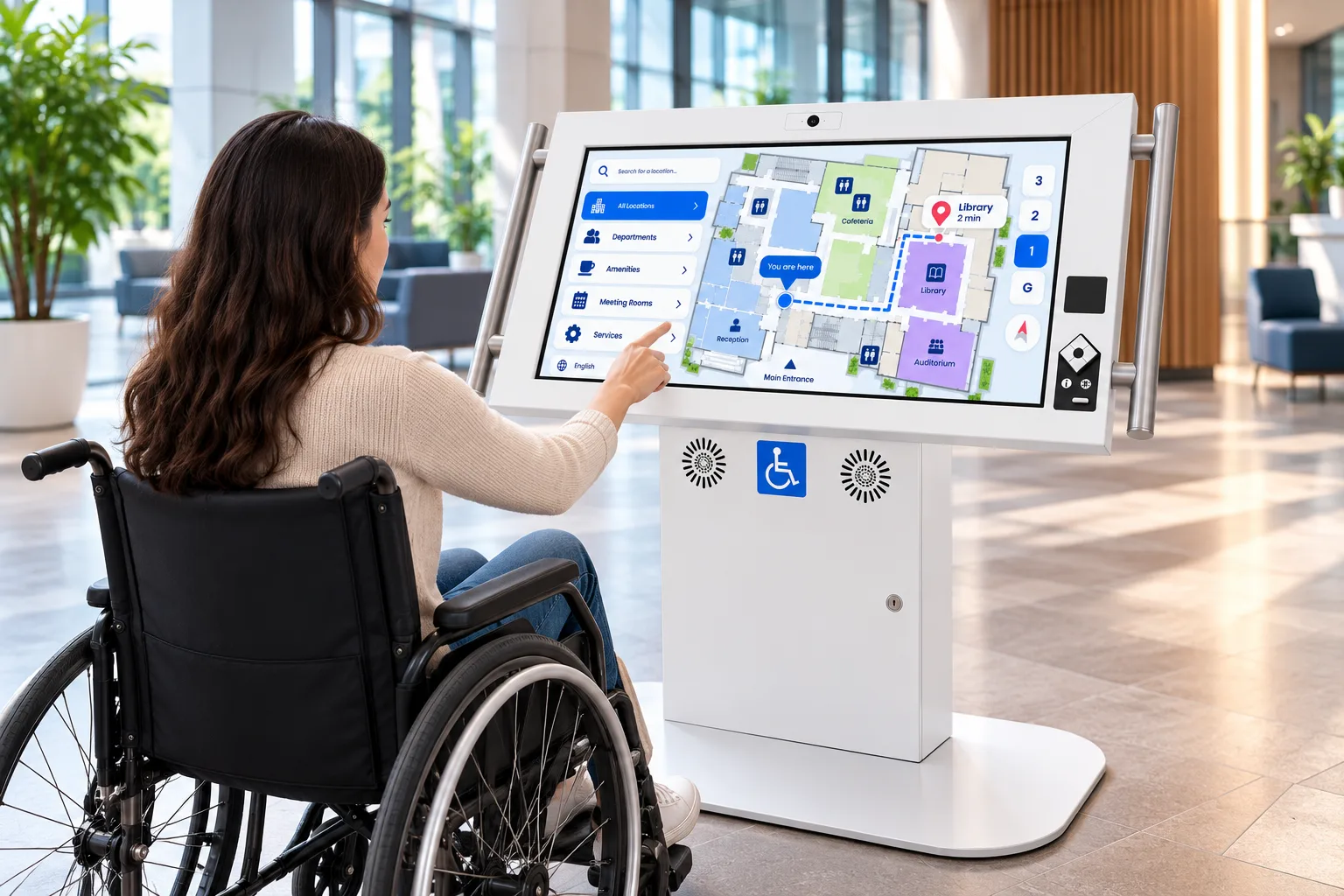
| Reach from a wheelchair | Screen tilted at 30 degrees, keypad and optional scanner within the 400 to 1,200 mm reach range, and 685 mm of knee clearance |
| Touch without fingertip contact | Infrared touch that works with a finger, a prosthetic or a stylus |
| Use without seeing the screen, privately | Tactile audio keypad with an illuminated 3.5 mm headphone jack and a volume key |
| Support while standing | Contrasting grab bars rated to 1.3 kN |
| Hearing assistance | Optional assistive listening package with an induction loop and Auracast broadcast audio |
Hardware is half of accessibility. The application must also support audio output, keypad navigation and zoom. Read about the accessibility standards.
Runs your software
humanKIOSK supplies the hardware. Each kiosk runs the service, queuing, catalogue, payment or digital signage application your organization or integrator chooses.
Who we work with
Municipal and provincial service delivery teams, library systems, court services, accessibility coordinators, and the integrators already on your vendor-of-record lists and standing offers. Installation drawings for the accessible kiosk are available on request.
Frequently asked questions
Does the kiosk meet AODA requirements?
The AODA regulation requires designated public sector organizations to incorporate accessibility features when acquiring kiosks; it does not name a single standard. The Duraline Angled Accessibility Kiosk is designed to CSA/ASC B651.2:25, the National Standard of Canada for accessible self-service devices.
Can residents use the kiosk privately?
Yes. With headphones in the jack, residents hear the screen read aloud without others listening.
How do public bodies usually buy kiosks?
Some buy direct; many buy through integrators already on their vendor-of-record lists or standing offers. Request info and tell us your region and procurement route.
Do you have kiosks for outdoor civic spaces?
Yes. Duraline Outdoor kiosks are all-weather, single or double sided, with sealed IP66-rated displays.
Related industries
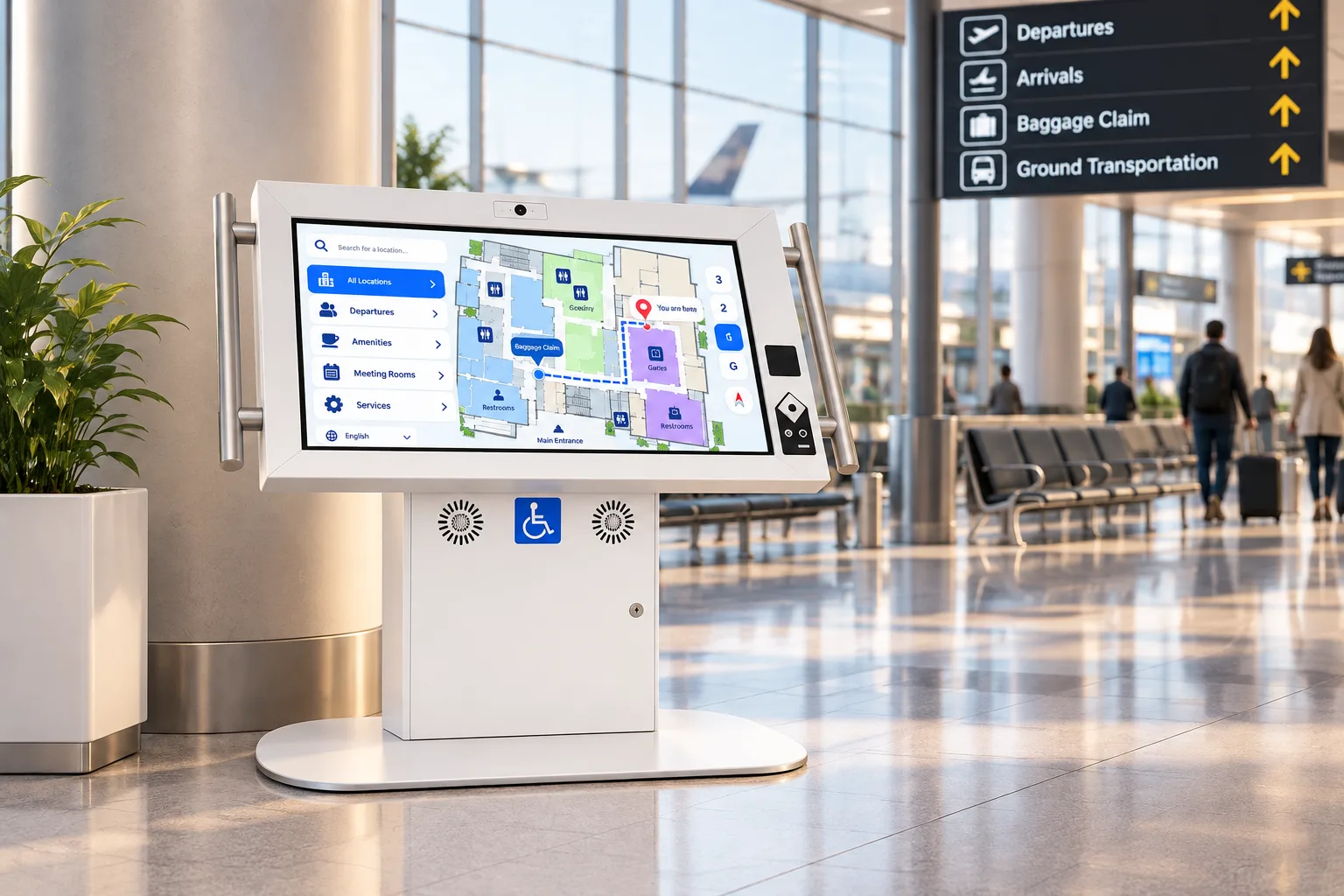 TransportationAccessible, rugged kiosks for airports, transit stations, rail and ferry terminals.
 EducationWayfinding, student services and campus-wide notices on kiosks built for a student body.
 HealthcareCheck-in, wayfinding and patient information on accessible kiosks with an antimicrobial finish.
 Museums & AttractionsInteractive exhibits, visitor wayfinding and accessible interpretation for museums, science centres, zoos and parks.
 Hospitality & VenuesGuest self-service and wayfinding for hotels, casinos, stadiums, convention centres and trade shows.
 Retail & RestaurantsSelf-ordering, product lookup and promotion for stores, restaurants, malls and bank branches.
 Corporate & Real EstateLobby directories, visitor check-in and workforce communication for offices, buildings and plants.
Sources
- Statistics Canada, Canadian Survey on Disability 2022, The Daily, 1 Dec 2023. https://www150.statcan.gc.ca/n1/daily-quotidien/231201/dq231201b-eng.htm
- Statistics Canada, The Daily, population estimates on 1 July 2025, 24 Sep 2025. https://www150.statcan.gc.ca/n1/daily-quotidien/250924/dq250924a-eng.htm
- CDC, "Disability and health care access", 11 Apr 2025. https://www.cdc.gov/disability-and-health/articles-documents/disabilities-health-care-access.html
- Ontario Regulation 191/11 (Integrated Accessibility Standards), s. 6. https://www.ontario.ca/laws/regulation/110191
- US Access Board, ICT Standards and Guidelines (Section 508), E103.4, 402 and 407. https://www.access-board.gov/ict/
- US Department of Justice, Title II final rule, 89 FR 31320, 24 Apr 2024. https://www.govinfo.gov/content/pkg/FR-2024-04-24/html/2024-07758.htm
- Standards Council of Canada, catalogue entry for CSA/ASC B651.2:25. https://www.scc-ccn.ca/standardsdb/standards/4033579
Plan your public kiosks
Tell us where residents need help, and we'll recommend kiosks for each location. Integrators and resellers: become a partner.