
Blog
Accessible Kiosks: What Makes a Kiosk Usable by Everyone
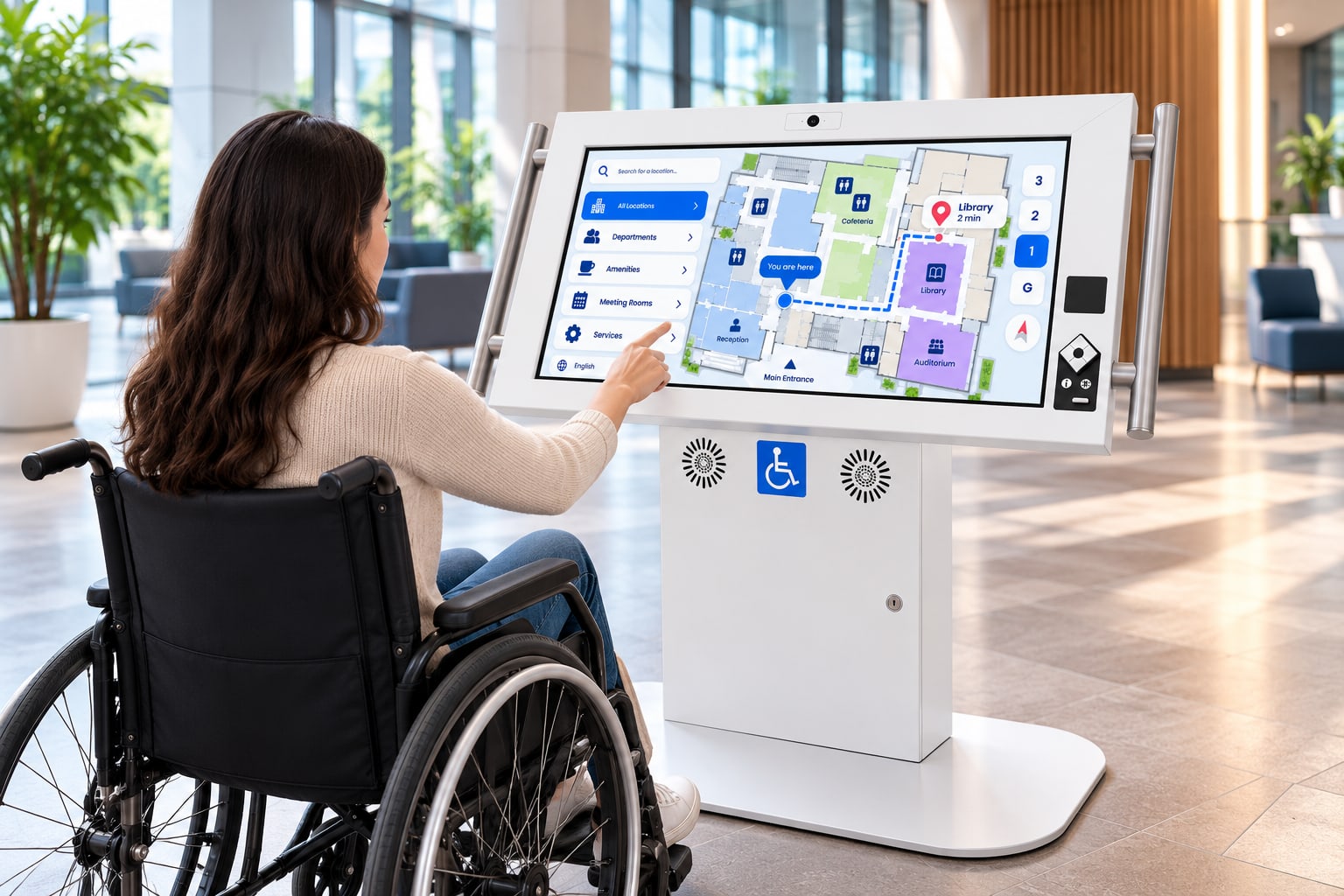
A kiosk that a wheelchair user cannot reach, or a blind visitor cannot use, turns people away at the door. Accessibility is decided by the hardware and the software together.
Two halves: hardware and software
The kiosk decides whether someone can reach it, see it and operate it. The software decides whether they can understand it and finish what they came to do. One without the other is not accessible: a perfectly placed screen with an app that times out in ten seconds still fails people.
Reach and approach
A wheelchair user needs to get close to the screen, from the front or the side. Canada's CSA/ASC B651.2:25 asks for knee and toe space at least 820 mm wide, 685 mm high and 430 mm deep for a forward approach, and puts the centre of the controls between 400 and 1,200 mm from the floor. Keep the floor in front of the kiosk level and clear.
A screen everyone can see
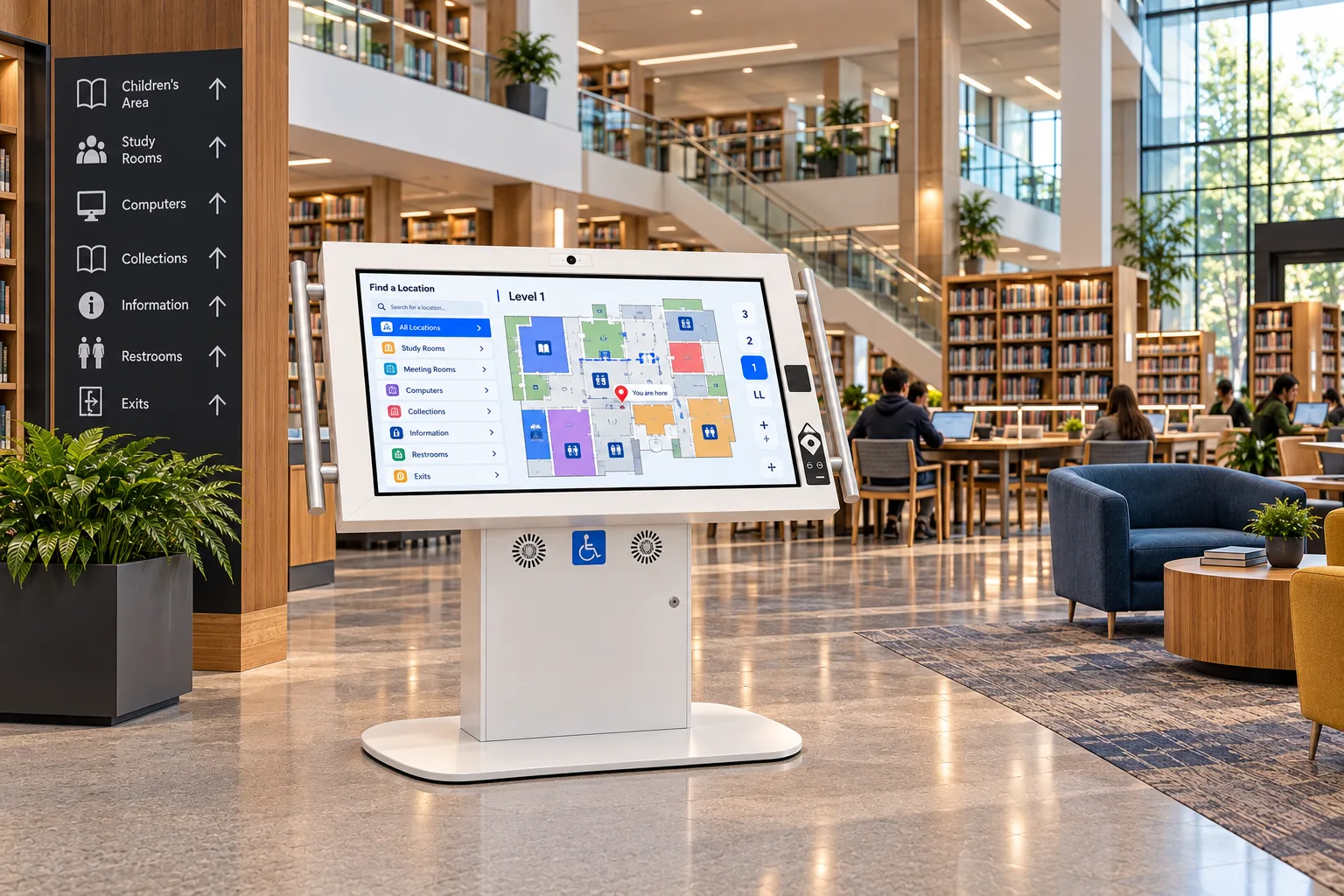
The screen has to be readable seated and standing, which is one reason accessible kiosks tilt the display. Glare from windows and ceiling lights can hide everything on it, so check the kiosk where it will actually stand. On screen, text needs strong contrast and a size people can read without leaning in.
More than touch
People who are blind or have low vision cannot use a flat glass screen alone. An accessible kiosk adds a tactile keypad and audio through a headphone jack or speakers, so the software can read out what is on screen and take input from the keys.
Stability and grab bars
Someone may lean on the kiosk to stand, or steady themselves while they read. A heavy, well-anchored base and contrasting grab bars help, and the colour contrast also helps people with low vision find the kiosk and its controls.
The software has to keep up
Large touch targets placed low enough to reach from a seat, no time limits that cannot be extended, plain words, more than one language, and every task possible with the keypad. Build these into the brief for whoever writes the application.
Check which standard applies
CSA/ASC B651.2 applies in Canada, the ADA in the United States and the AODA in Ontario, and tenders often name an edition. Our Kiosk Accessibility Standards page sets out what each asks for. The Duraline Angled Accessibility Kiosk is designed to CSA/ASC B651.2:25, with contrasting grab bars and a tactile keypad.
Where it matters most
Accessible kiosks are expected first in government offices and libraries, hospitals and clinics and airports and transit. For how our own website meets these needs, read our accessibility statement.
Kiosks for Your Industry
- Government & LibrariesAccessible self-service for city halls, service centres, courts and public libraries.
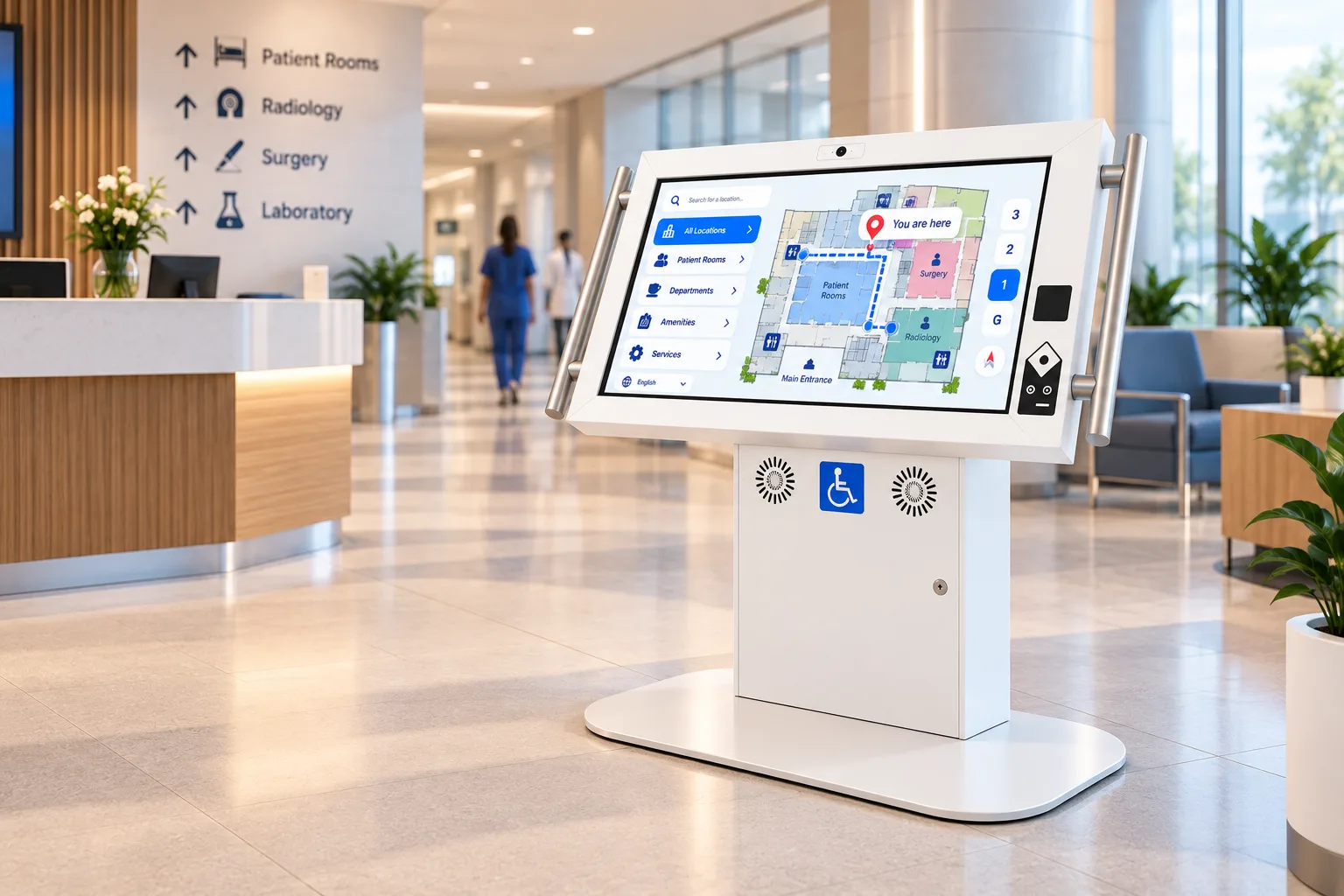 HealthcareCheck-in, wayfinding and patient information on accessible kiosks with an antimicrobial finish.
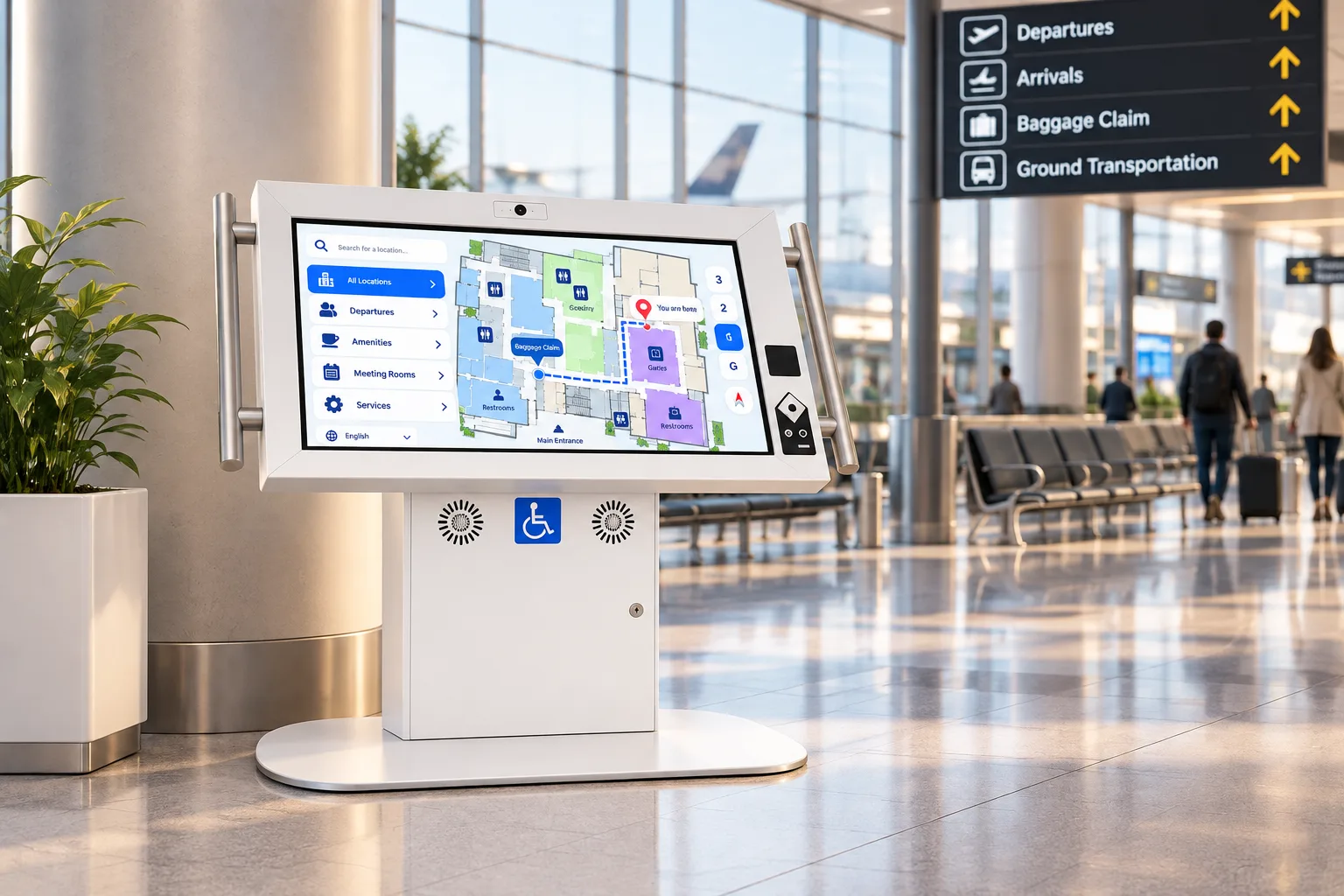 TransportationAccessible, rugged kiosks for airports, transit stations, rail and ferry terminals.
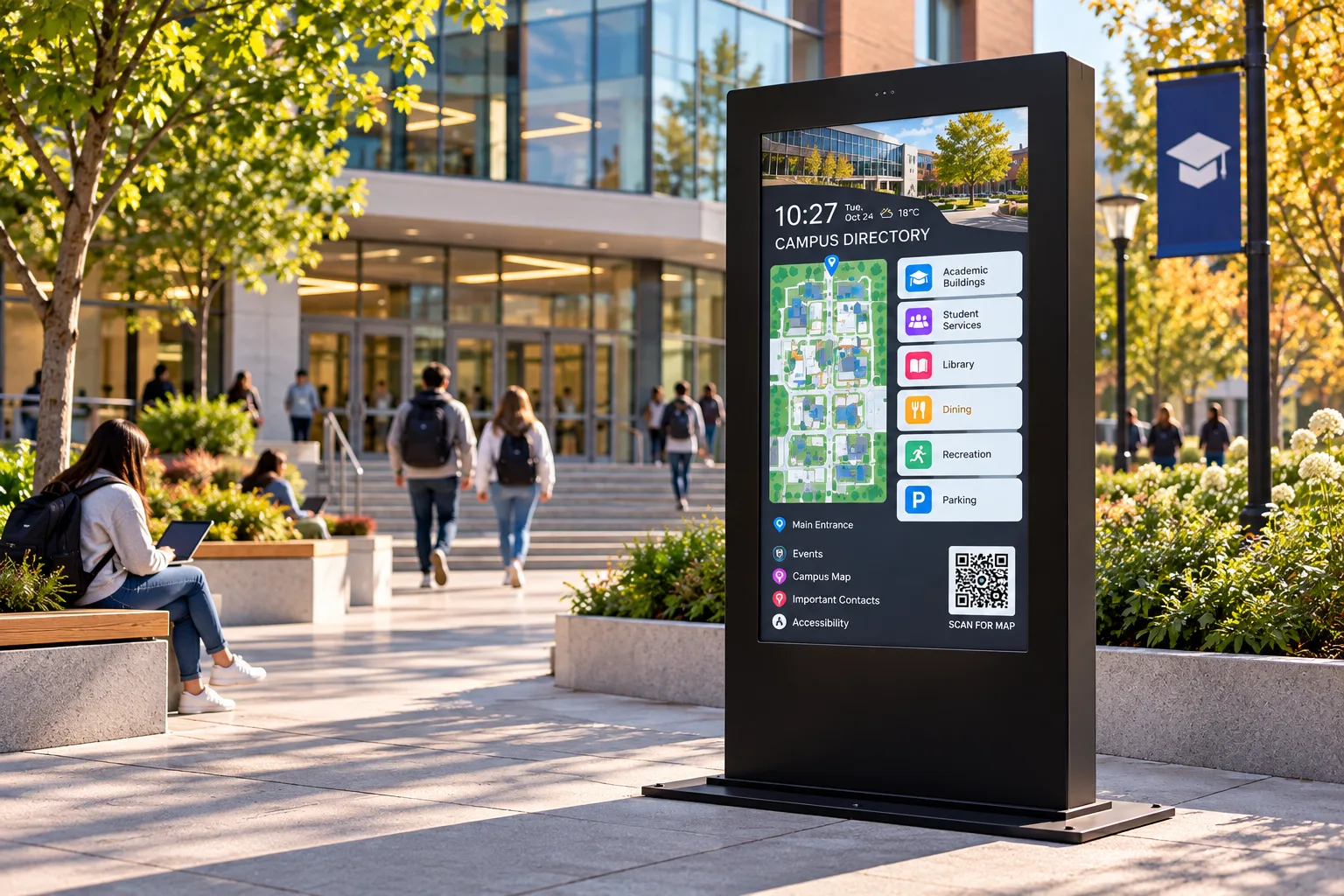 EducationWayfinding, student services and campus-wide notices on kiosks built for a student body.
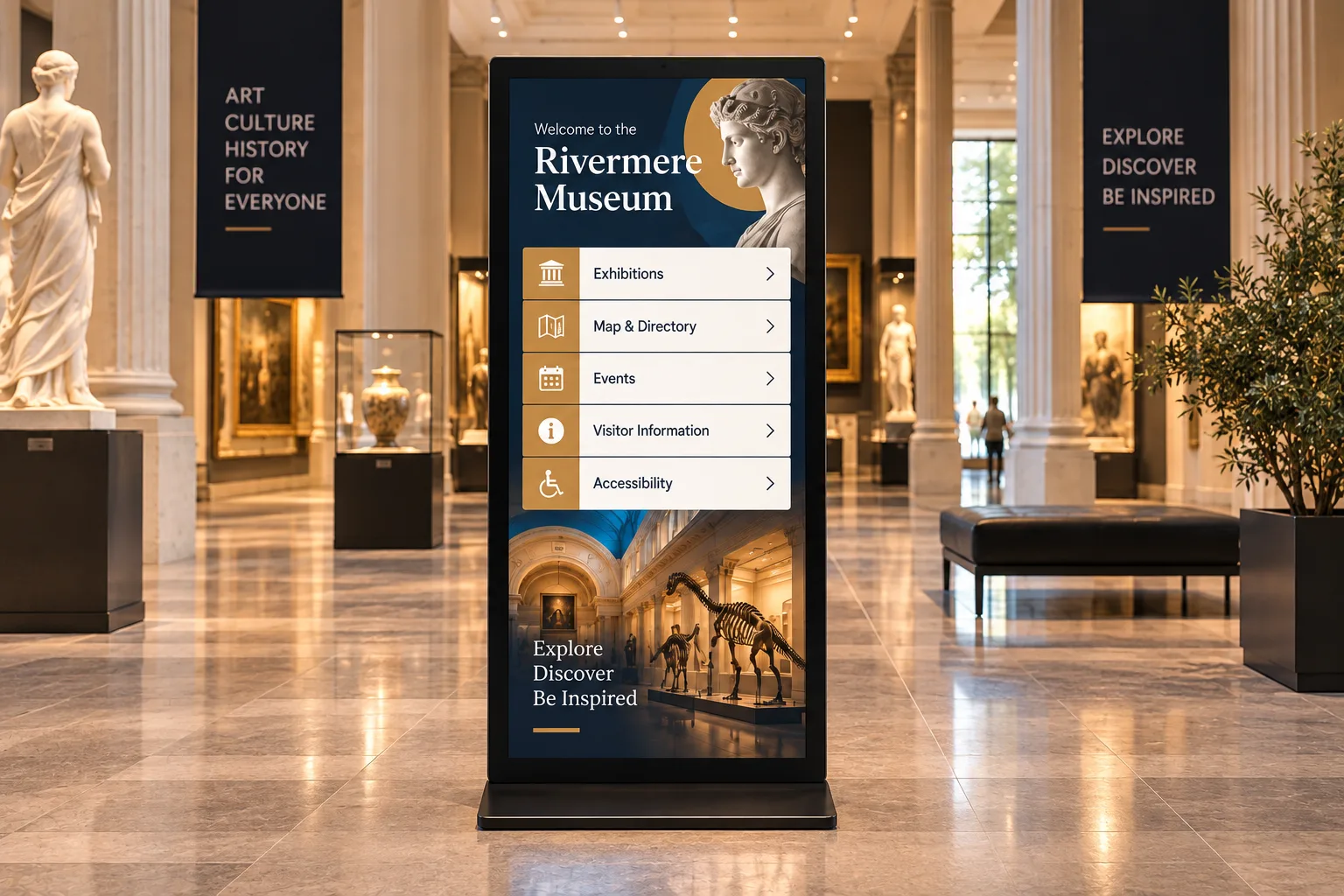 Museums & AttractionsInteractive exhibits, visitor wayfinding and accessible interpretation for museums, science centres, zoos and parks.
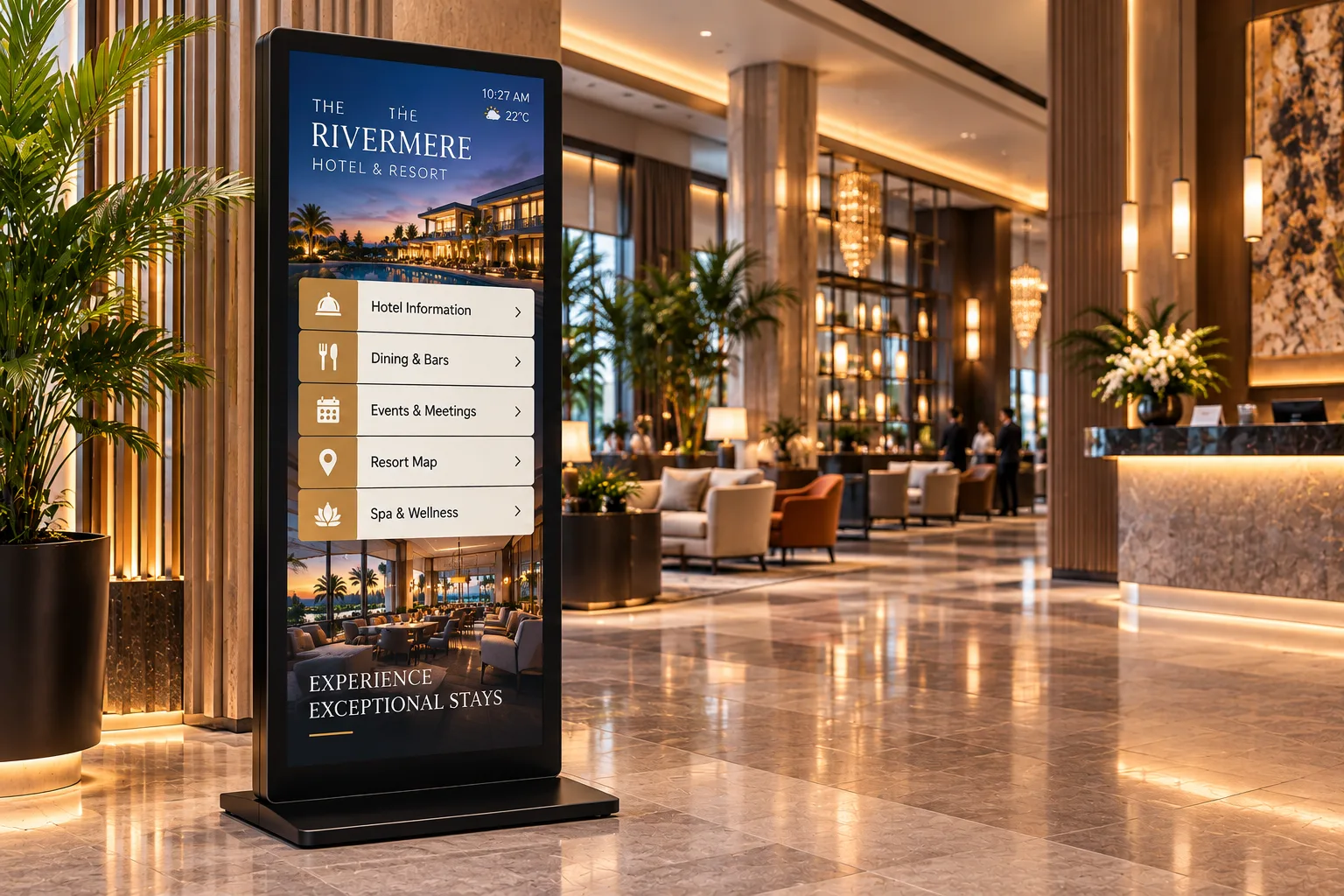 Hospitality & VenuesGuest self-service and wayfinding for hotels, casinos, stadiums, convention centres and trade shows.
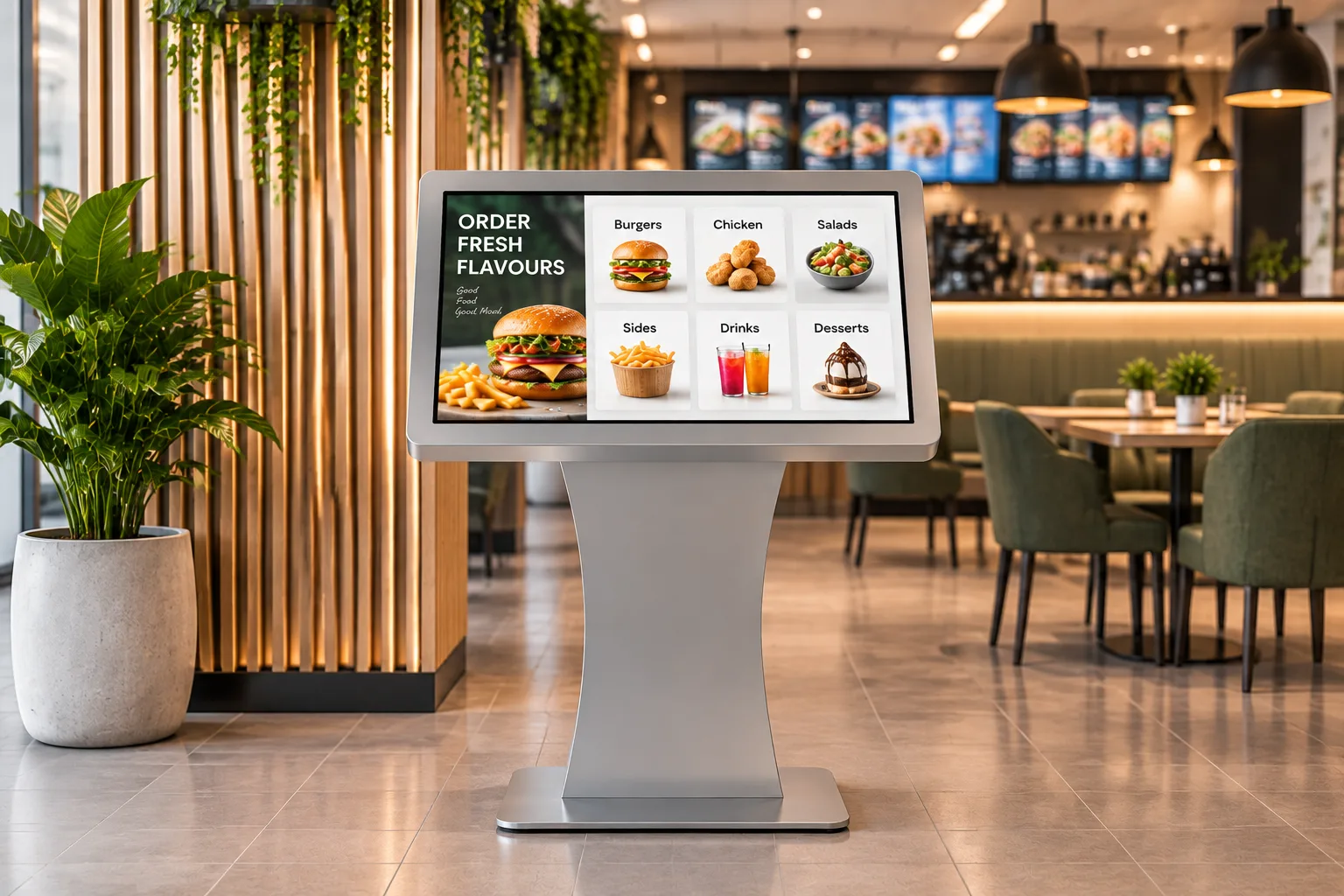 Retail & RestaurantsSelf-ordering, product lookup and promotion for stores, restaurants, malls and bank branches.
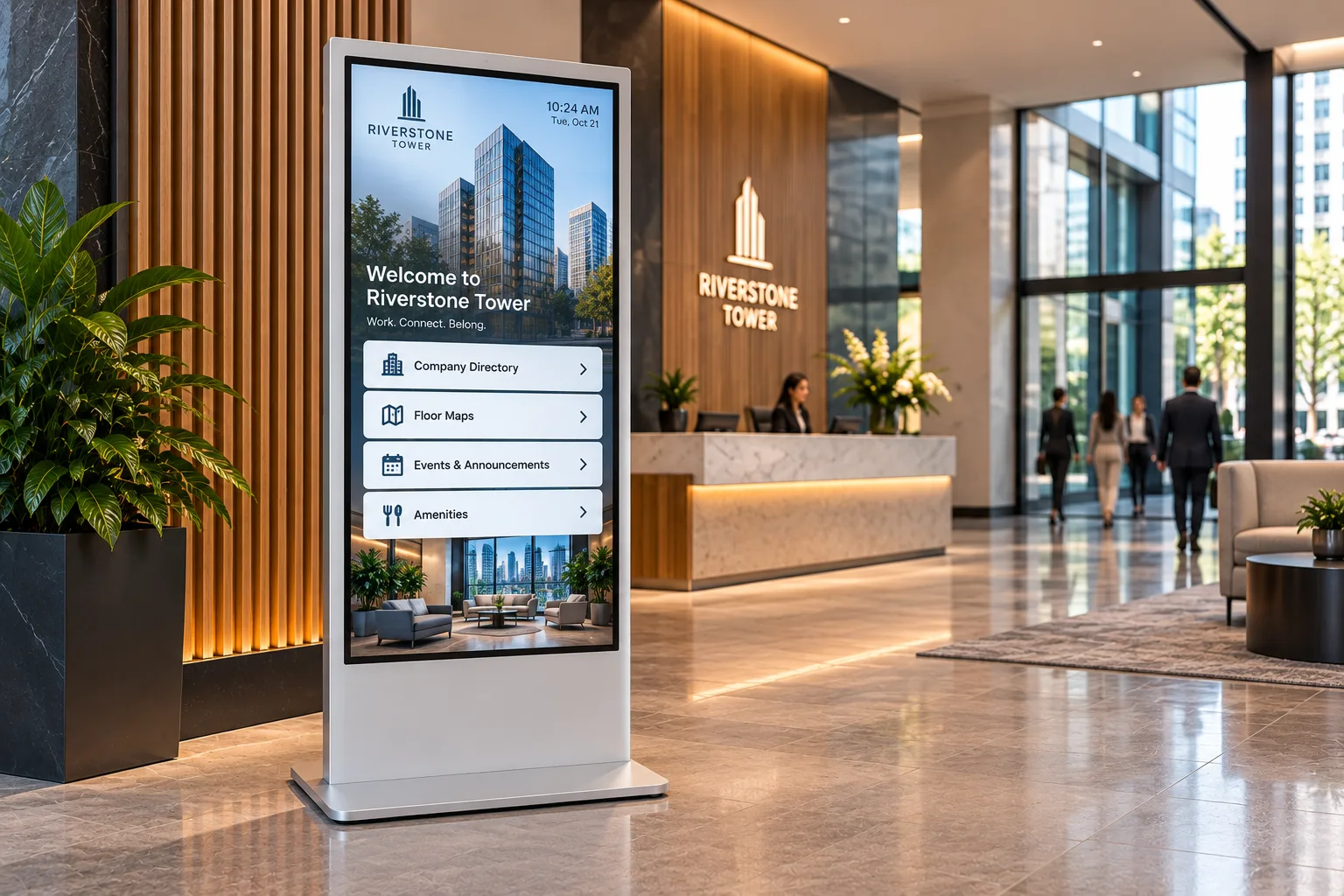 Corporate & Real EstateLobby directories, visitor check-in and workforce communication for offices, buildings and plants.
Related Articles
How to Choose a Digital Kiosk: Eight Questions to Answer First
Read more
Kiosk Screens People Actually Use: Seven Design Tips
Read more
Campus Wayfinding Kiosks: A Planning Guide for Schools and Colleges
Read more
What Is a Digital Kiosk?
Read more
Kiosk, Directory or Digital Sign: Which Does Your Space Need?
Read moreIndoor or Outdoor Kiosk? What Changes When It Goes Outside
Read moreKiosk Form Factors Explained: Upright, Angled, Double-Sided and Portable
Read more
Planning a Kiosk Rollout: From Site Walk to Launch Day
Read moreGet Started
Adding digital signage is a great way to increase brand awareness and increases customer engagement. If you are looking to start or expand on your visual communication needs, please send us an email or give us a call.