
What Is a Digital Kiosk?
A digital kiosk is a freestanding screen that people walk up to and use on their own: to find their way, look something up, check in or place an order. This guide explains what is inside one, how it works, the main types and how to choose.
A digital kiosk, defined
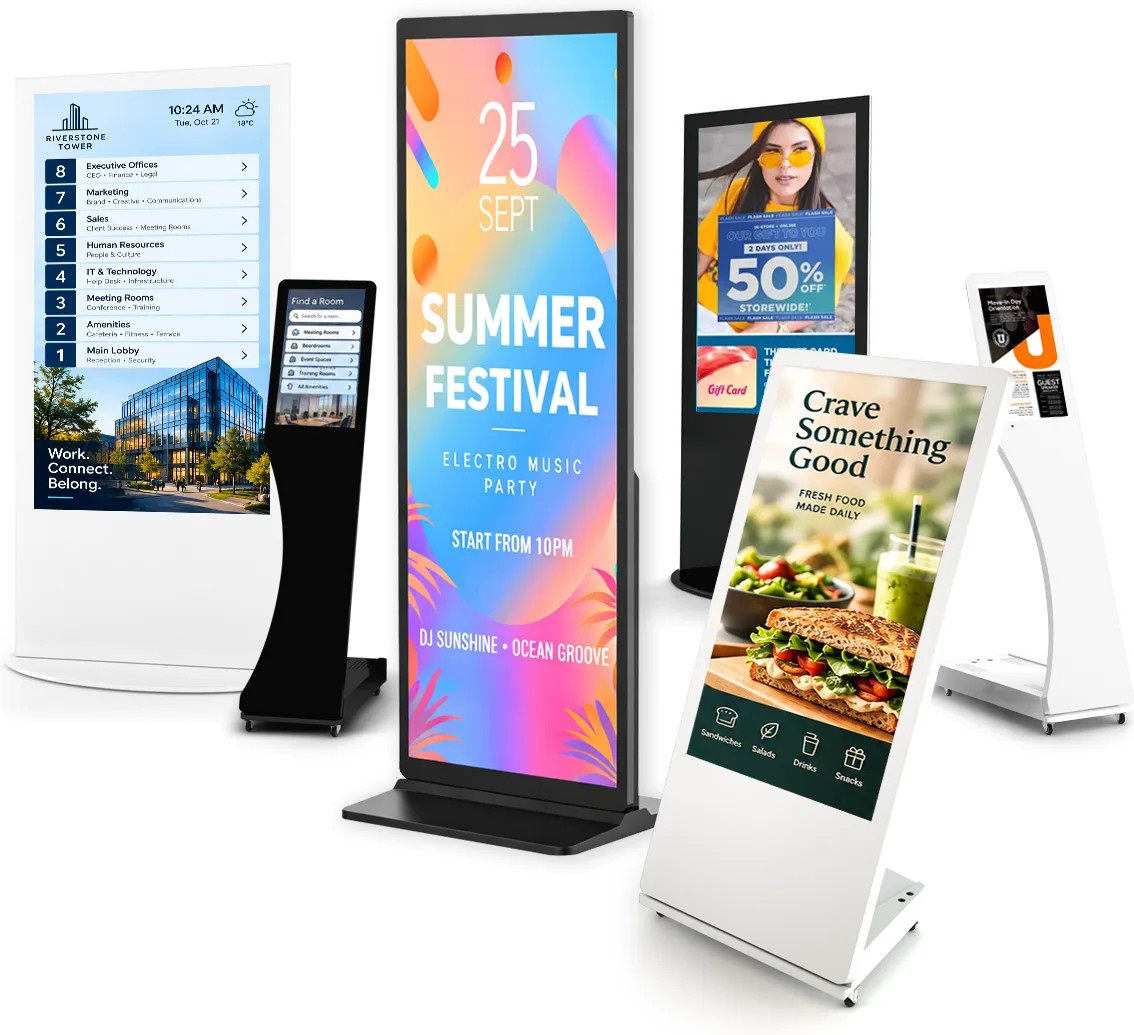
A digital kiosk combines a commercial display, a computer or media player and an enclosure that holds them securely in a public place. Unlike a digital sign, which only shows messages, a kiosk is built to be used: most have a touch screen, and many add a scanner, a printer, a card reader or a keypad.
The word covers a wide range, from a slim portrait screen in a hotel lobby to a weatherproof, double-sided unit at a bus stop. What they share is self-service: the visitor gets what they need without waiting for a person.
Kiosk or digital signage?
Digital signage broadcasts: a menu board, a promotion, a departures screen that people glance at. A kiosk is interactive: people stop and do something. The same hardware can do both, showing promotions while nobody is using it and answering questions when someone walks up. Our article on kiosks, directories and digital signs compares them.
What's inside a digital kiosk
The display
A commercial screen made to run all day, every day, in portrait, landscape or angled, from about 22" to 85". Outdoor kiosks use much brighter displays.
The computer
A built-in PC or a media player runs the application. It starts straight into it and keeps visitors out of everything else.
Touch and input
Most kiosks have a touch screen. Accessible kiosks add a tactile keypad and audio for people who cannot use the screen alone.
The enclosure
Steel that protects the screen and computer, with locks, cable management and service access. Outdoors, it is sealed against the weather.
Peripherals
Whatever the task needs: barcode or QR scanner, receipt or badge printer, card reader, camera, speakers.
The software
The application people see, and the tools that update content and watch the kiosk remotely. humanKIOSK supplies the hardware; you choose the software.
How a digital kiosk works
When it powers on, the kiosk starts straight into one application in a locked-down mode, so visitors cannot reach the desktop or other programs. While nobody is using it, it can play an attract loop. When someone touches the screen, the application takes them through their task and, where needed, sends the result to your systems: a check-in to the front desk, an order to the kitchen, a visit to the security log.
Content and software are updated remotely, so one person can change every kiosk on a site, or across many sites, from a desk.
Types of digital kiosks
Kiosks are usually named for the job they do. Many do more than one.
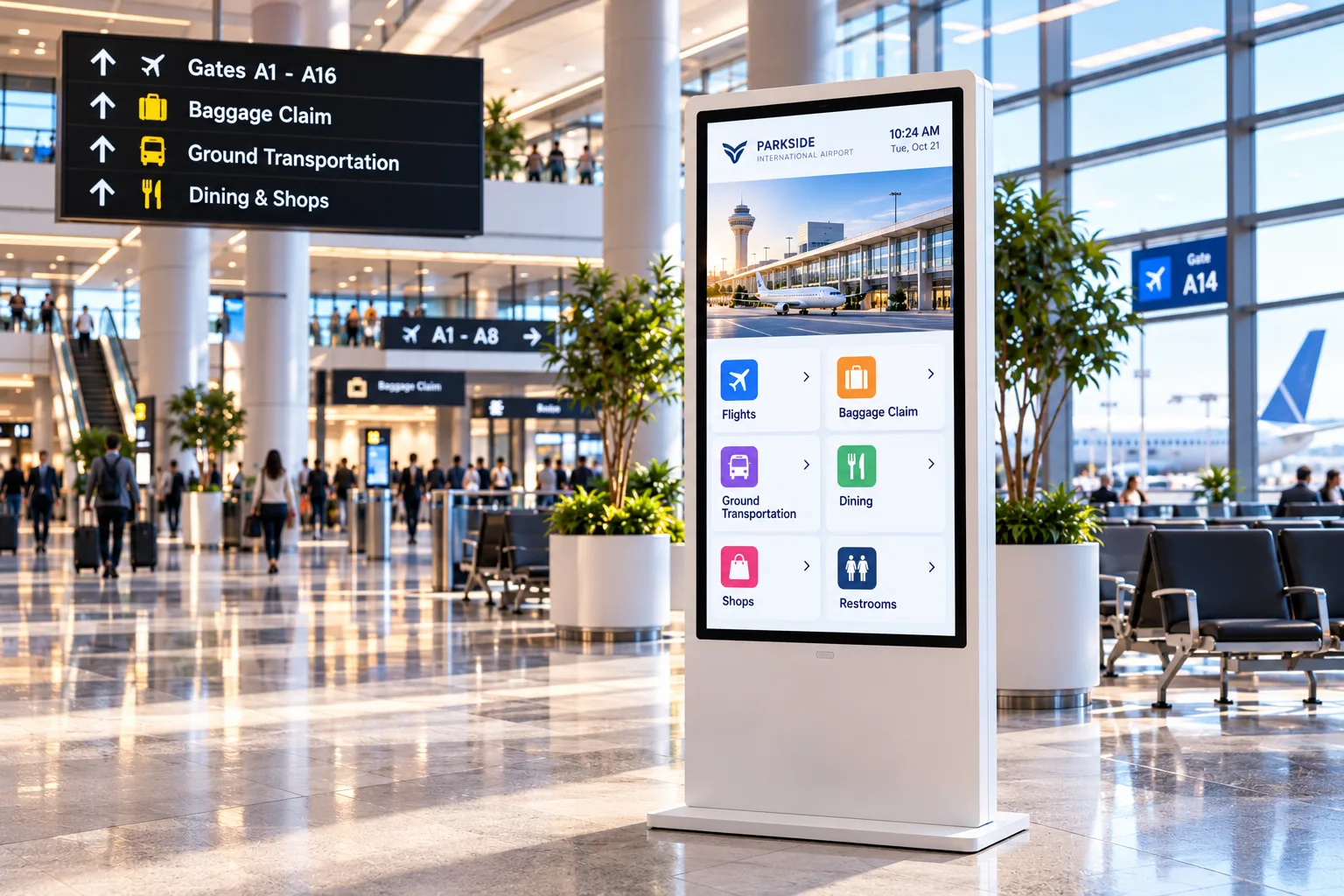
Wayfinding and directories
Maps, "you are here", searchable tenant and room lists, and the route to get there.
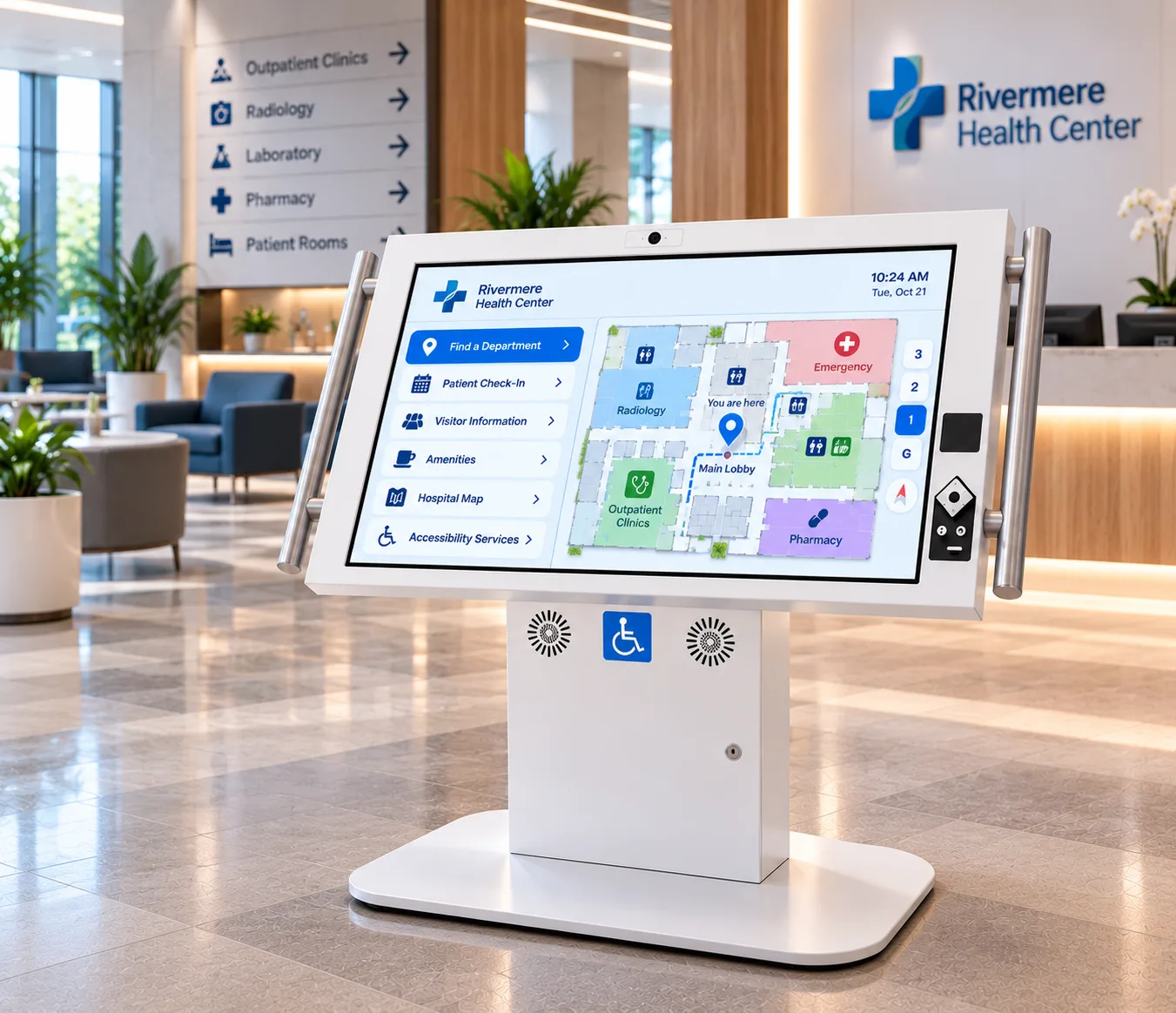
Self-service and check-in
Patient check-in, visitor sign-in, hotel check-in, library self-service and ticket printing.
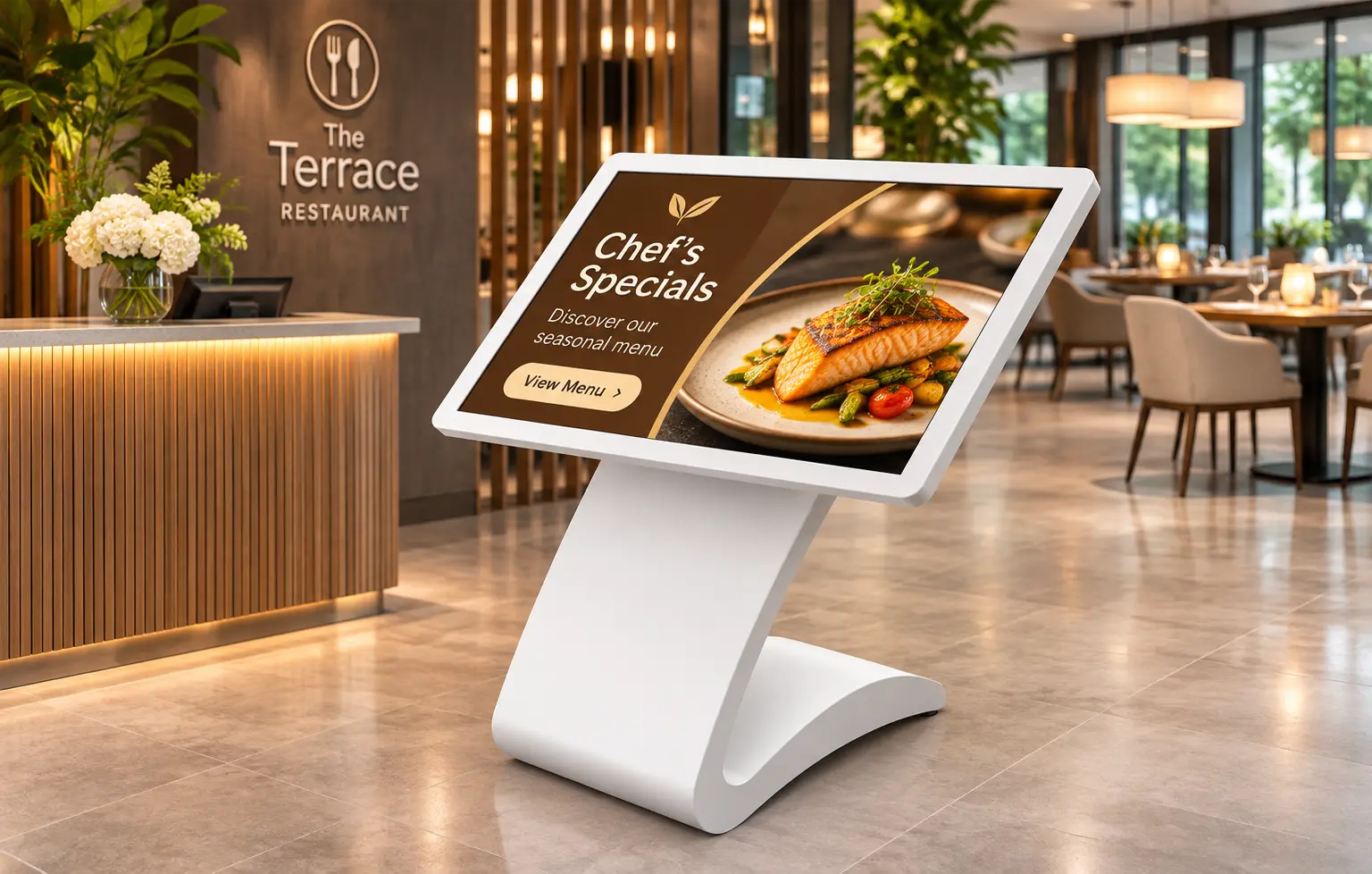
Ordering and payment
Menus, ordering and payment in restaurants and stores, with the order sent to the counter.

Information and promotion
Catalogues, product finders, events and promotions, often playing a loop between visitors.
Kiosk shapes
Upright kiosks are seen from across a room and suit maps and directories. Angled kiosks are the most comfortable to touch for longer tasks. Double-sided kiosks reach two directions of traffic. Accessible kiosks are designed for wheelchair users and people who cannot see the screen. Outdoor kiosks are sealed and bright, and portable kiosks run on a battery. Kiosk form factors explained goes through each one, with our kiosks in each shape.
Why organizations use digital kiosks
- Shorter queues: routine tasks move from the desk to the kiosk, and staff spend their time on the questions that need a person.
- Open all hours: a kiosk answers at 6 a.m. and at midnight.
- Fewer lost visitors: wayfinding gets people to the right room on time.
- Up to date: content changes in minutes instead of reprinting signs.
- More languages: one kiosk can serve visitors in several.
- Better information: usage data shows what people look for and when.
Where digital kiosks are used
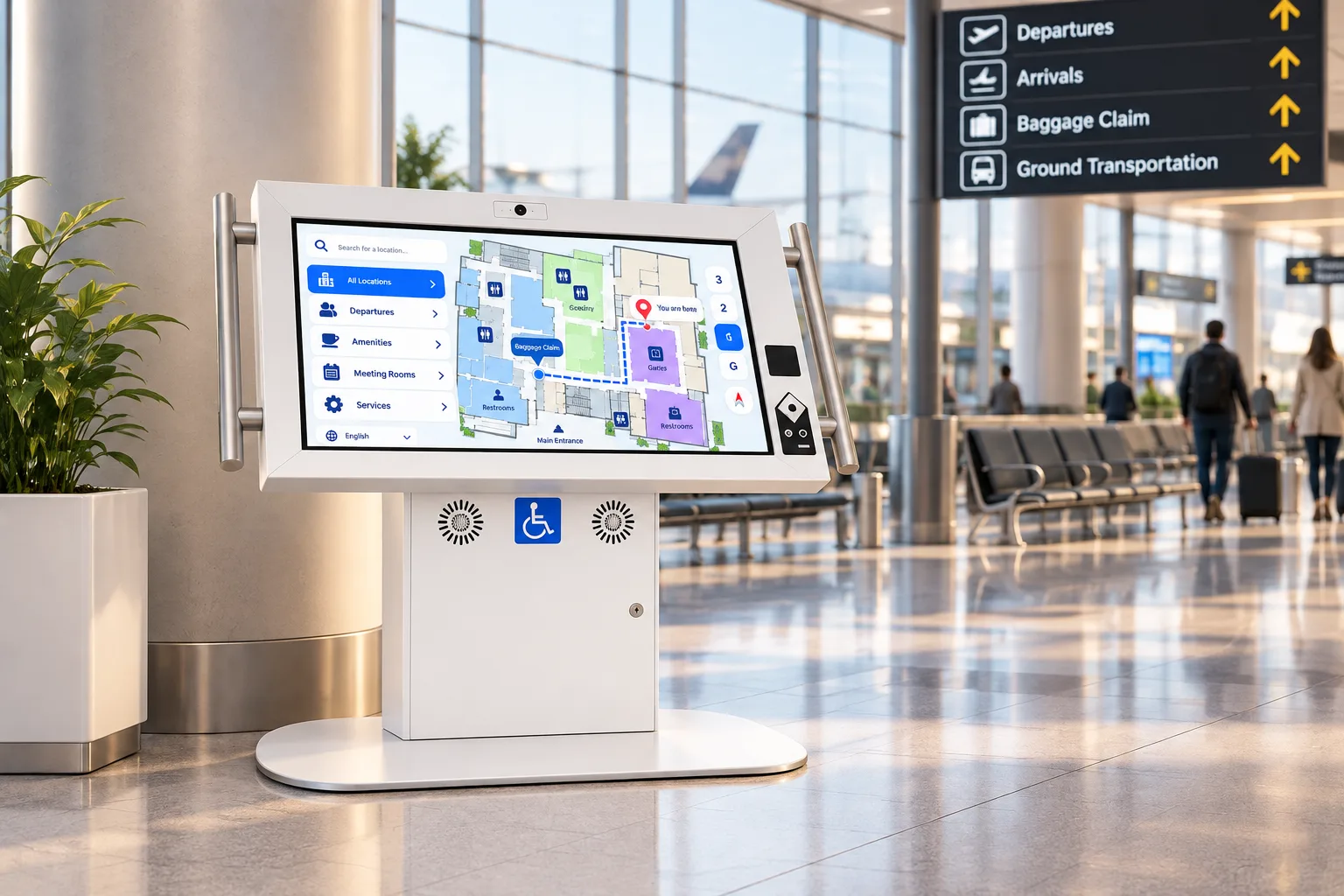 TransportationAccessible, rugged kiosks for airports, transit stations, rail and ferry terminals.
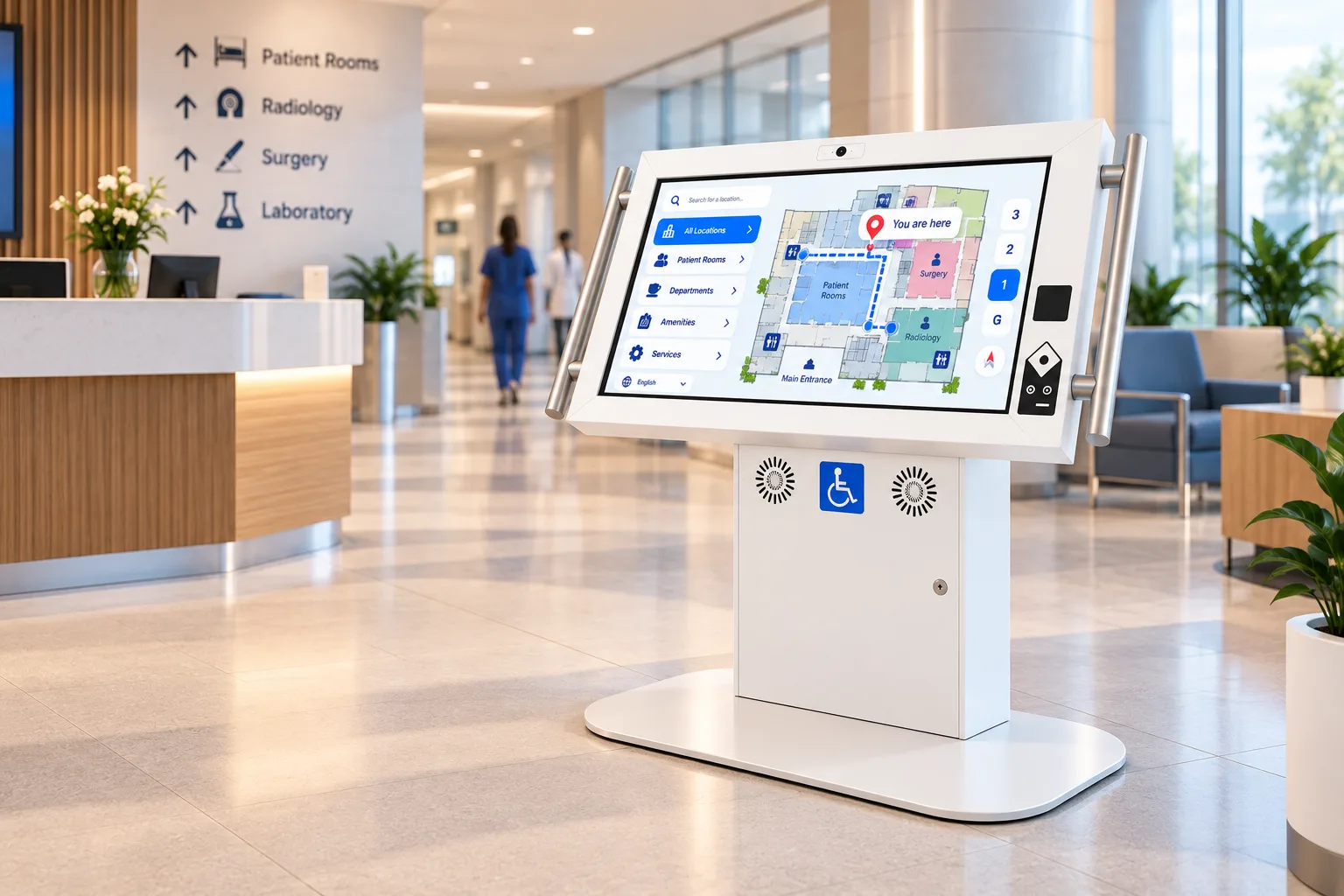 HealthcareCheck-in, wayfinding and patient information on accessible kiosks with an antimicrobial finish.
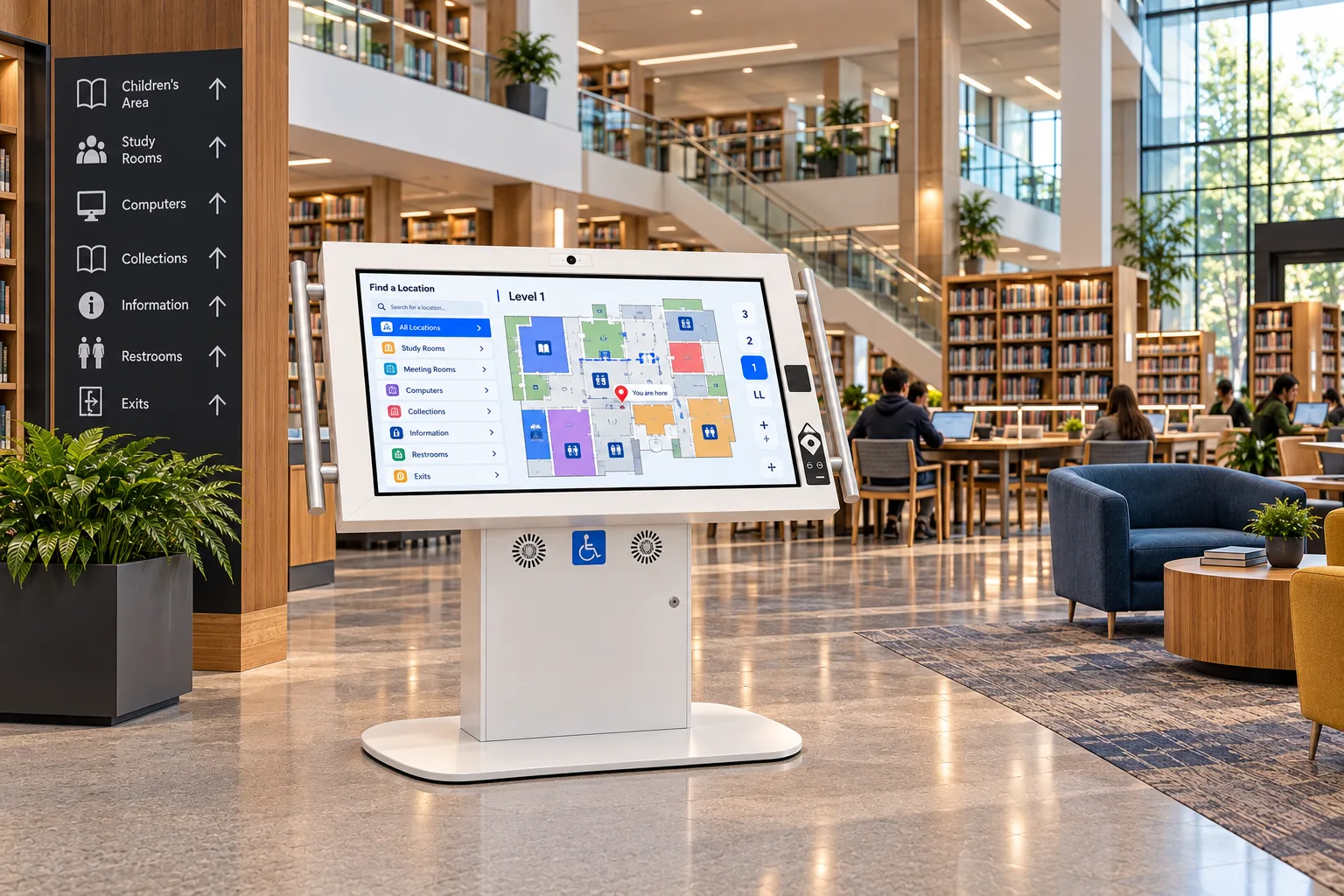 Government & LibrariesAccessible self-service for city halls, service centres, courts and public libraries.
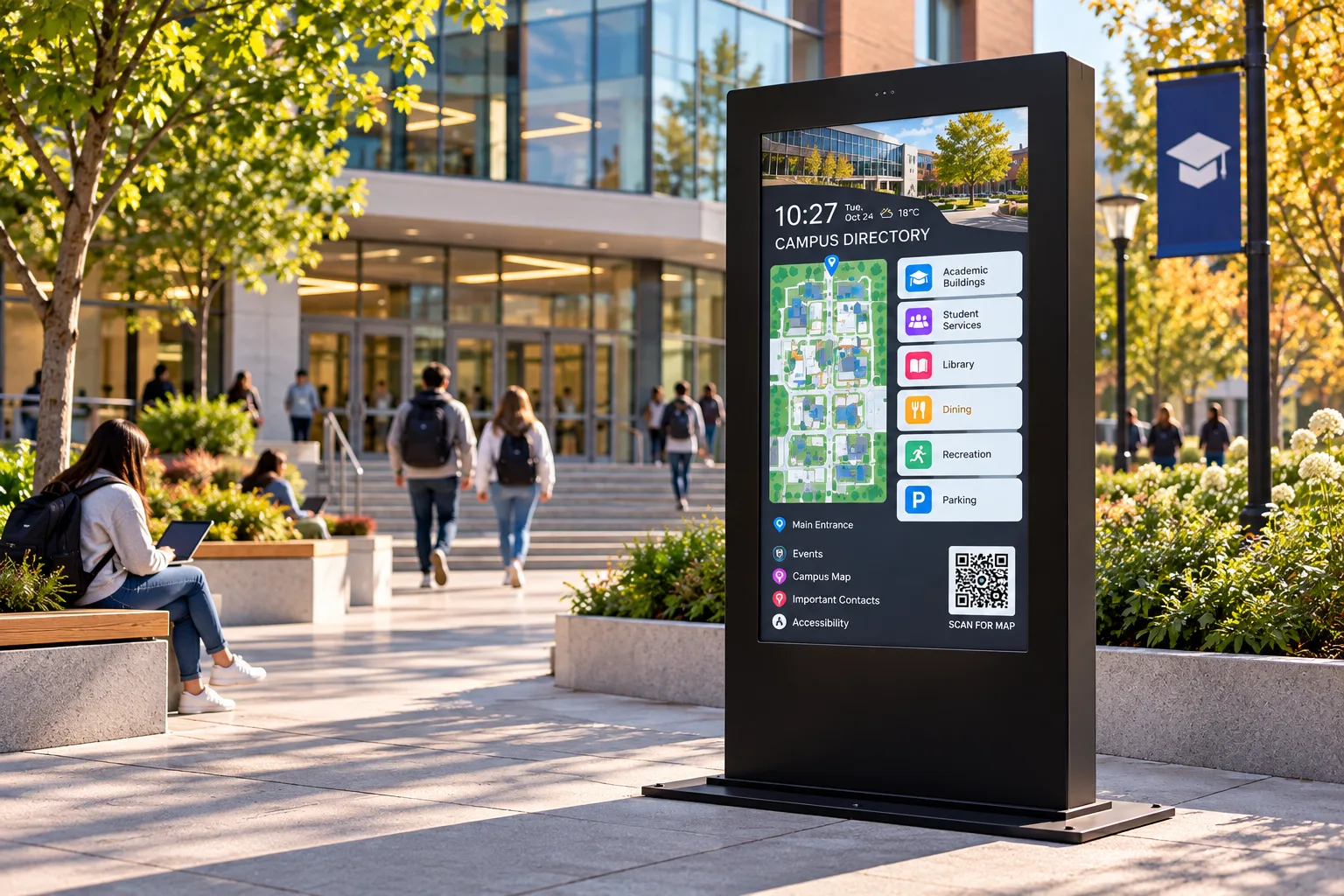 EducationWayfinding, student services and campus-wide notices on kiosks built for a student body.
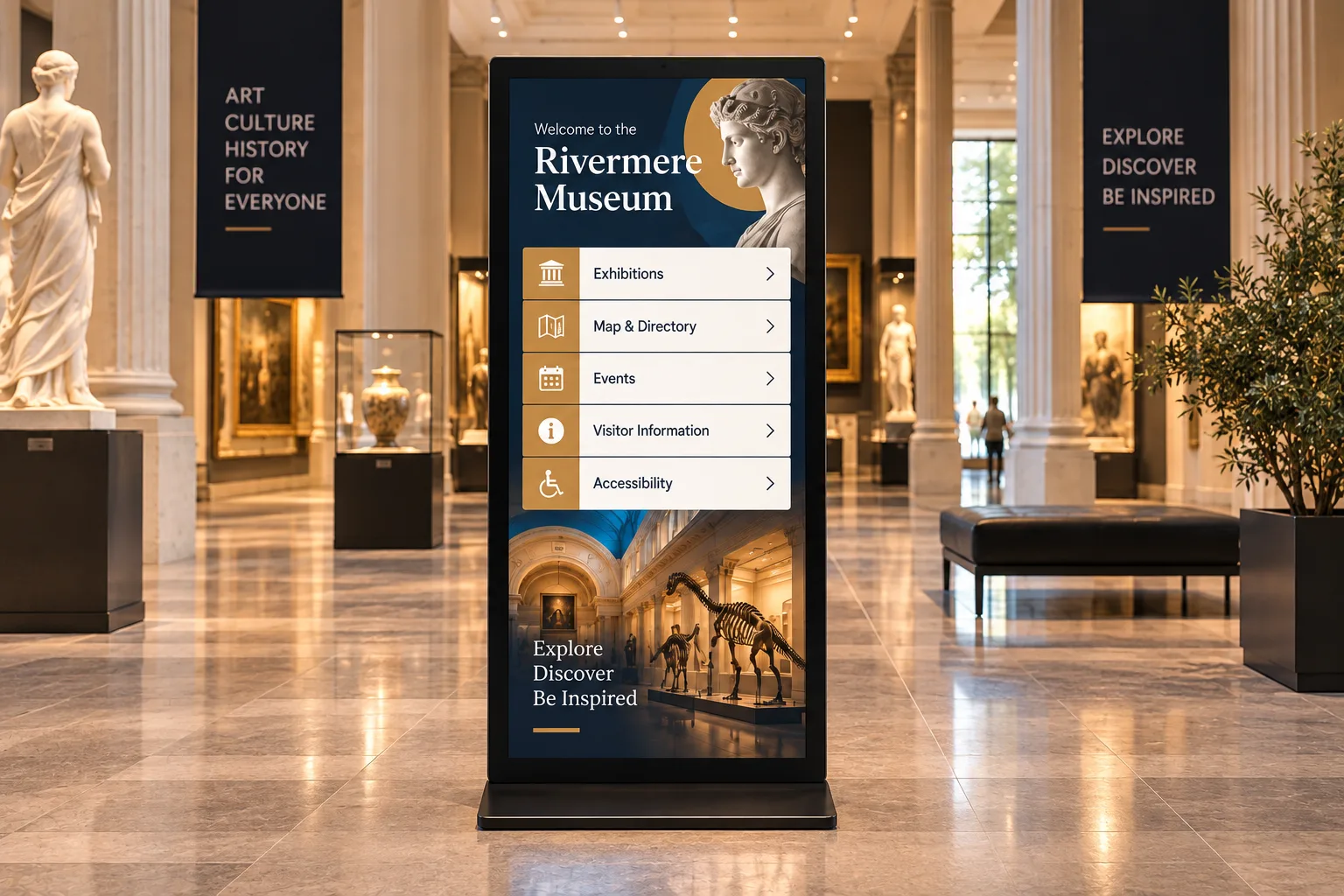 Museums & AttractionsInteractive exhibits, visitor wayfinding and accessible interpretation for museums, science centres, zoos and parks.
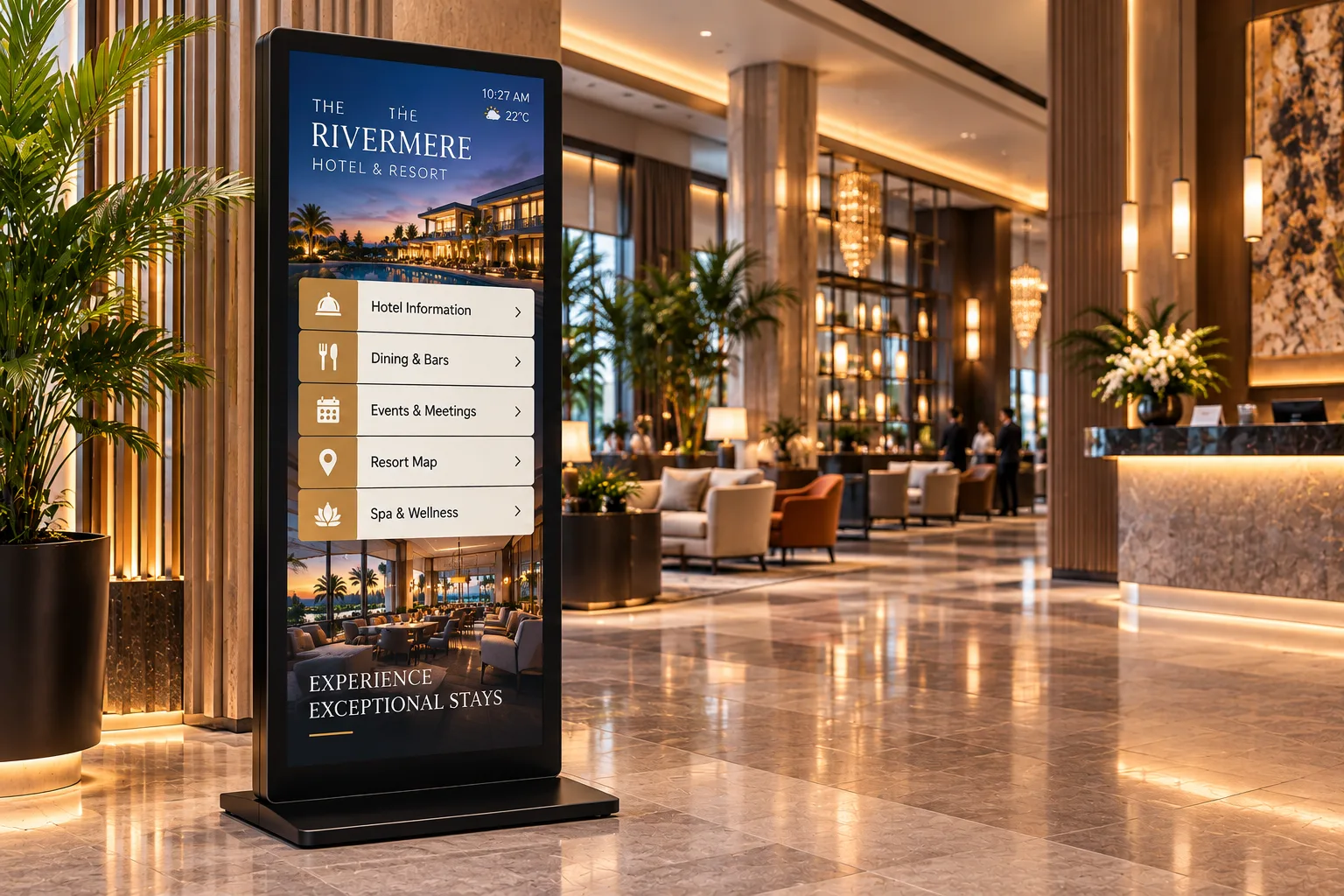 Hospitality & VenuesGuest self-service and wayfinding for hotels, casinos, stadiums, convention centres and trade shows.
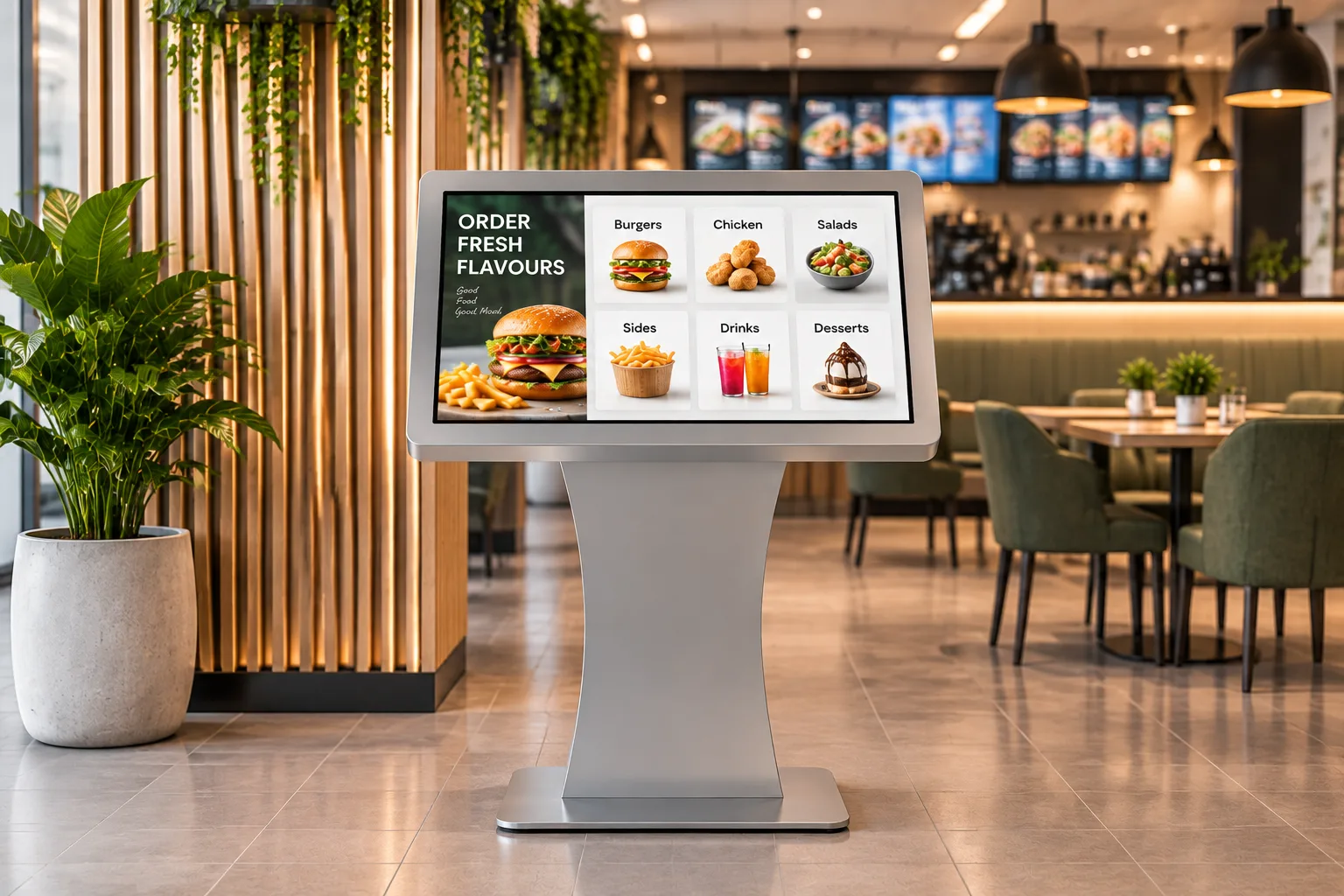 Retail & RestaurantsSelf-ordering, product lookup and promotion for stores, restaurants, malls and bank branches.
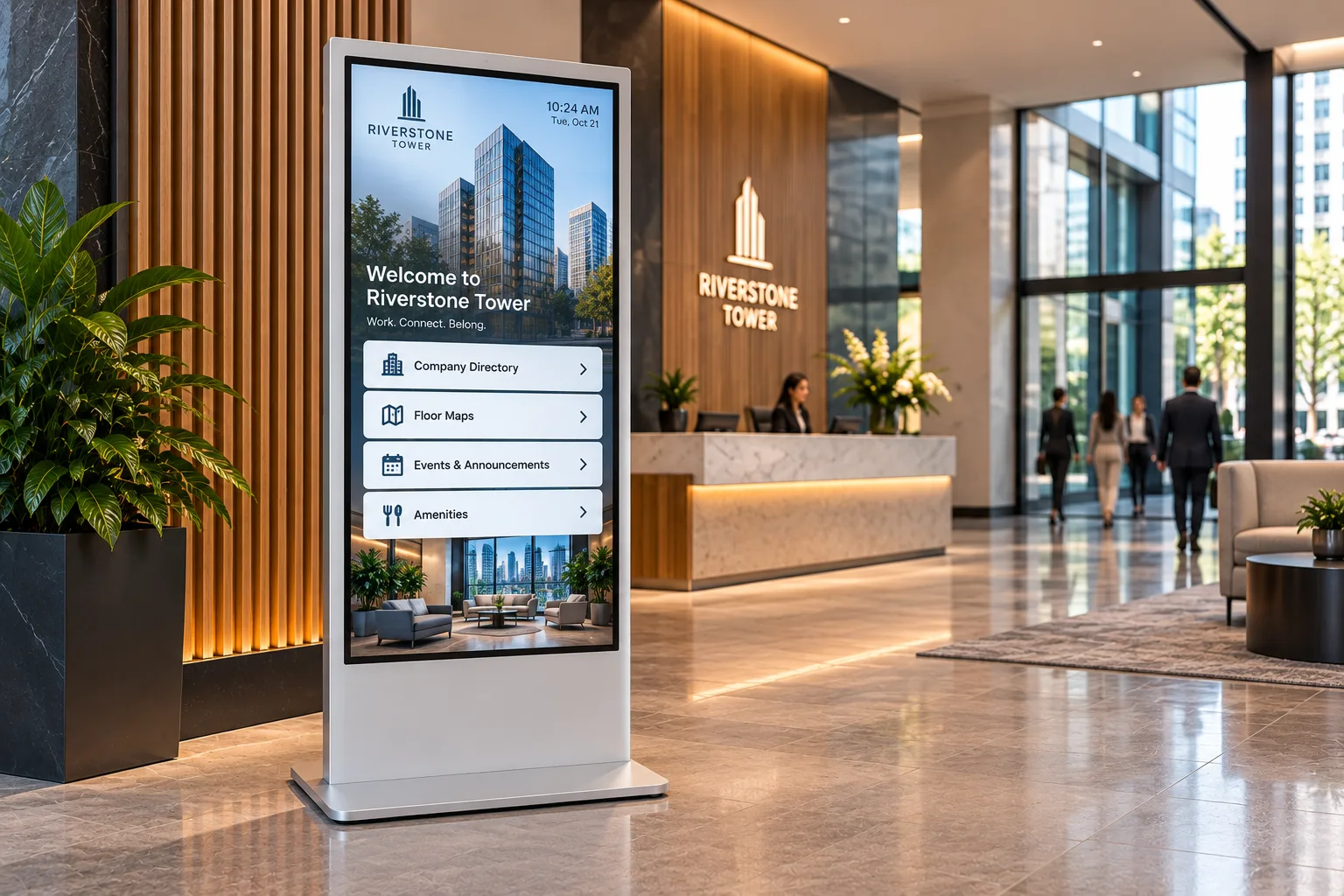 Corporate & Real EstateLobby directories, visitor check-in and workforce communication for offices, buildings and plants.
How to choose a digital kiosk
Start with the task, then the place: indoors or out, the space available, who will use it and what has to plug in. Our eight questions to answer first walk you through it, and planning a kiosk rollout takes it from site walk to launch day.
Accessibility
A public kiosk has to work for everyone, including wheelchair users and people who are blind or have low vision. Read what makes a kiosk usable by everyone and our Kiosk Accessibility Standards page, which sets out what CSA/ASC B651.2, the ADA and the AODA ask for.
Frequently asked questions
Is a digital kiosk the same as digital signage?
No. Digital signage shows messages people look at; a kiosk is interactive, and people use it to do something. Many kiosks also show signage-style content while nobody is using them.
Does every kiosk need a touch screen?
No. A kiosk that only displays information, such as a departures board, can do without touch. Kiosks for searching, ordering or checking in need it.
Does a kiosk need an internet connection?
Most kiosks use one to receive content updates and send results to other systems, but many applications keep working offline and catch up when the connection returns.
Can a digital kiosk be used outdoors?
Yes, if it is built for it: a sealed enclosure, a high-brightness display and a wide operating temperature range. An indoor kiosk should not be placed outside.
Do humanKIOSK kiosks come with software?
humanKIOSK supplies the kiosk hardware and works with the software you or your integrator choose, so you can keep the wayfinding, ordering or check-in platform you already use. Some models include a built-in PC.
Related Articles
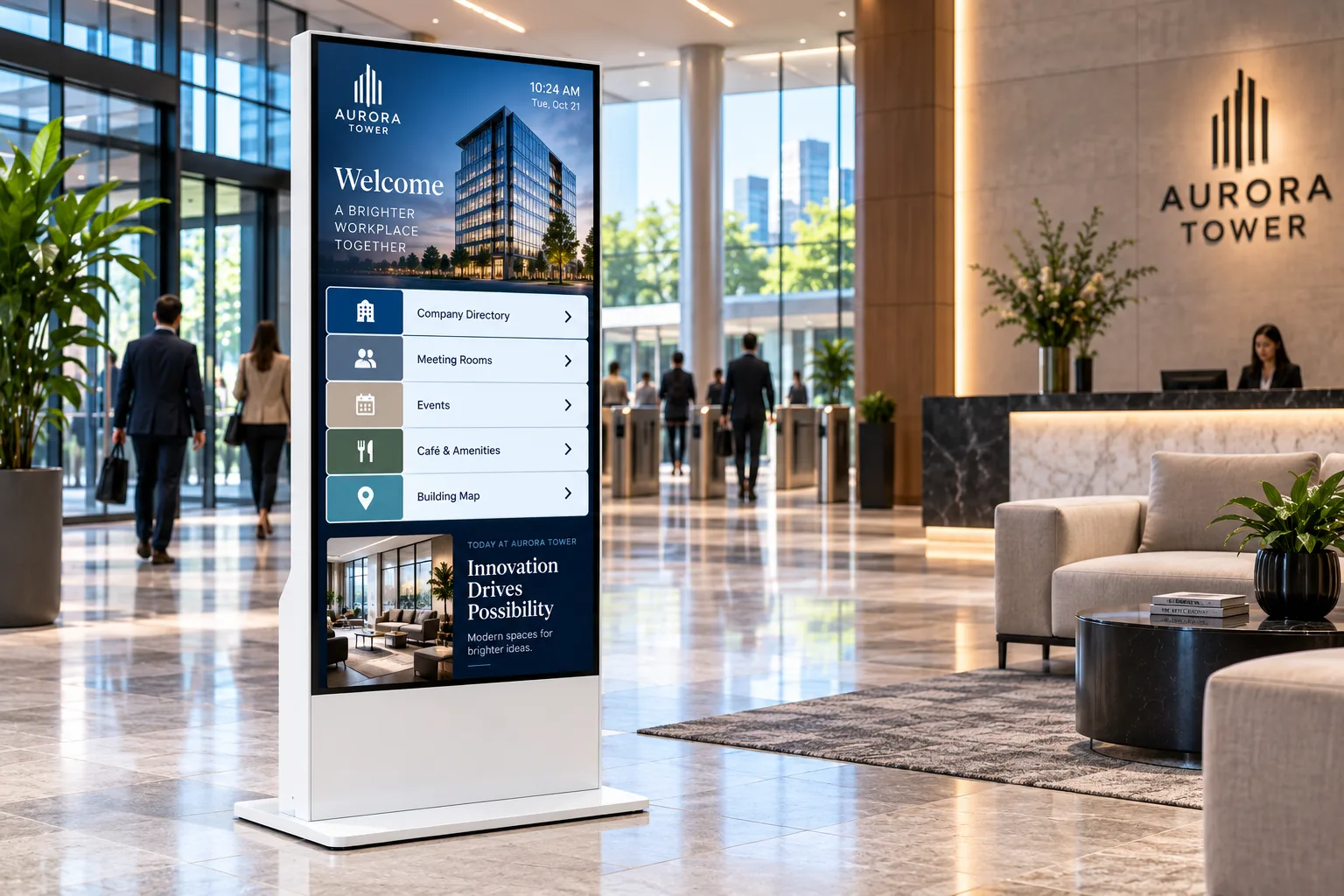
Kiosk, Directory or Digital Sign: Which Does Your Space Need?
Read moreHow to Choose a Digital Kiosk: Eight Questions to Answer First
Read moreIndoor or Outdoor Kiosk? What Changes When It Goes Outside
Read more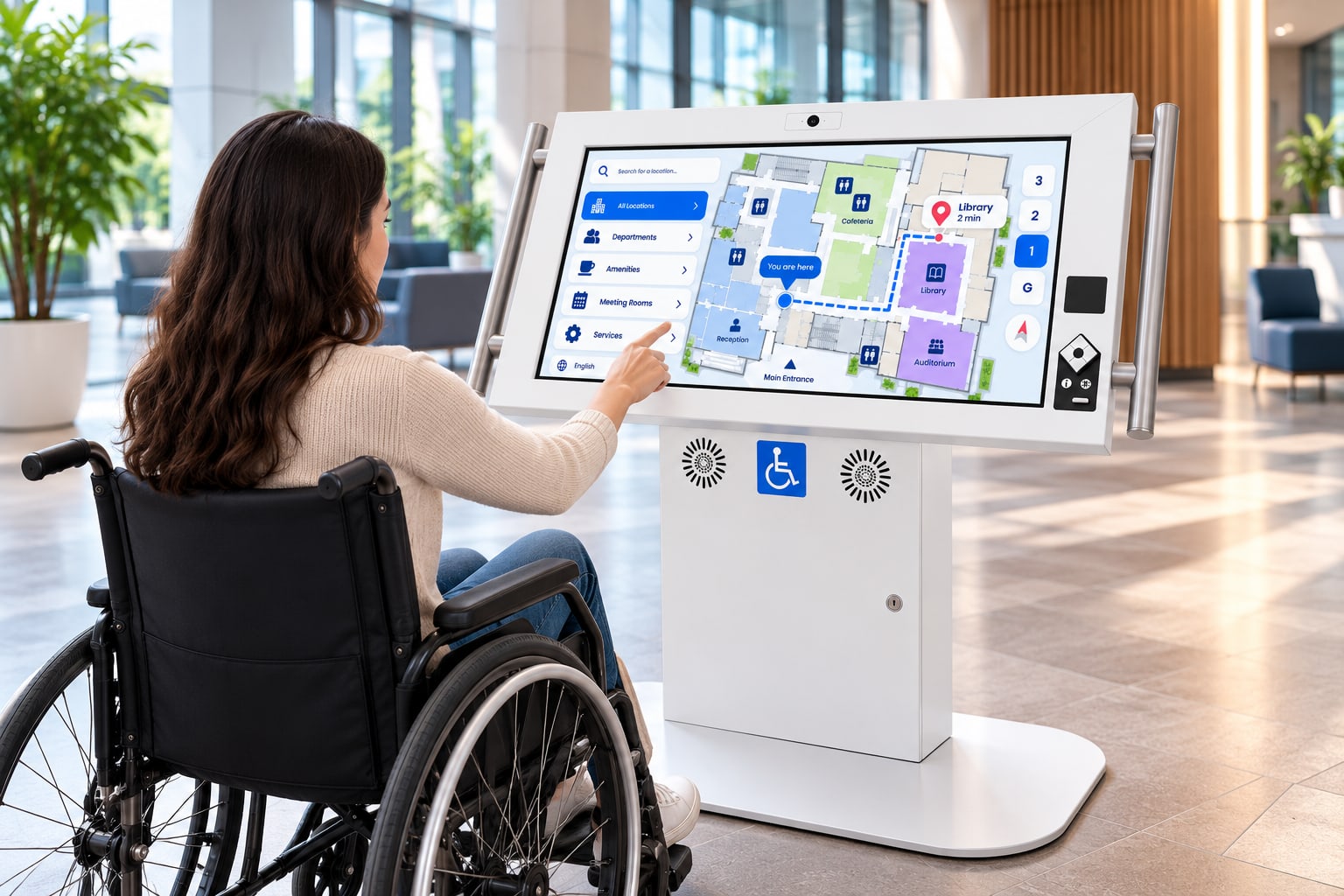
Accessible Kiosks: What Makes a Kiosk Usable by Everyone
Read more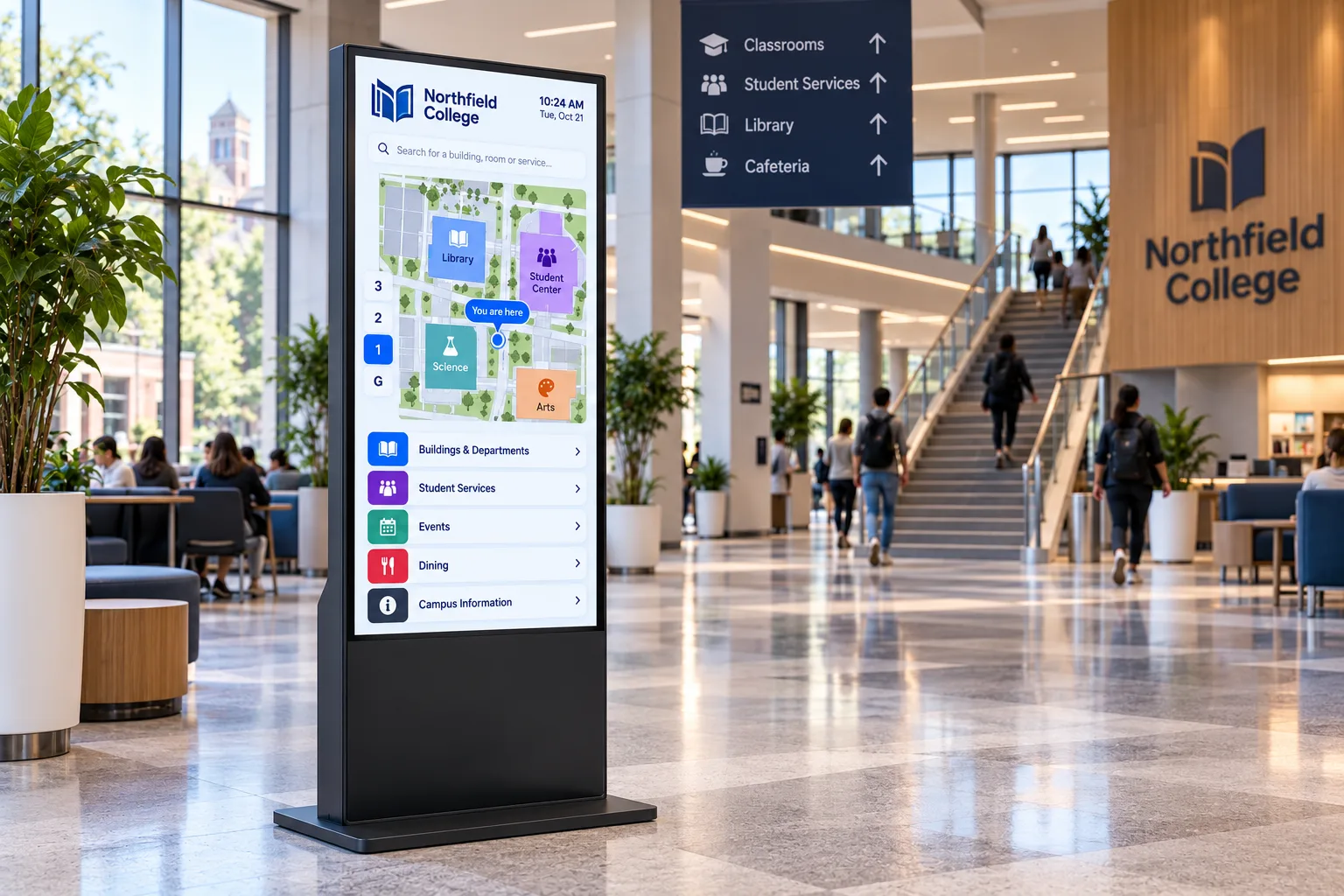
Campus Wayfinding Kiosks: A Planning Guide for Schools and Colleges
Read moreKiosk Form Factors Explained: Upright, Angled, Double-Sided and Portable
Read more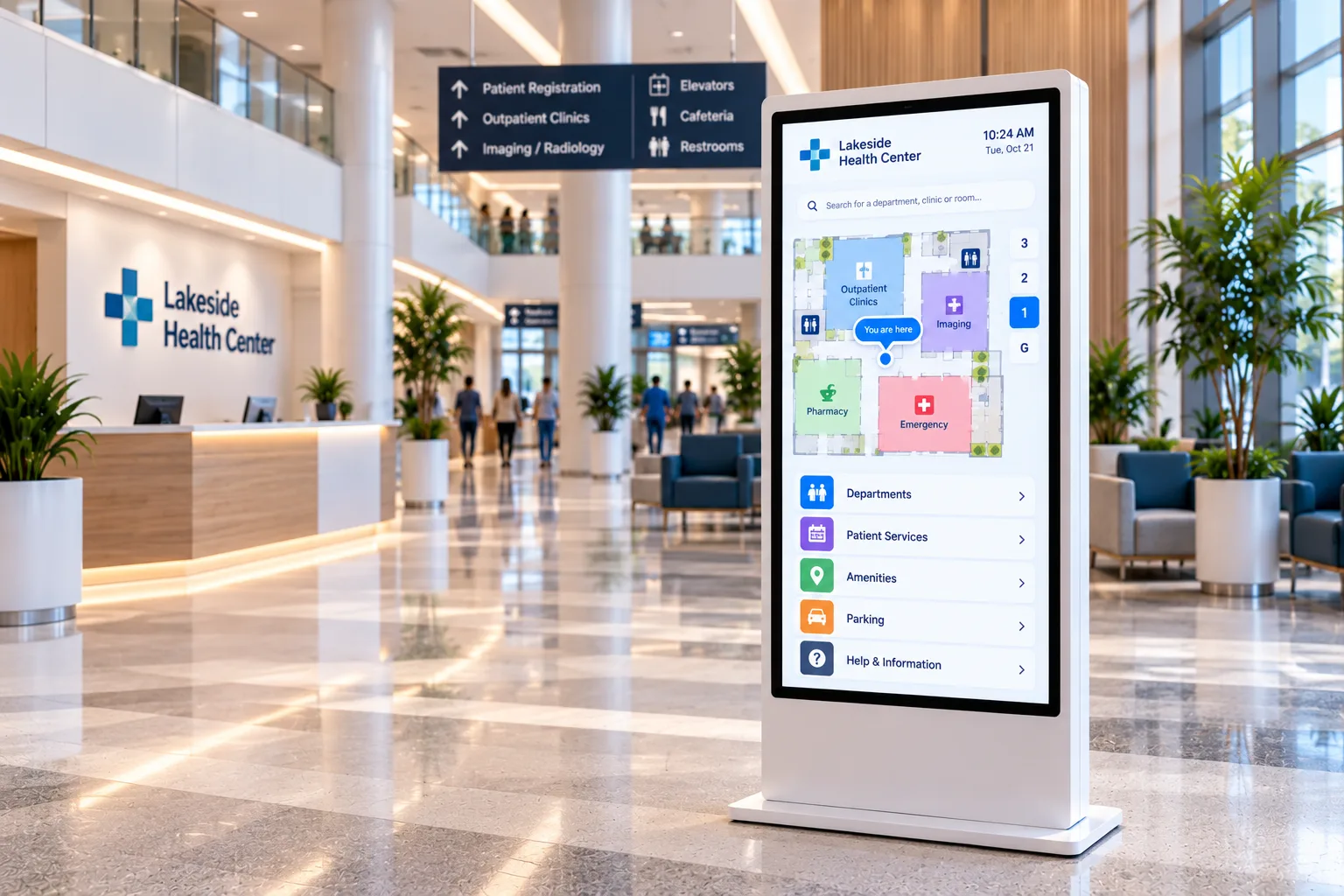
Planning a Kiosk Rollout: From Site Walk to Launch Day
Read more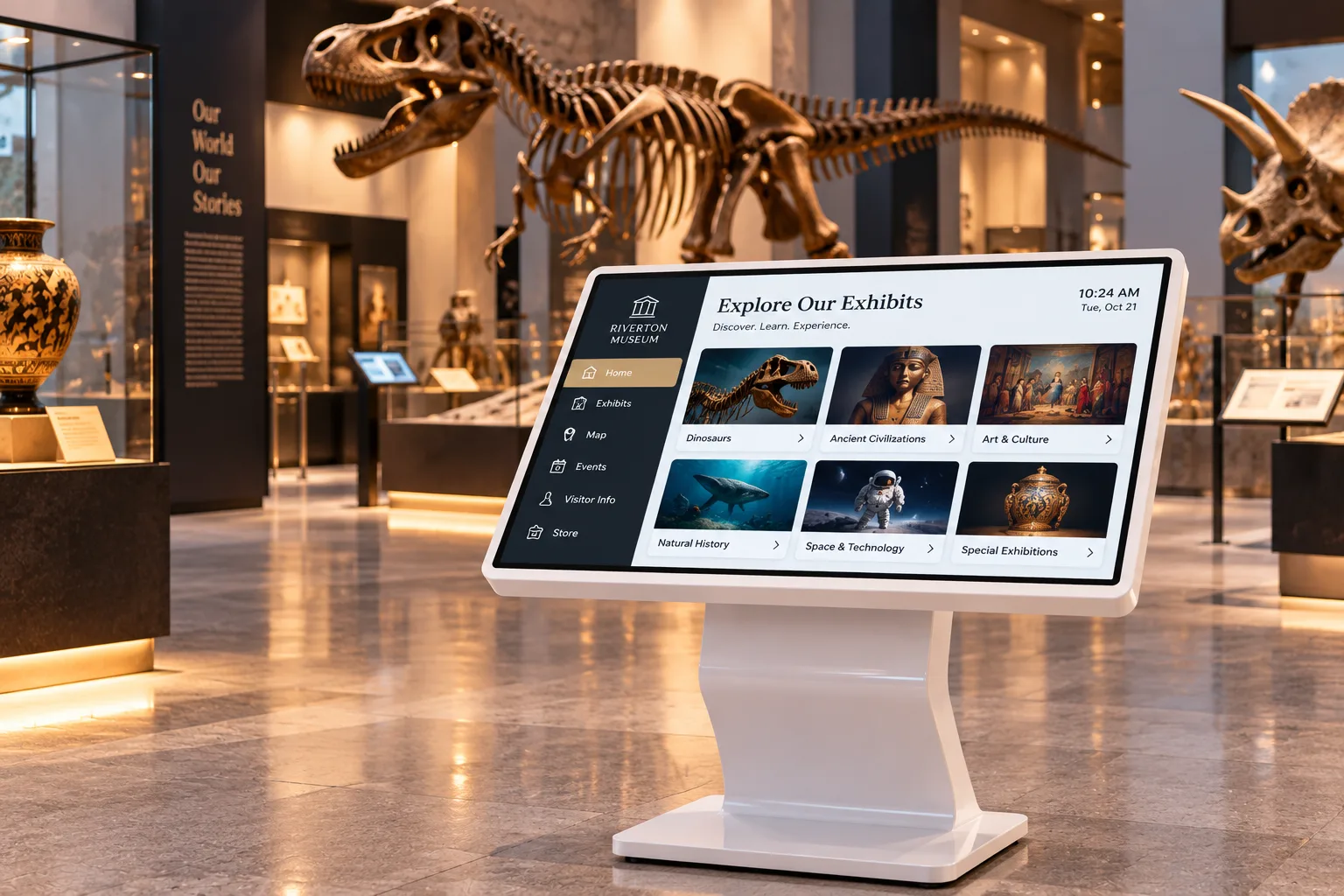
Kiosk Screens People Actually Use: Seven Design Tips
Read moreGet Started
Adding digital signage is a great way to increase brand awareness and increases customer engagement. If you are looking to start or expand on your visual communication needs, please send us an email or give us a call.