
Blog
Planning a Kiosk Rollout: From Site Walk to Launch Day
Most kiosk projects that disappoint do so for reasons that have nothing to do with the kiosk: no clear goal, no power at the spot, nobody owning the content. A plan avoids all three.
1. Set one goal you can measure
"Fewer directions questions at the front desk." "Check-in in under a minute." "Shorter queues at lunch." A goal you can measure tells you what the kiosk has to do, and later tells you whether it worked.
2. Walk the site
Stand where the kiosk will go at a busy time. Note where people come from and where they hesitate, what the light does through the day, and whether there is power and a network connection. Leave a clear route for wheelchairs and keep fire exits and corridors to their full width.
3. Choose the software and the hardware together
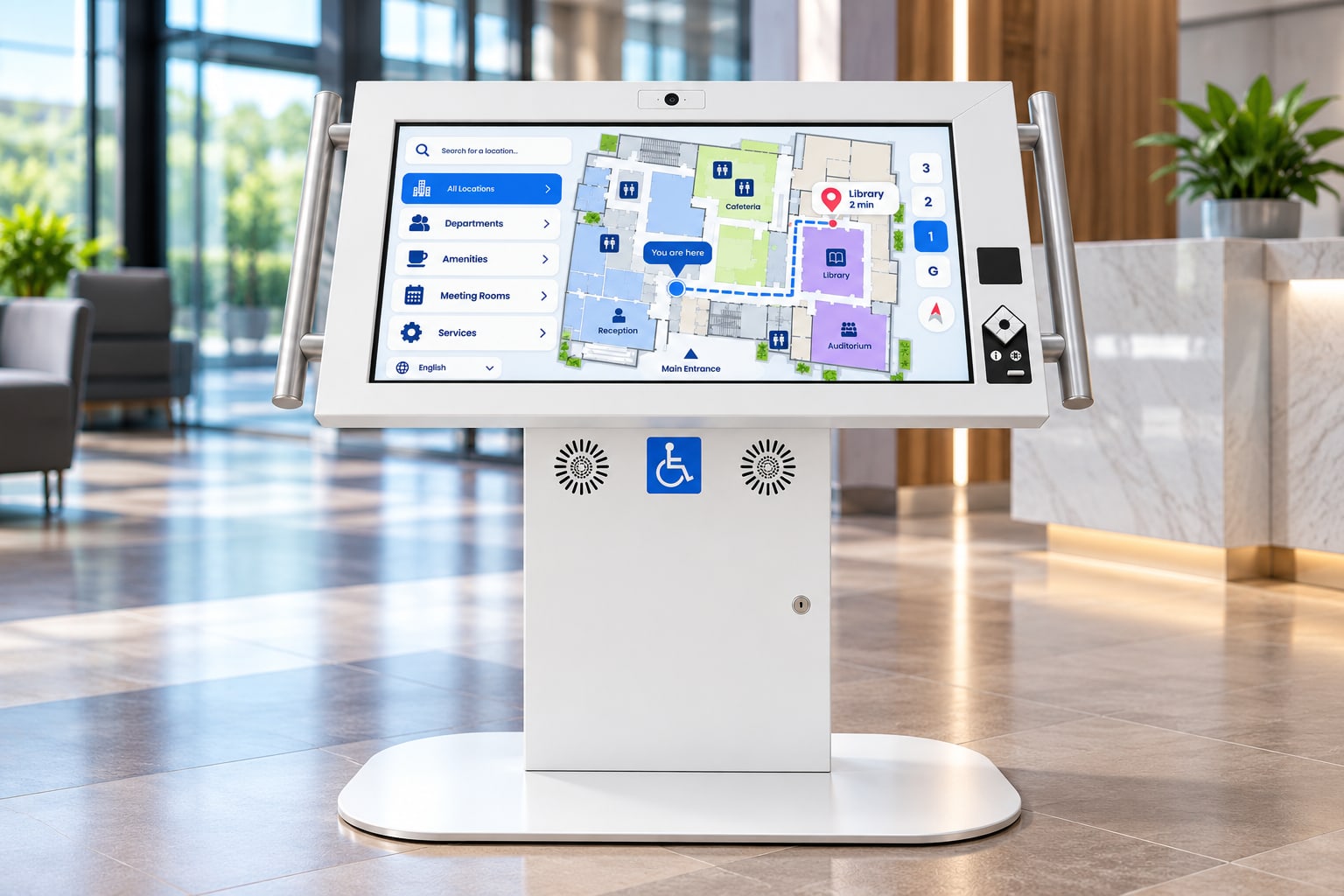
The application decides the operating system, the computer, the peripherals and the screen orientation. humanKIOSK supplies the hardware and works with the software you or your integrator choose, so settle the software first, then the kiosk around it. Our eight questions cover the rest.
4. Pilot one location
Install one kiosk and watch real visitors use it for a week or two. Where do they hesitate? What do they ask staff afterwards? Fix the screens, the wording and the position before you order the rest.
5. Install it securely
Anchor the base, lock the enclosure, keep cables inside it, and set the computer to start straight into the application after a power cut. Make sure someone can see each kiosk's status remotely, so a blank screen is found before a visitor finds it.
6. Brief the people around it
Front-desk staff, security and cleaners will be asked about the kiosk. Show them what it does, how to restart it and who to call. Agree who restocks paper if it prints, and who updates the content.
7. Measure, then adjust
Go back to your goal after a month. Count the questions at the desk, time the check-ins, read the kiosk's own usage data. Then adjust the content and, if needed, the location.
Rollouts by industry
See how these steps play out in healthcare, corporate and real estate and hospitality and venues. Planning one now? Contact us.
Kiosks for Your Industry
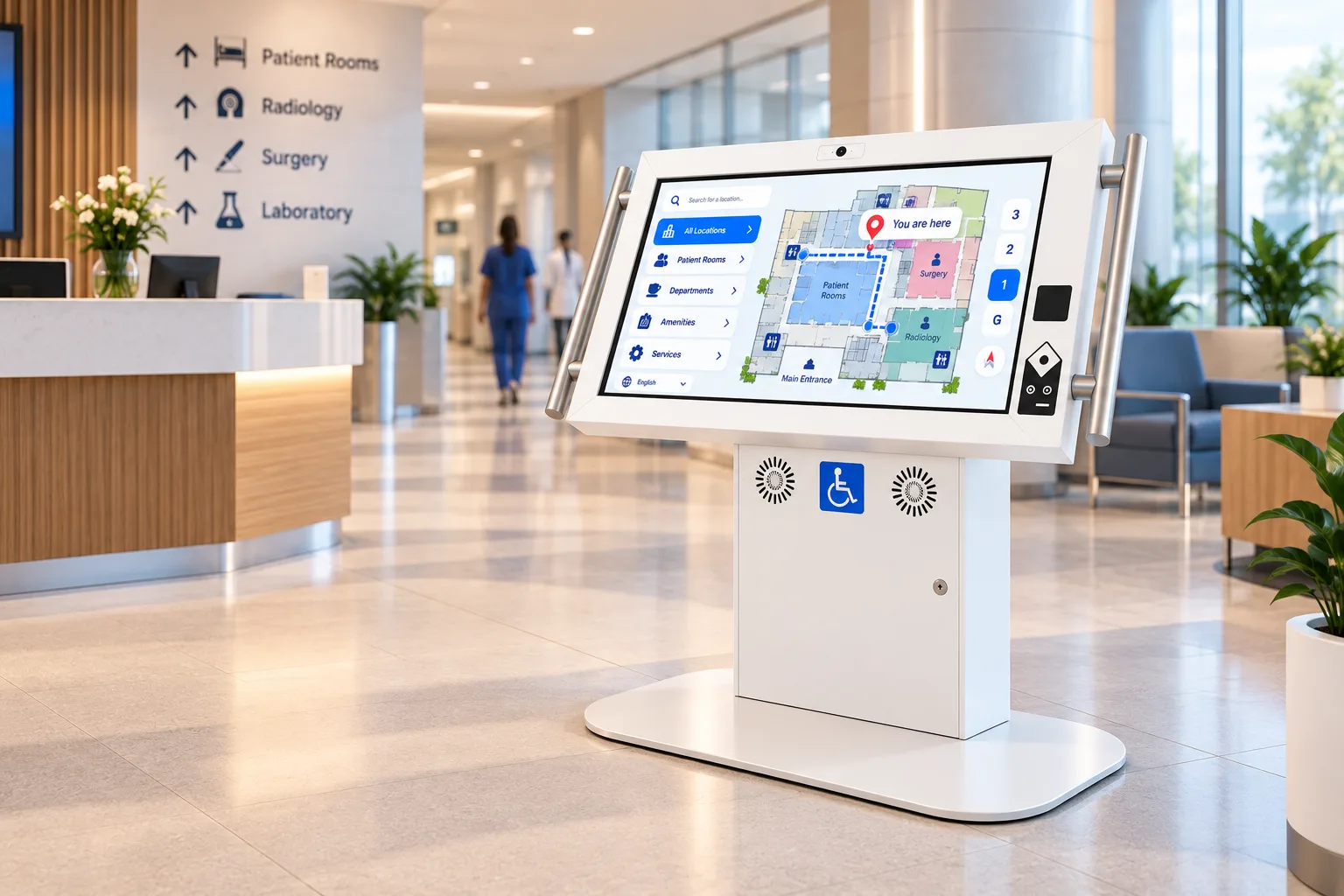 HealthcareCheck-in, wayfinding and patient information on accessible kiosks with an antimicrobial finish.
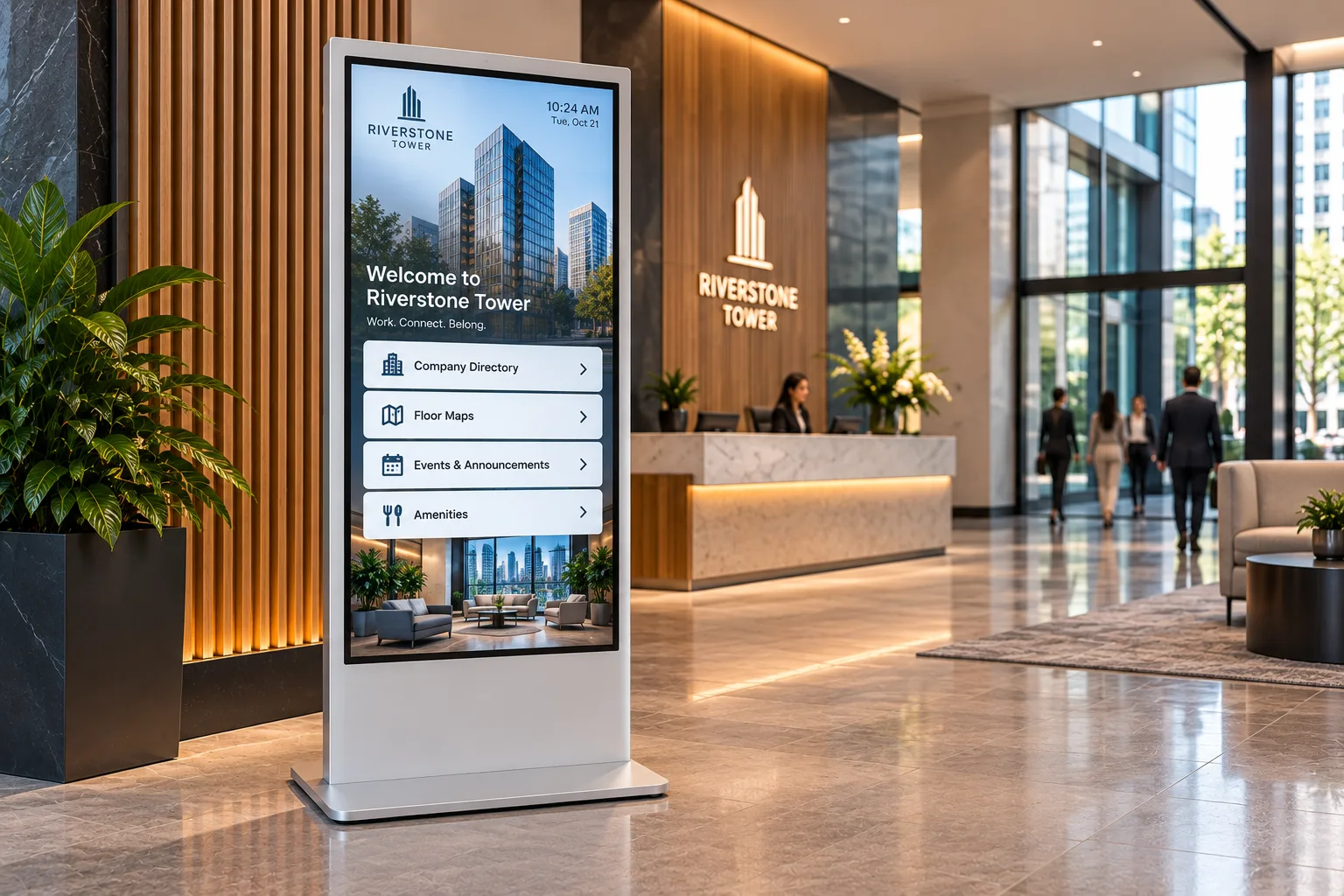 Corporate & Real EstateLobby directories, visitor check-in and workforce communication for offices, buildings and plants.
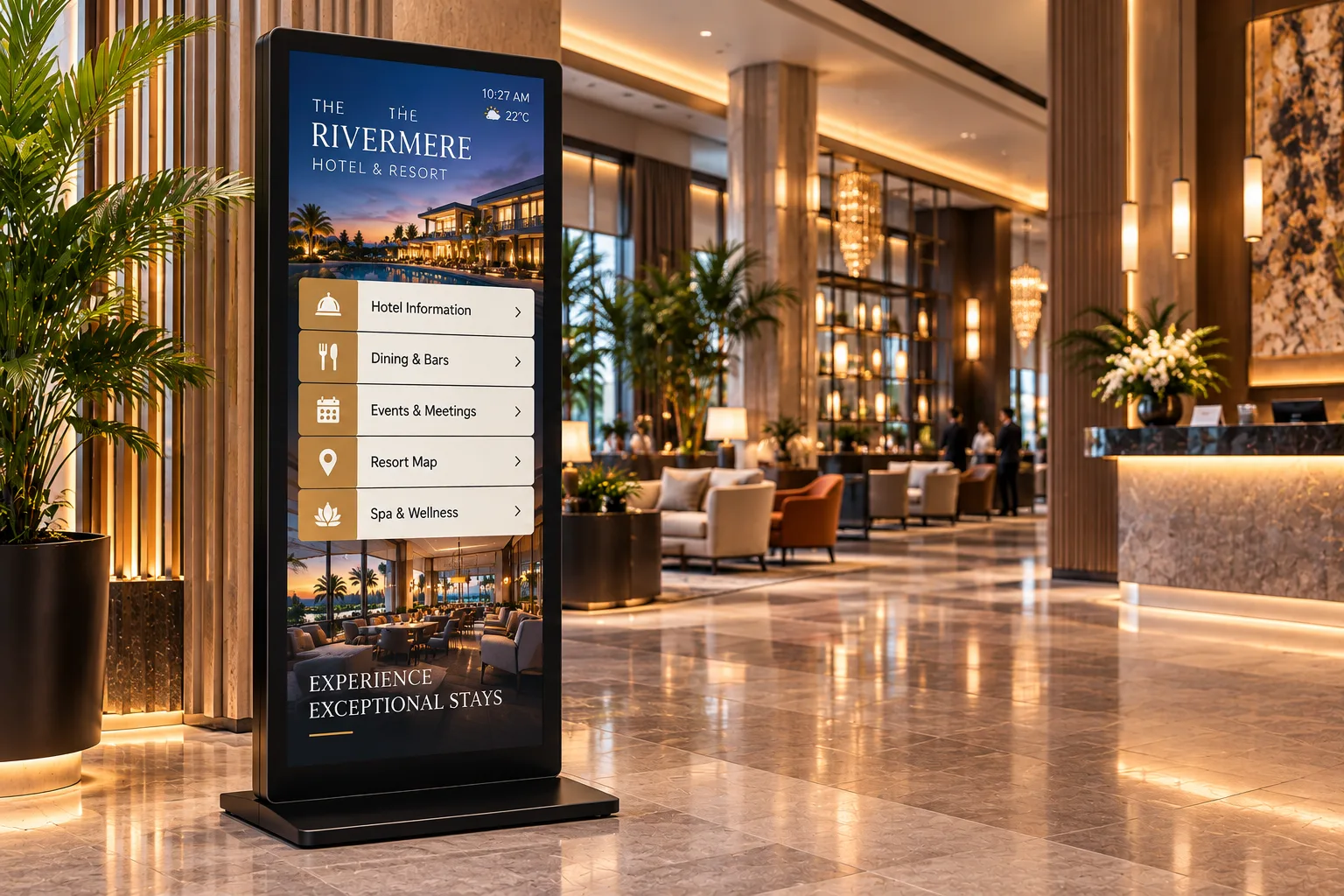 Hospitality & VenuesGuest self-service and wayfinding for hotels, casinos, stadiums, convention centres and trade shows.
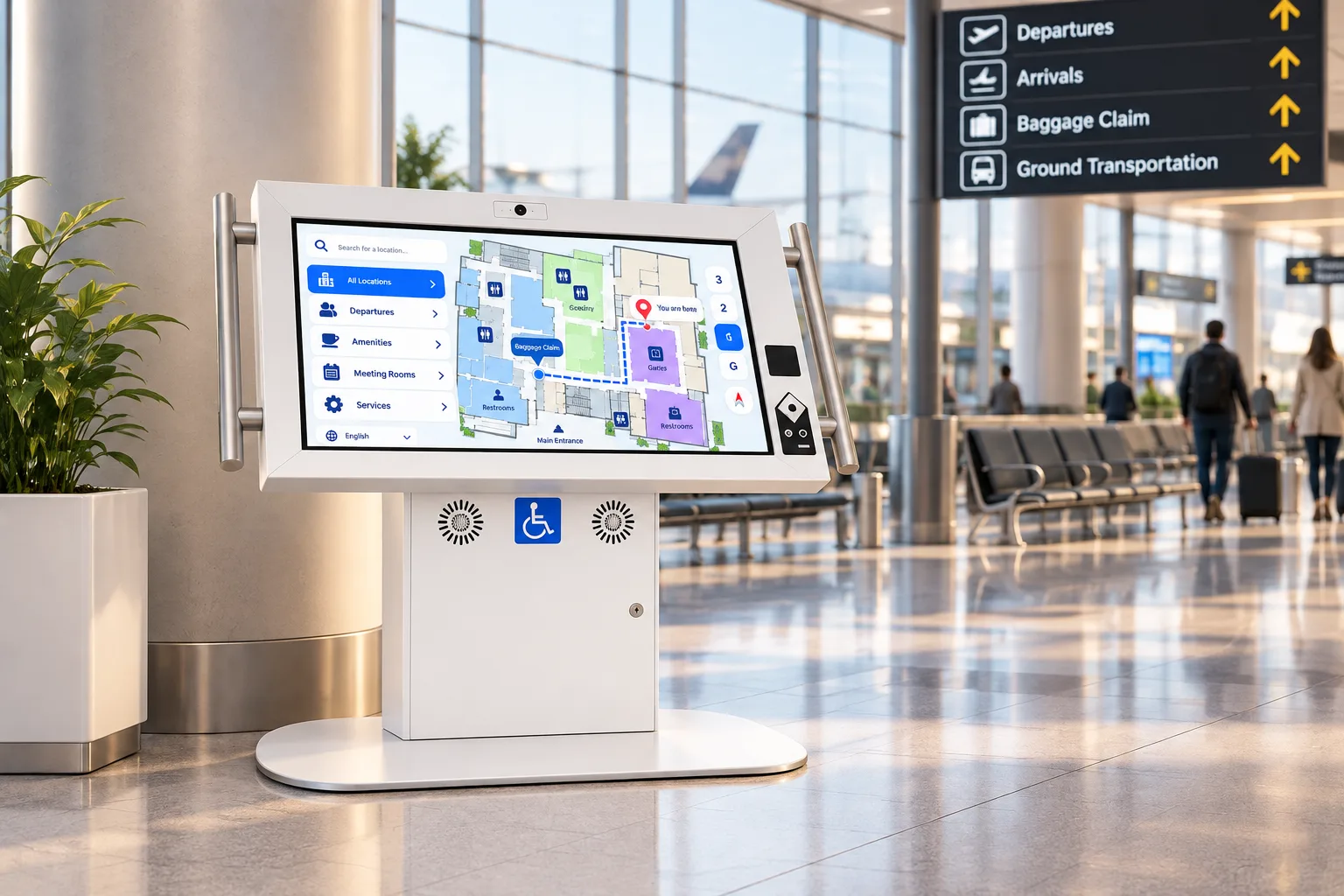 TransportationAccessible, rugged kiosks for airports, transit stations, rail and ferry terminals.
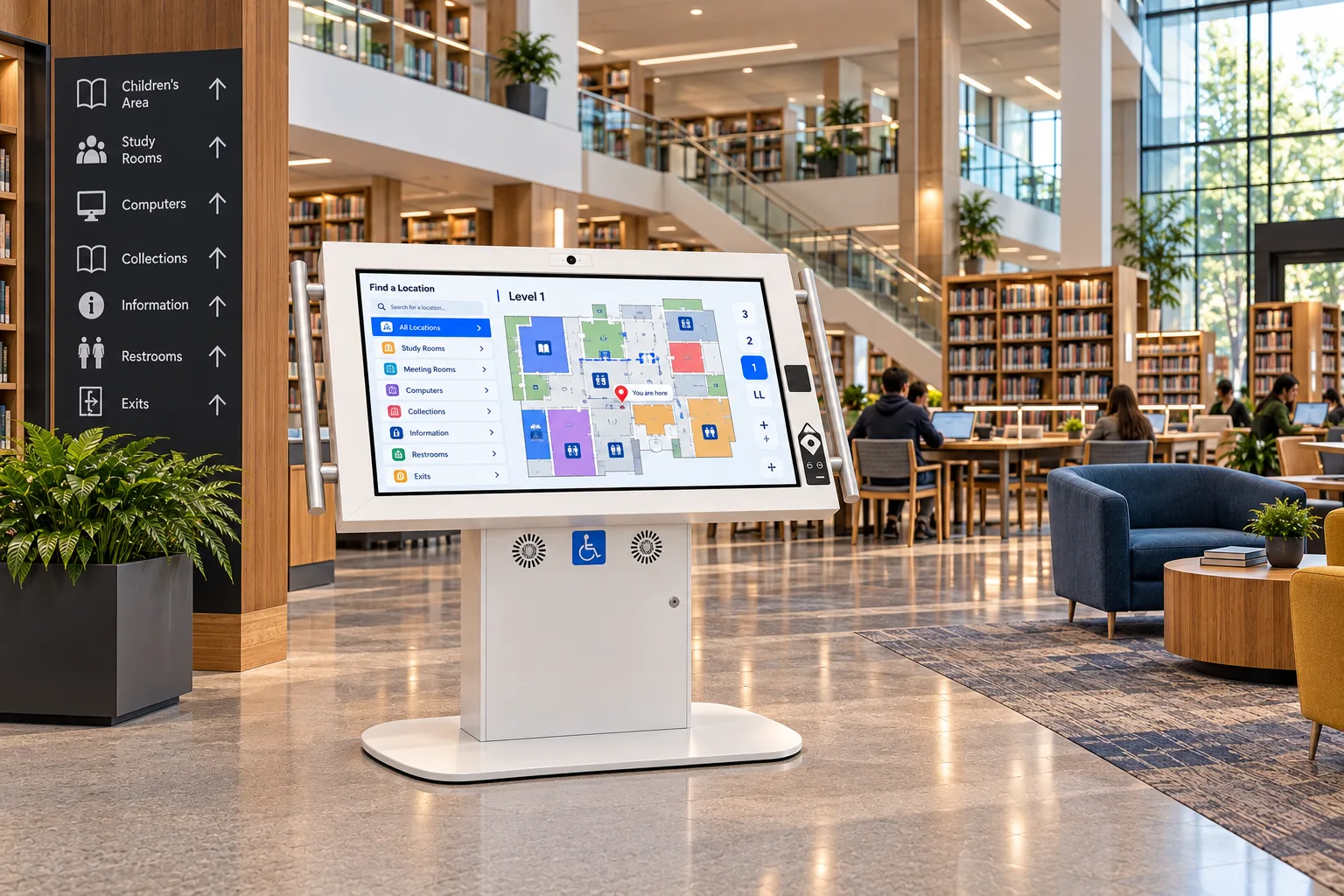 Government & LibrariesAccessible self-service for city halls, service centres, courts and public libraries.
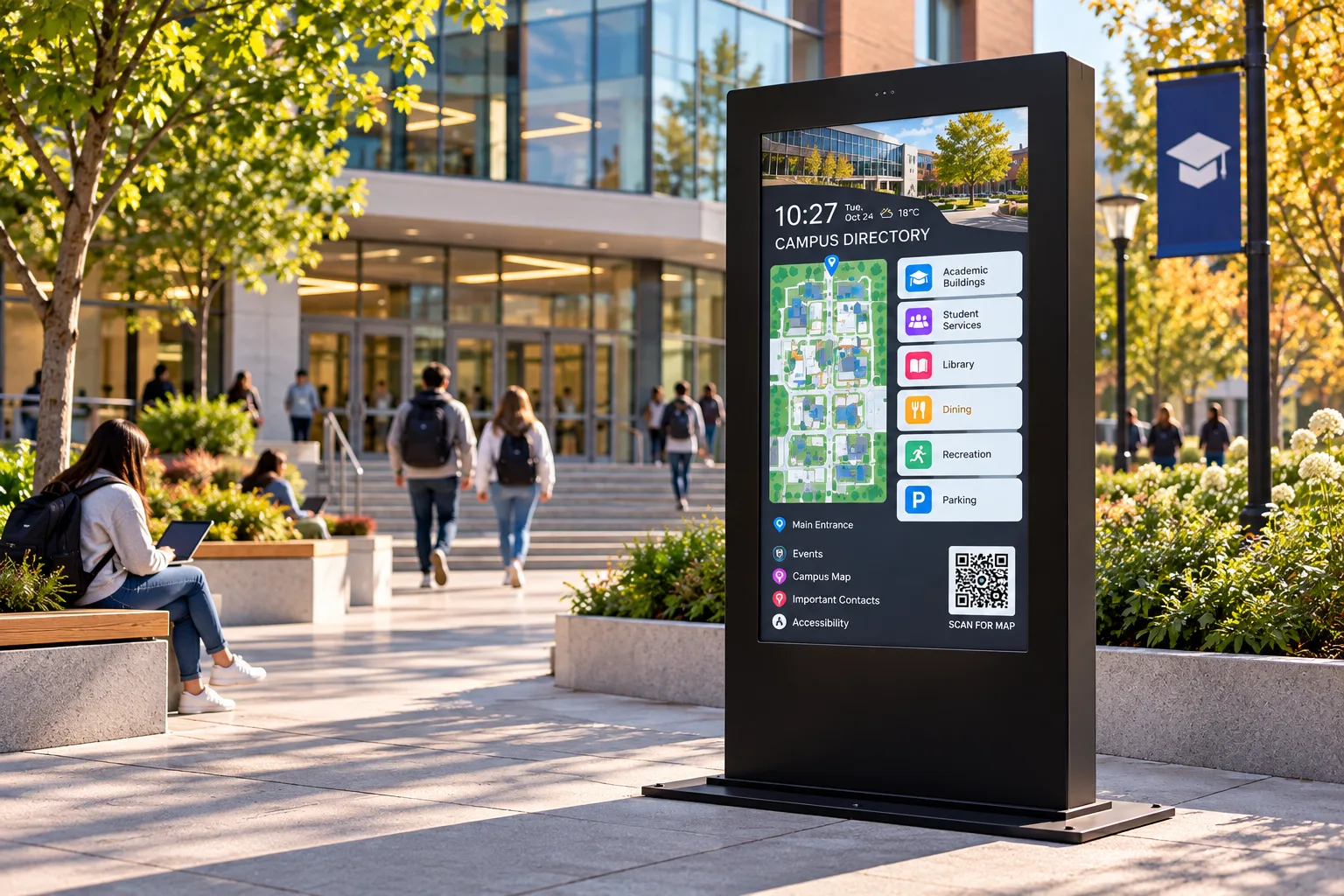 EducationWayfinding, student services and campus-wide notices on kiosks built for a student body.
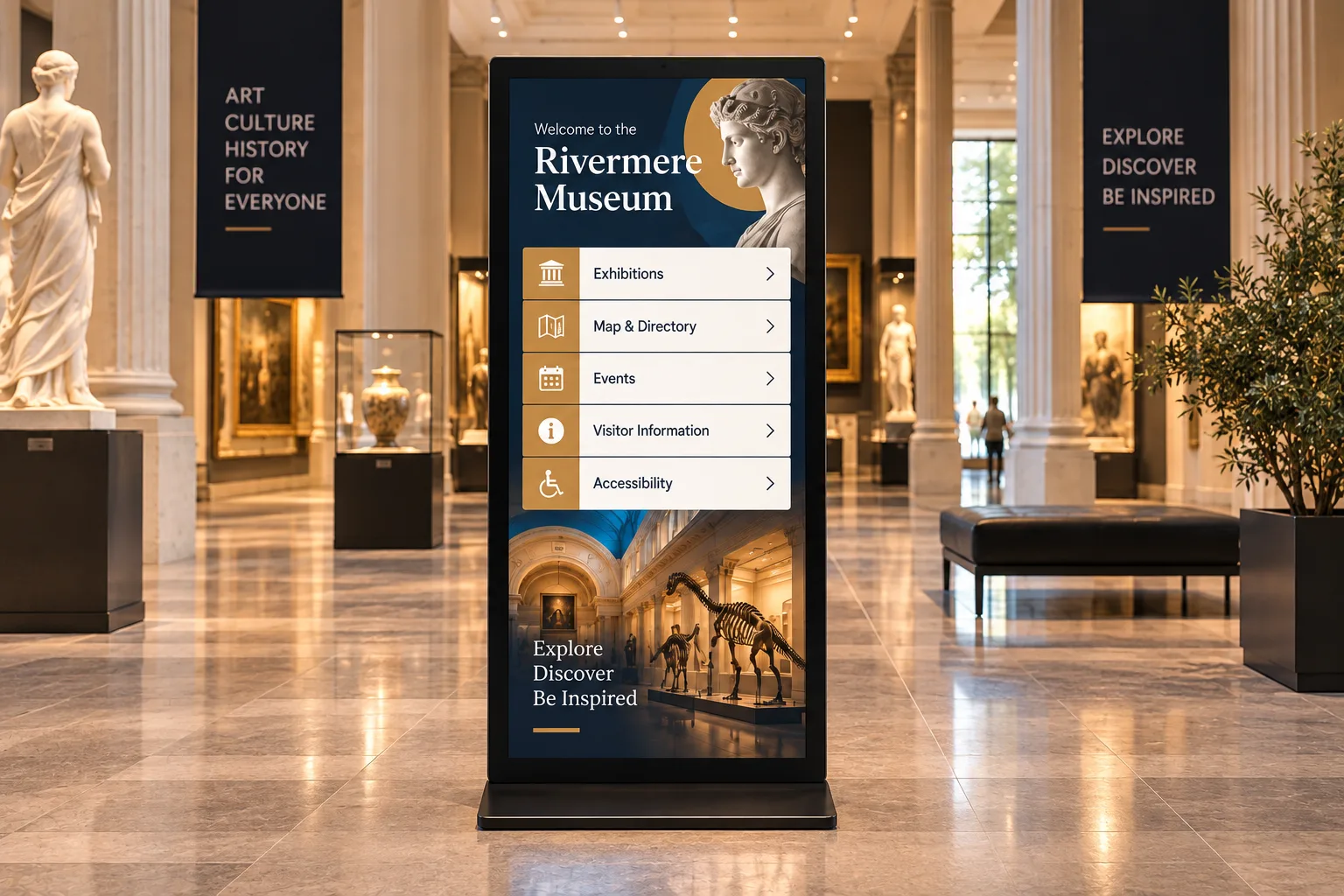 Museums & AttractionsInteractive exhibits, visitor wayfinding and accessible interpretation for museums, science centres, zoos and parks.
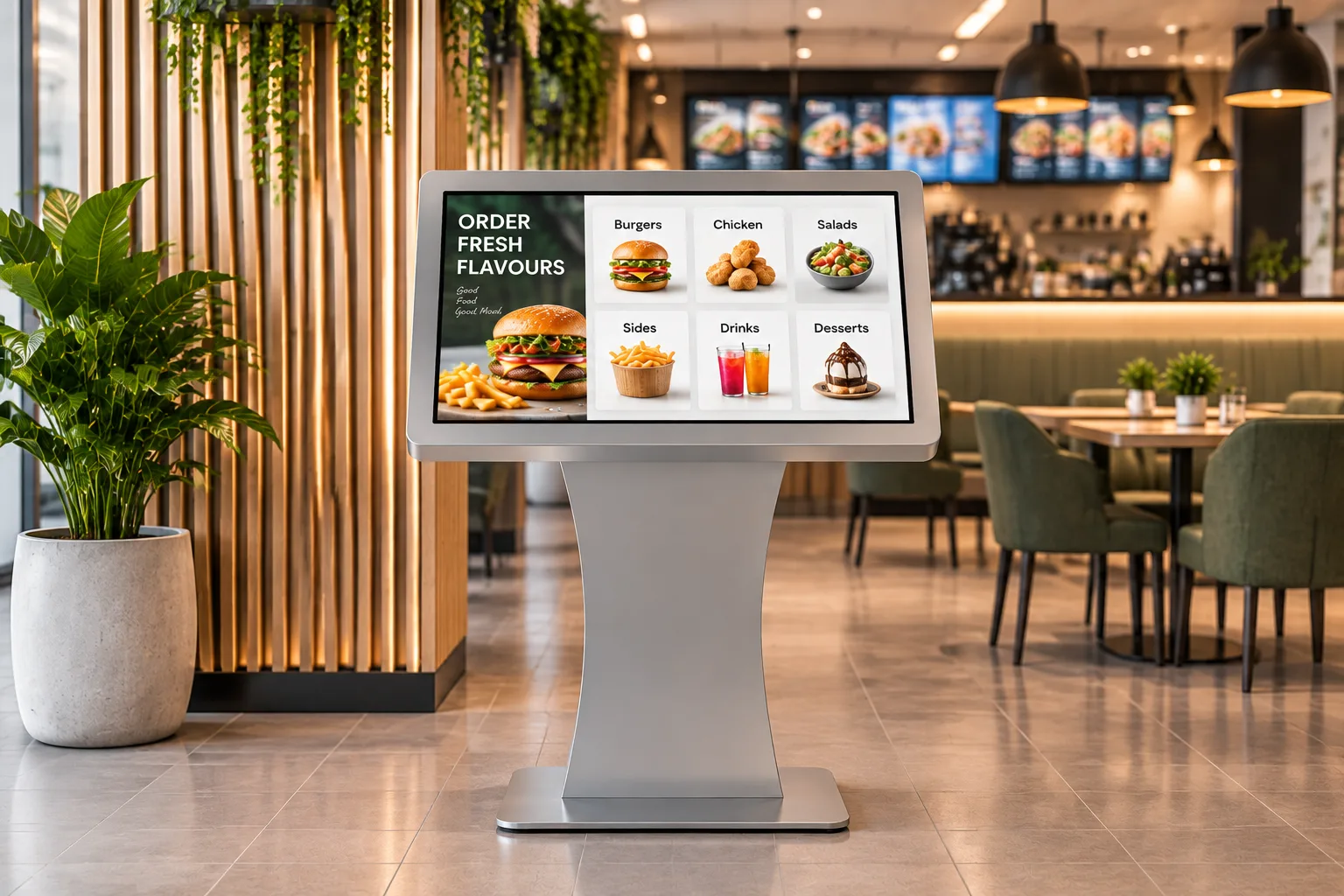 Retail & RestaurantsSelf-ordering, product lookup and promotion for stores, restaurants, malls and bank branches.
Related Articles
How to Choose a Digital Kiosk: Eight Questions to Answer First
Read more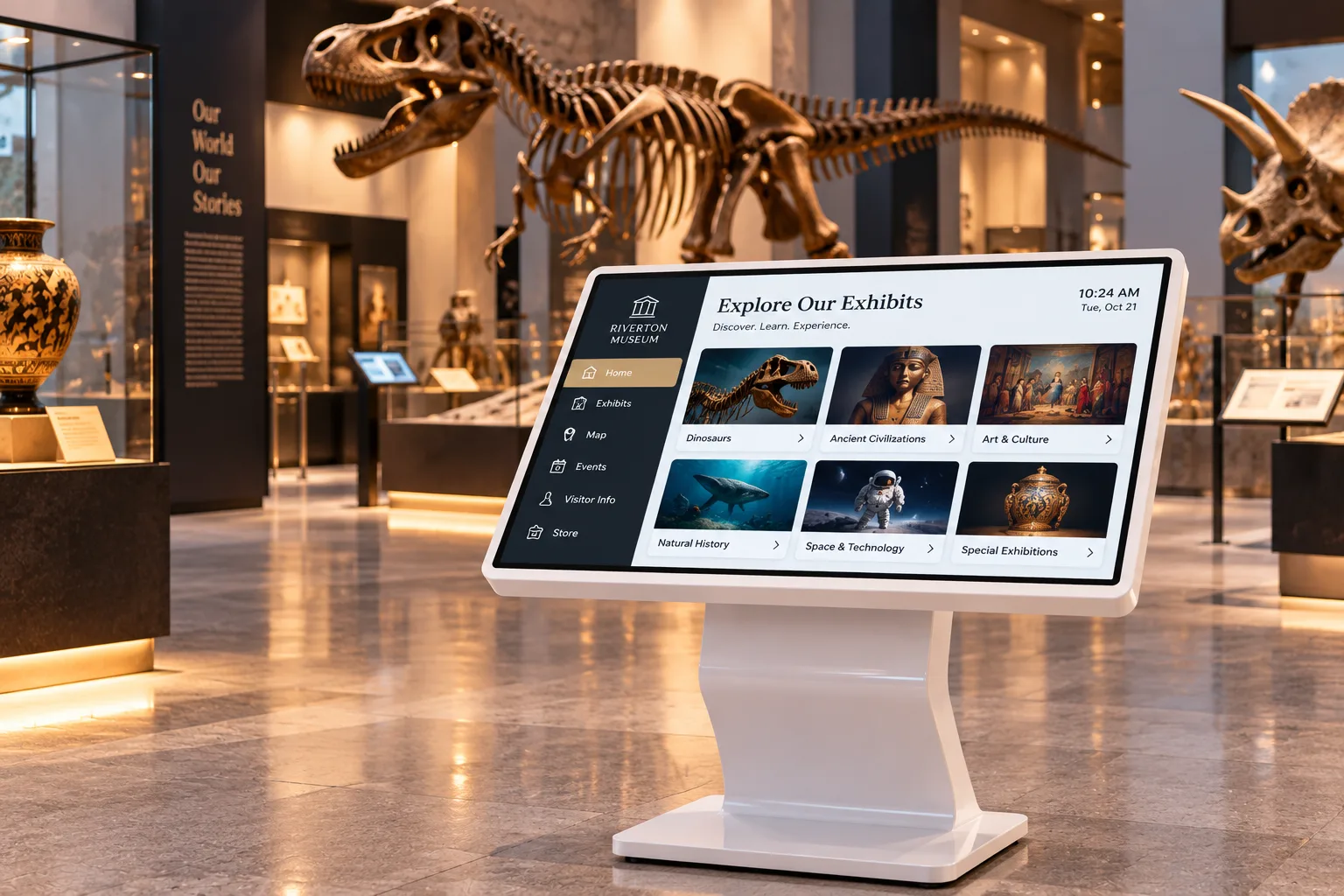
Kiosk Screens People Actually Use: Seven Design Tips
Read more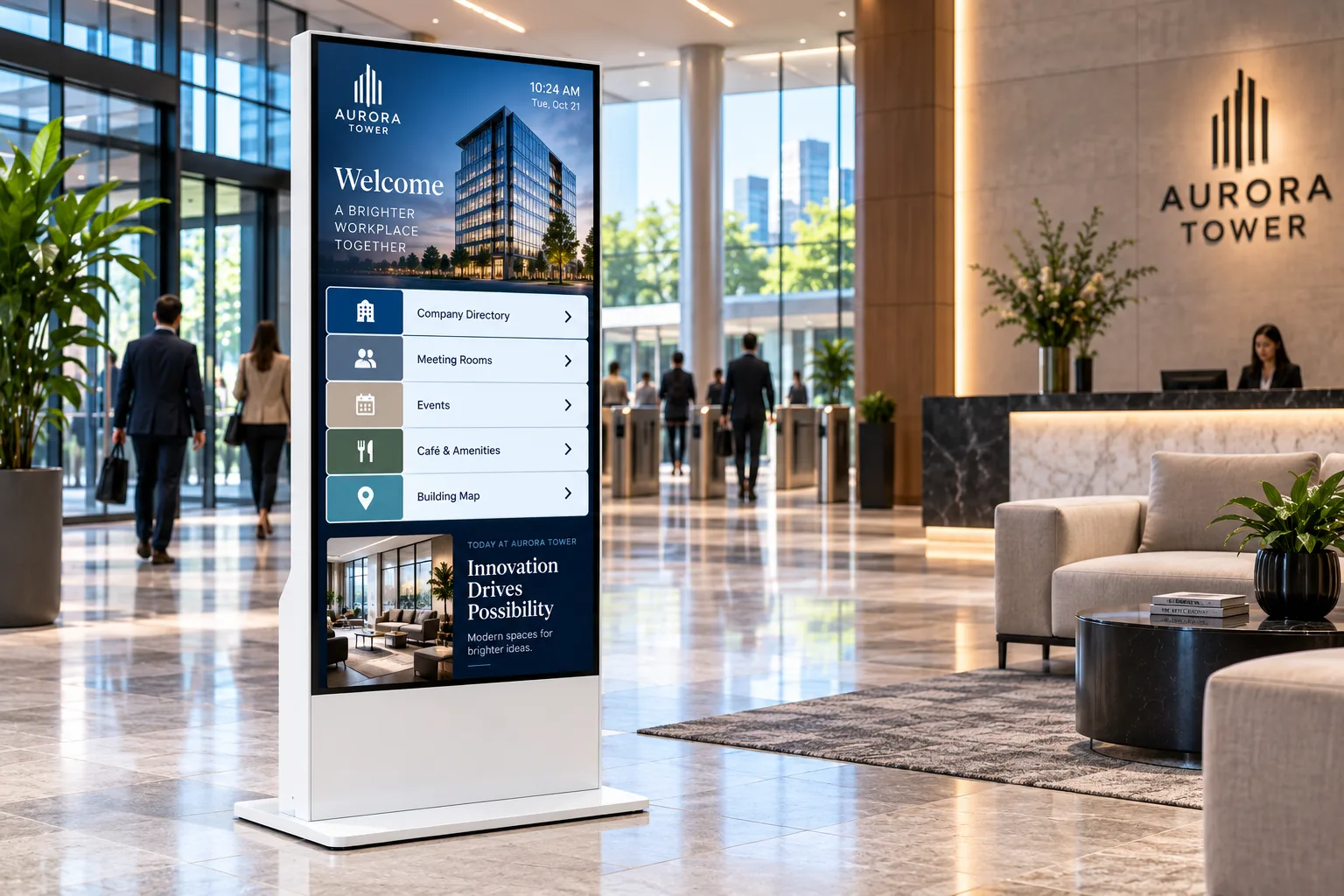
Kiosk, Directory or Digital Sign: Which Does Your Space Need?
Read more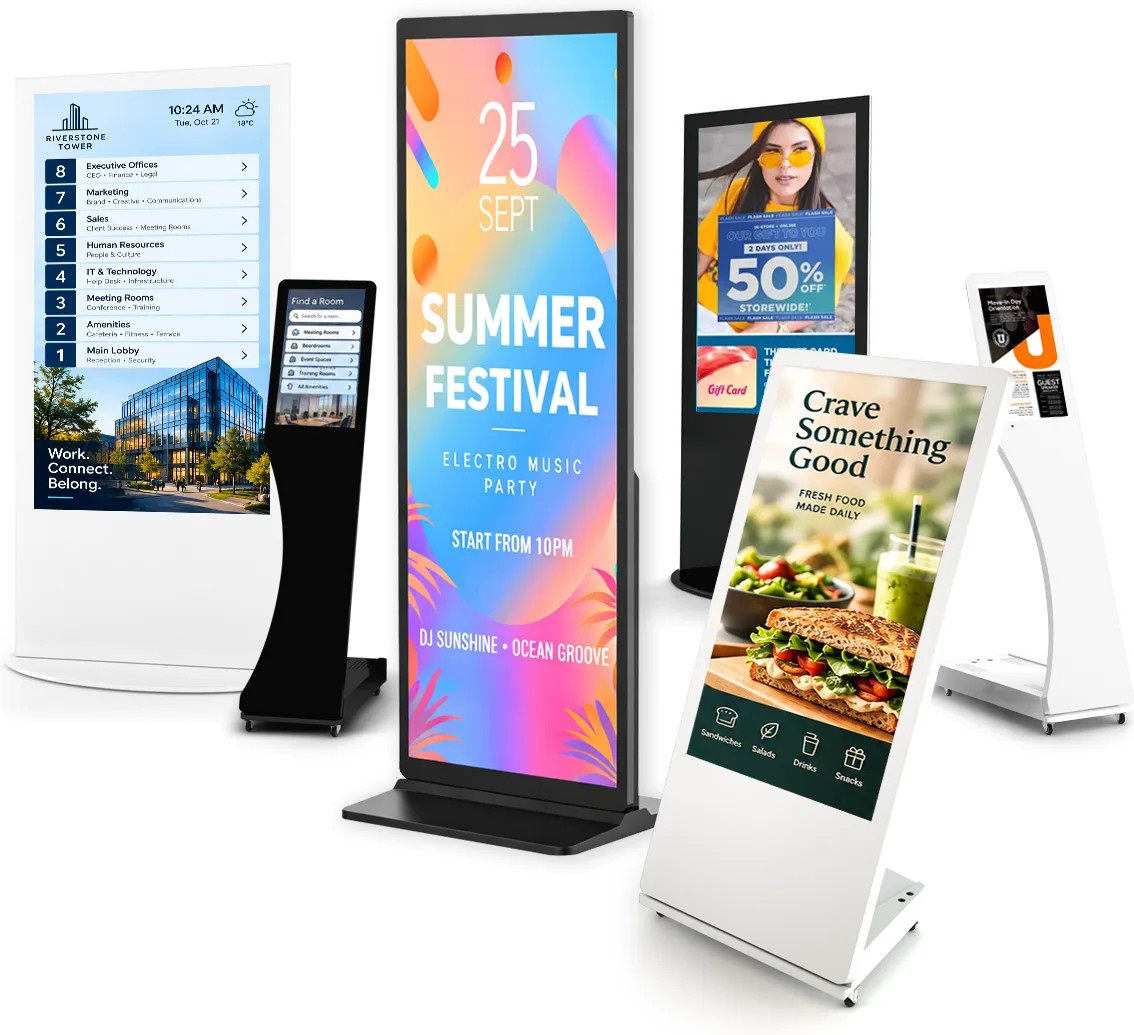
What Is a Digital Kiosk?
Read moreIndoor or Outdoor Kiosk? What Changes When It Goes Outside
Read more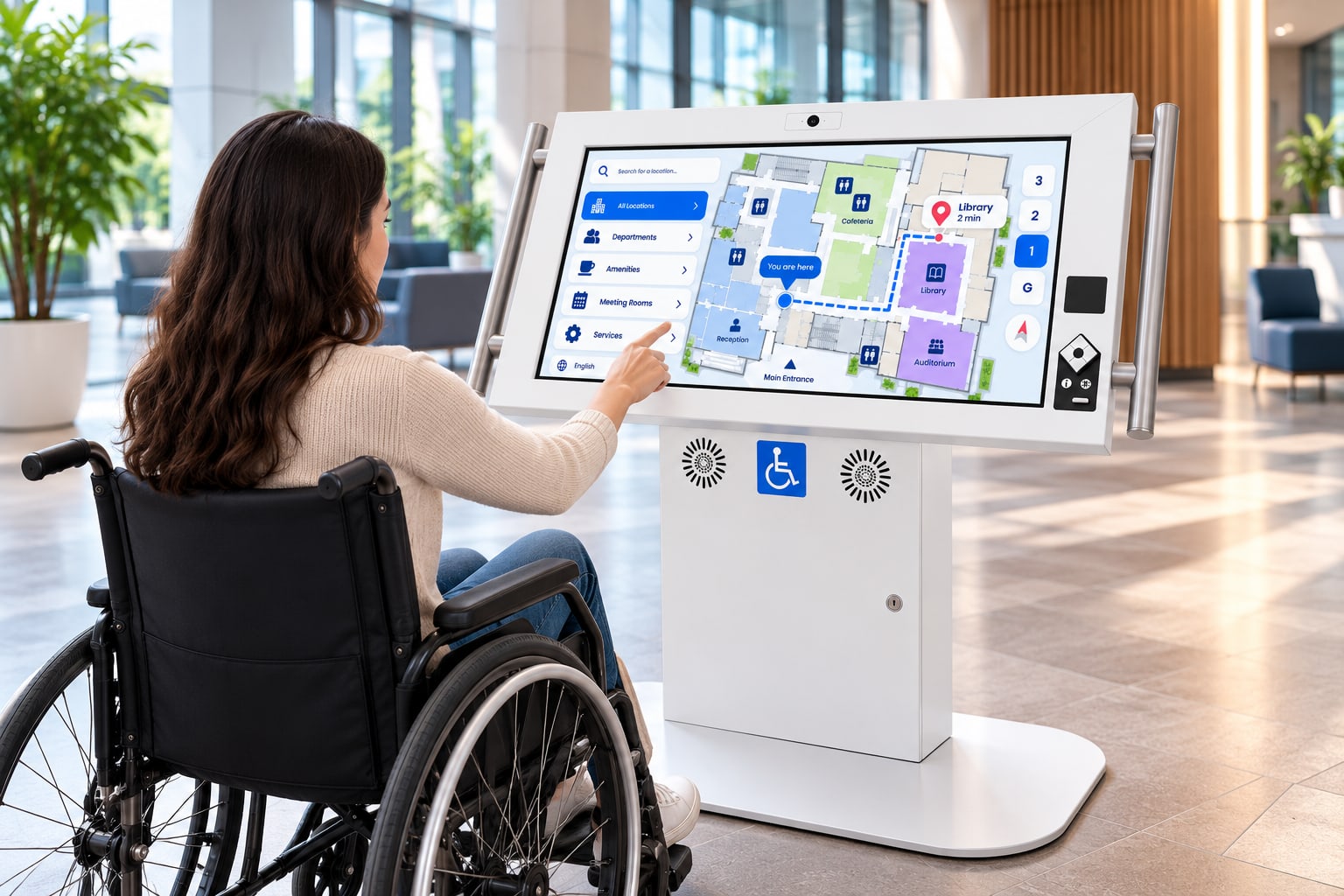
Accessible Kiosks: What Makes a Kiosk Usable by Everyone
Read more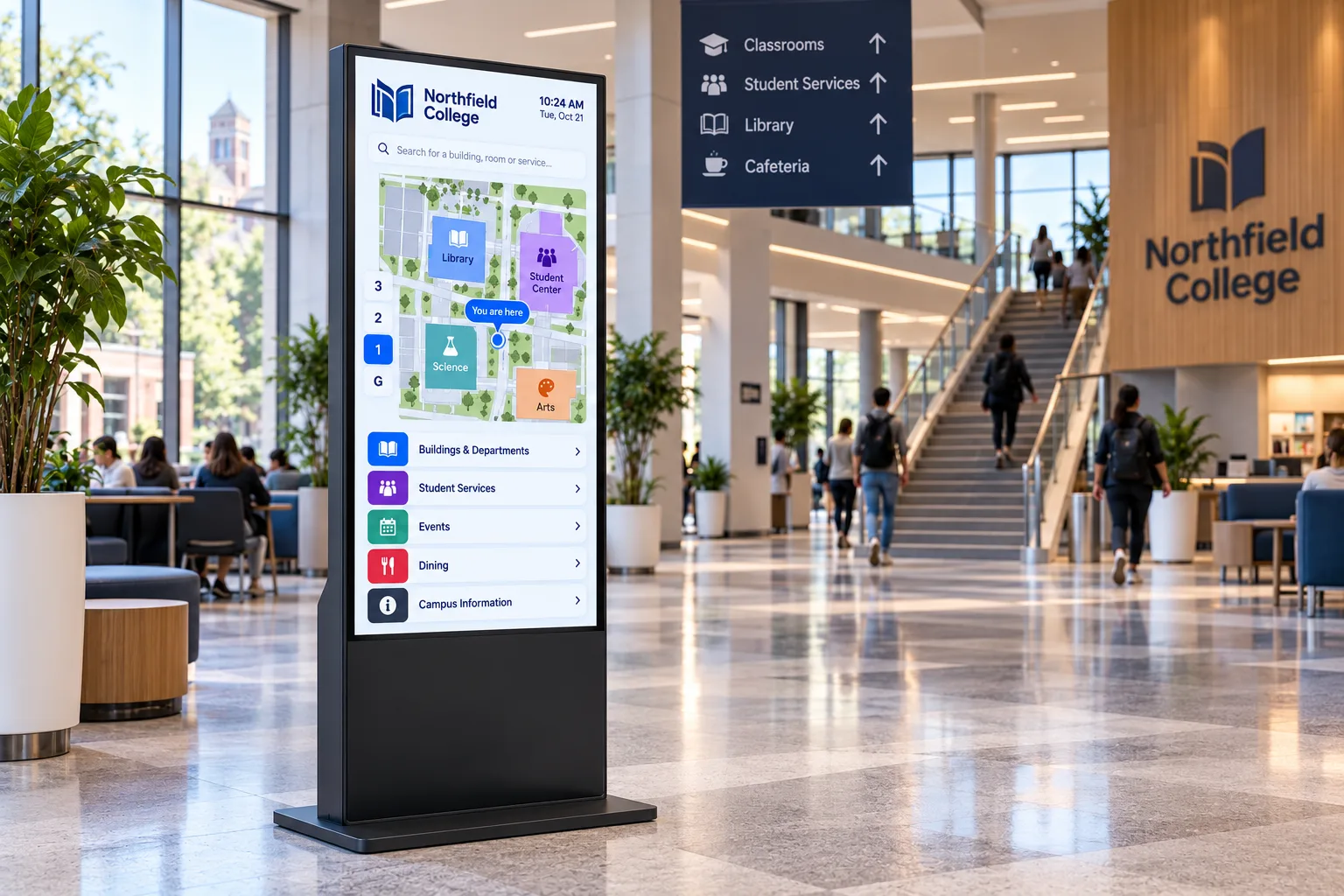
Campus Wayfinding Kiosks: A Planning Guide for Schools and Colleges
Read moreKiosk Form Factors Explained: Upright, Angled, Double-Sided and Portable
Read moreGet Started
Adding digital signage is a great way to increase brand awareness and increases customer engagement. If you are looking to start or expand on your visual communication needs, please send us an email or give us a call.