
Blog
How to Choose a Digital Kiosk: Eight Questions to Answer First
Screen size is usually the first thing people ask about, and the last thing that should be decided. Answer these eight questions and the right kiosk narrows itself down.
1. What should people be able to do at it?
Write the task down in one sentence: "Visitors find the department they need and get directions." "Guests order and pay without queuing." Everything else follows from that sentence: the software, the screen, the peripherals and where the kiosk stands.
2. Where will it stand?
Indoors or out, in sunlight or shade, in a heated lobby or an unheated vestibule. Outdoor kiosks need sealed enclosures and much brighter displays (see indoor vs outdoor kiosks). Indoors, check the floor, the sightlines from the entrance, and that power and data can reach the spot.
3. Touch, or no touch?
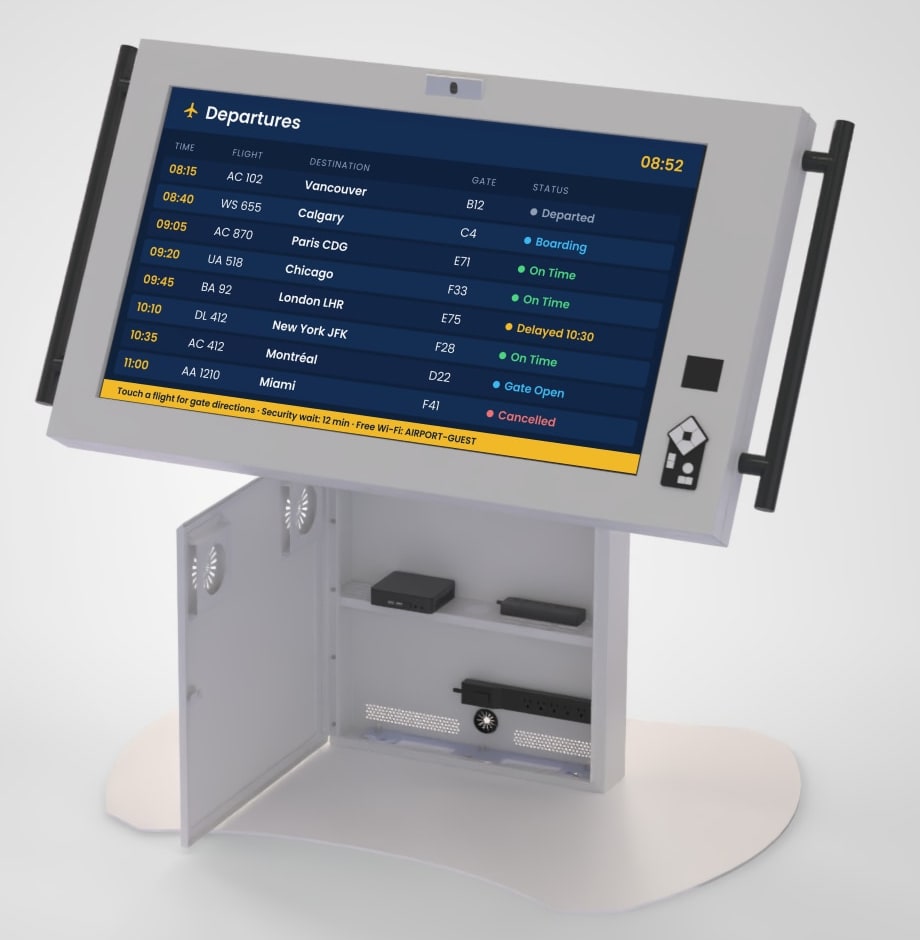
A kiosk that only shows information, such as a departures board or a promotion, does not need touch, and is simpler to look after. If people search, order or check in, they need touch, and the touch technology matters: projected capacitive (PCAP) feels like a phone, infrared suits very large screens.
4. Portrait, landscape or angled?
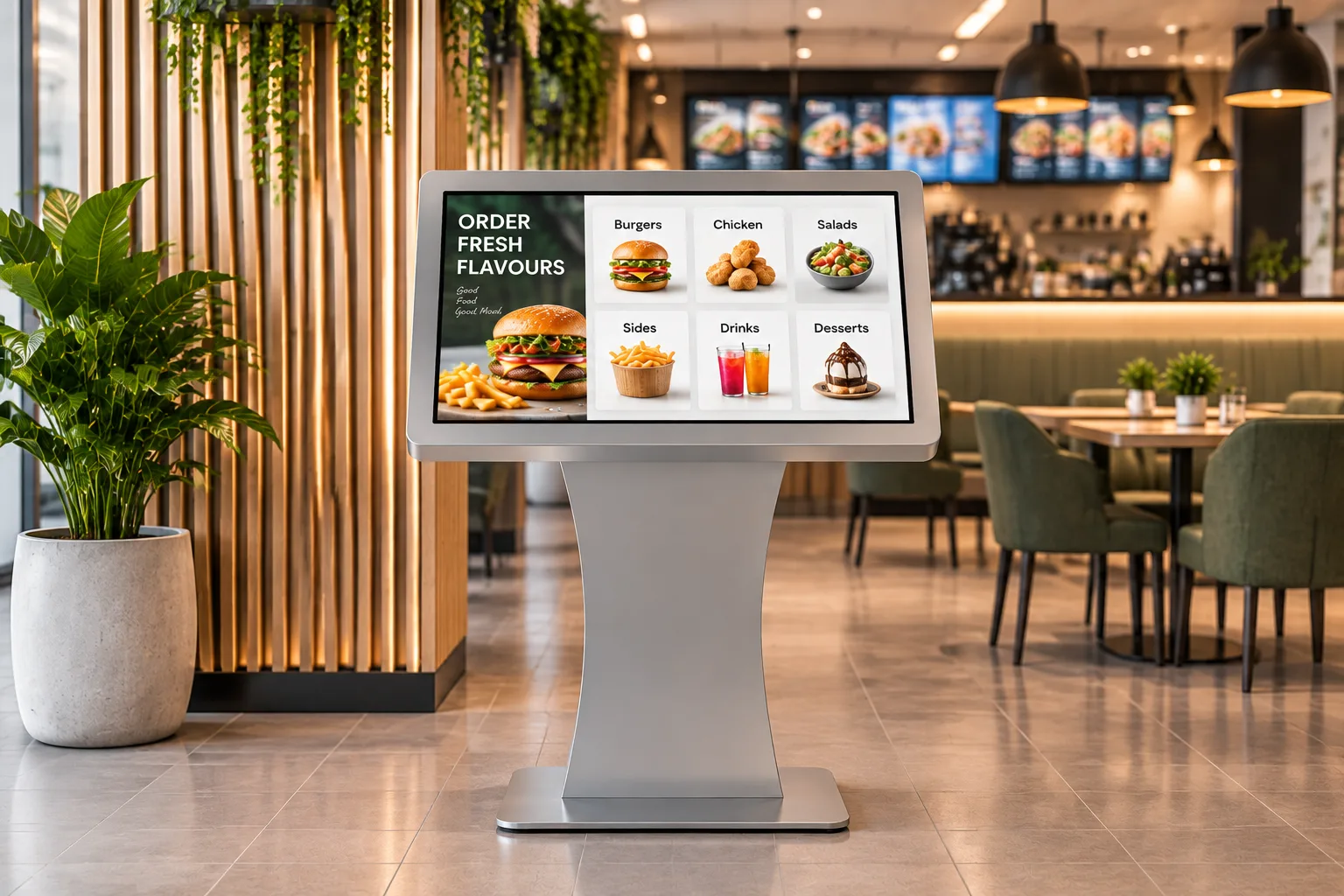
Tall portrait screens are seen from across a room and suit maps and directories. Landscape screens suit menus and wide content. An angled screen is the most comfortable to touch for a long time, which is why it is the usual choice for ordering and check-in. Our guide to kiosk form factors compares them.
5. How big a screen?
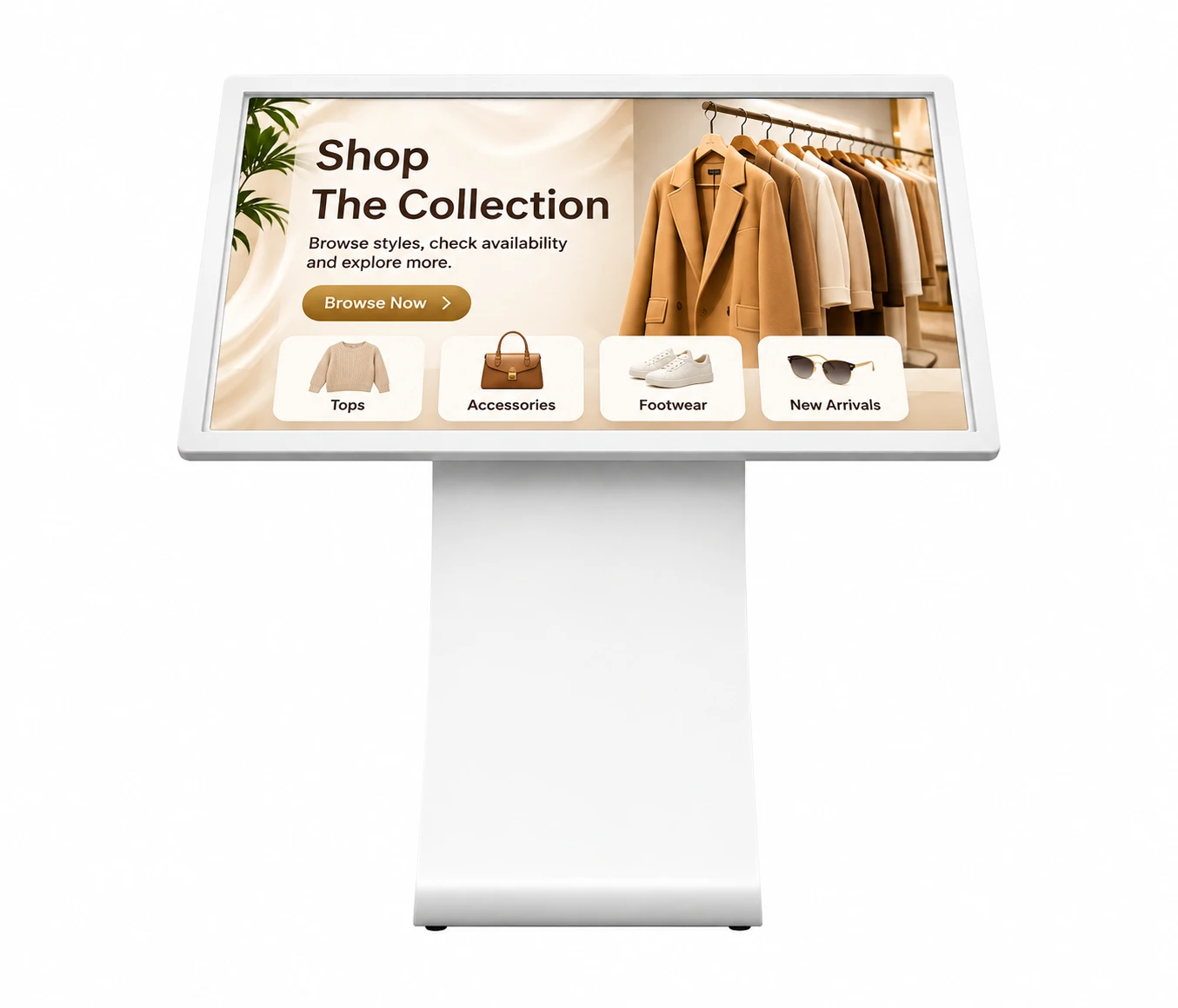
Bigger is not always better. A screen people touch has to be within arm's reach top to bottom; a screen people read from a distance can be larger. Think about how far away people will be when they first see it, and how close they will be when they use it.
6. Who needs to reach it?
Public buildings must serve wheelchair users, people with low vision and people who cannot use a touch screen. Standards such as CSA/ASC B651.2 in Canada set where controls go and how the kiosk is approached. If a tender names a standard, choose a kiosk designed to it; our Kiosk Accessibility Standards page explains what each one asks for.
7. What software will it run, and what plugs in?
humanKIOSK supplies the hardware; you or your integrator choose the software, so you can keep the wayfinding, ordering or check-in platform you already run. Decide whether you want a built-in PC (the Linea Angled-S has an Intel Core i5 running Windows 11 Pro) or your own media player, and list every peripheral: barcode scanner, printer, card reader, camera, speakers or keypad.
8. Who looks after it?
Ask who opens it, how and how often. Look for locks that stop tampering, an internal tray that keeps the player and cables tidy, and service access that does not mean taking the kiosk apart. The Duraline Angled Kiosk, for example, has hex-pin screw locks and an internal component tray.
Bring your answers to us
With these eight answers, choosing a kiosk takes minutes, not months. See what kiosks do in transportation, retail and restaurants and healthcare, or contact us with your answers and we will suggest a kiosk.
Kiosks for Your Industry
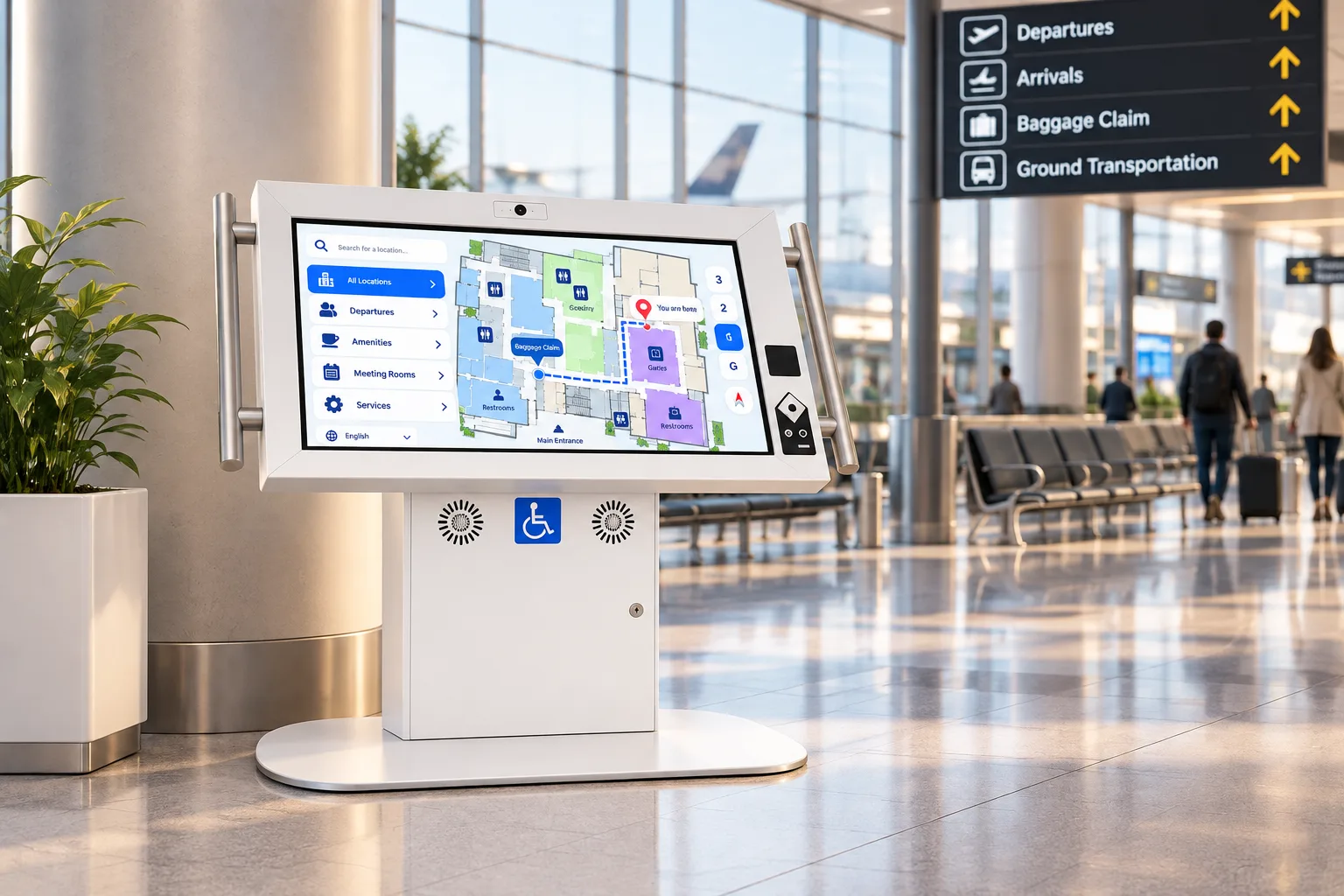 TransportationAccessible, rugged kiosks for airports, transit stations, rail and ferry terminals.
- Retail & RestaurantsSelf-ordering, product lookup and promotion for stores, restaurants, malls and bank branches.
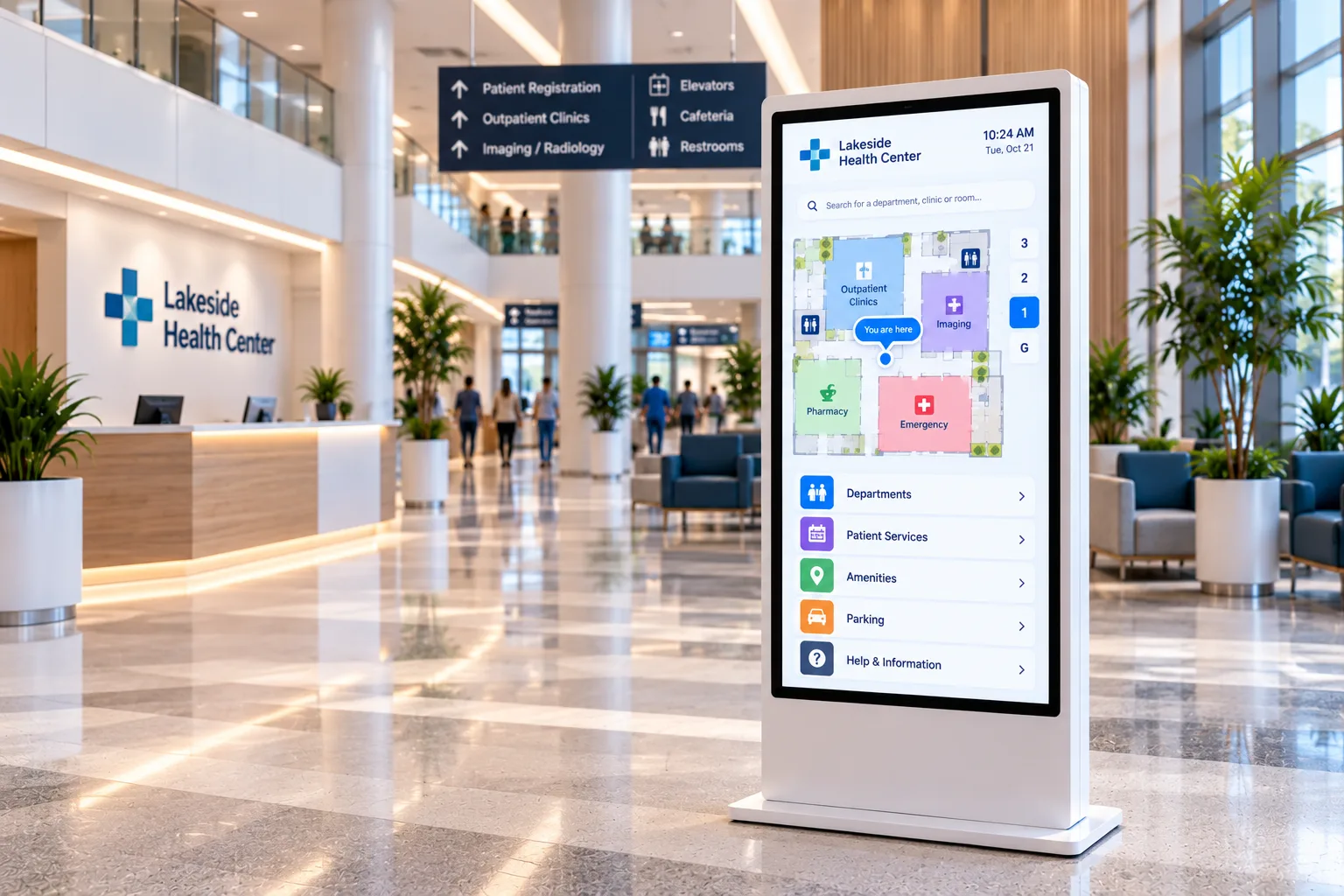
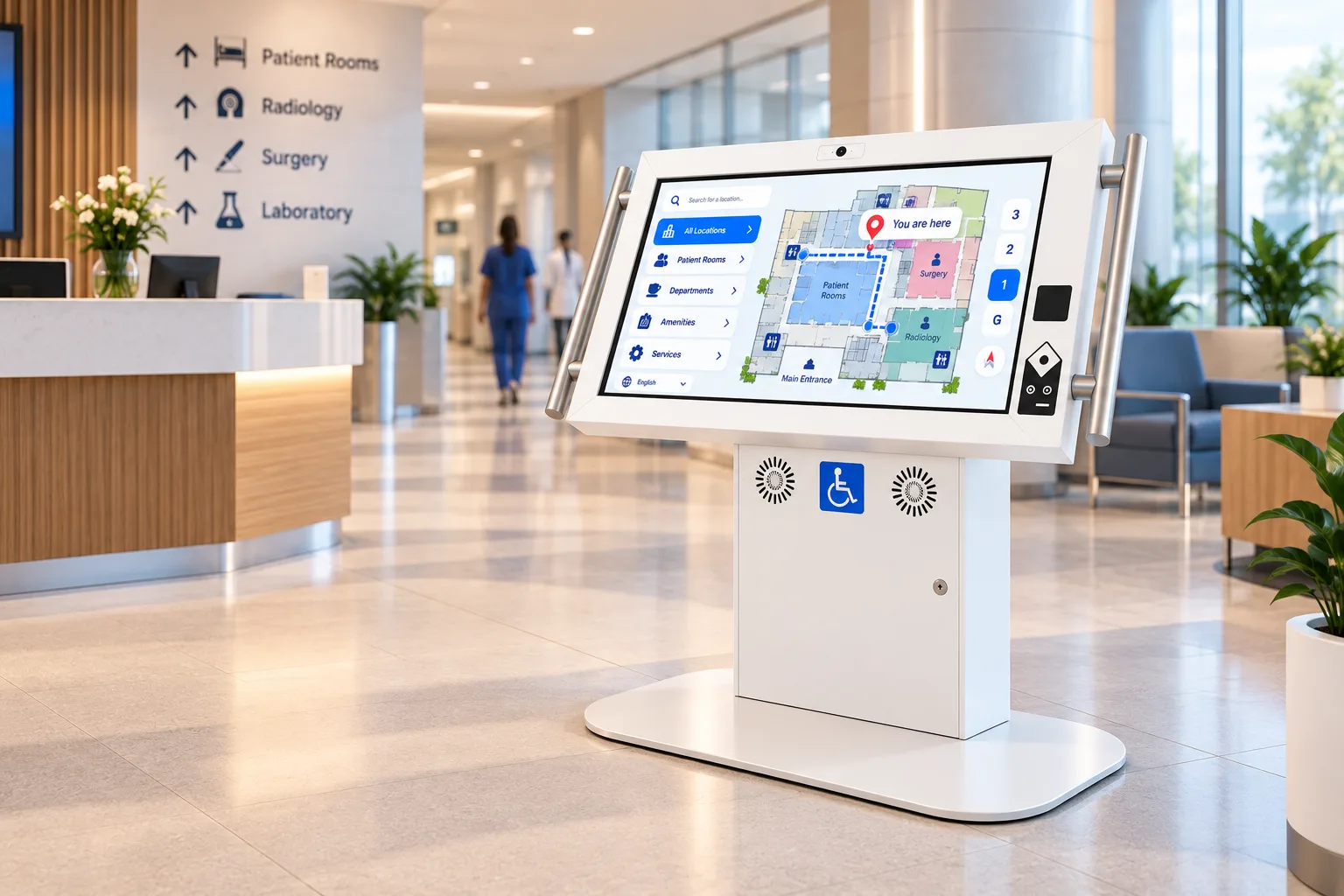 HealthcareCheck-in, wayfinding and patient information on accessible kiosks with an antimicrobial finish.
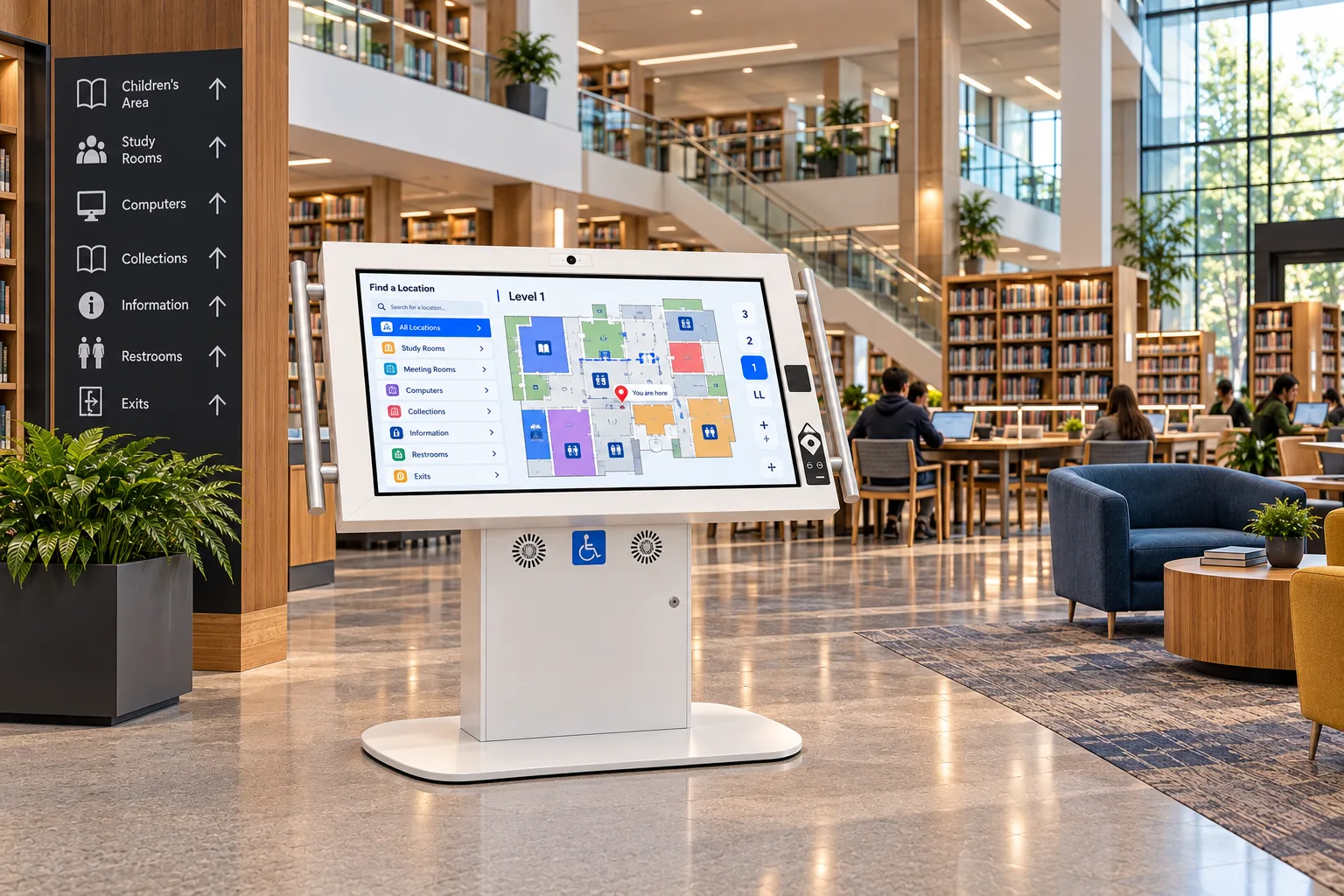 Government & LibrariesAccessible self-service for city halls, service centres, courts and public libraries.
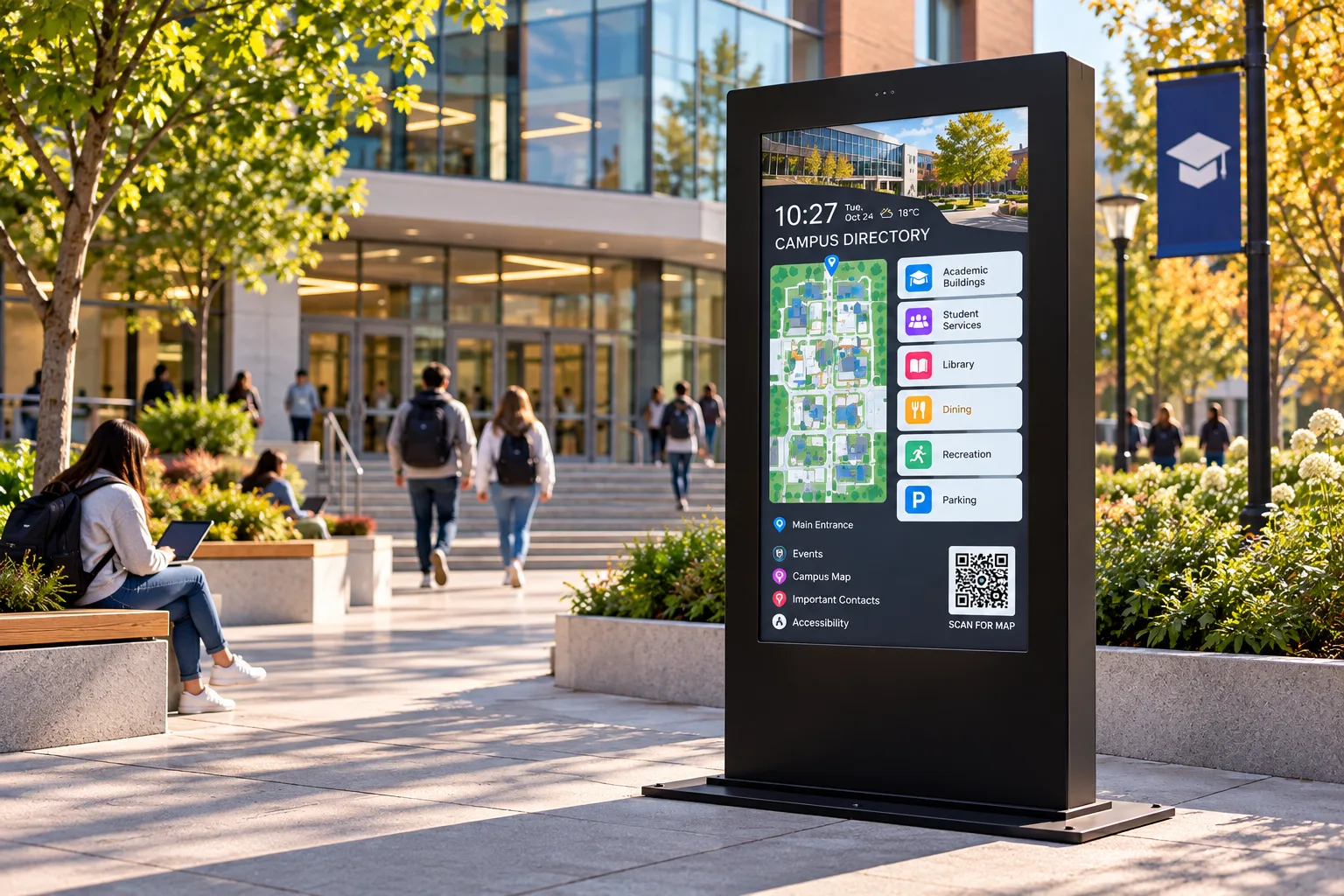 EducationWayfinding, student services and campus-wide notices on kiosks built for a student body.
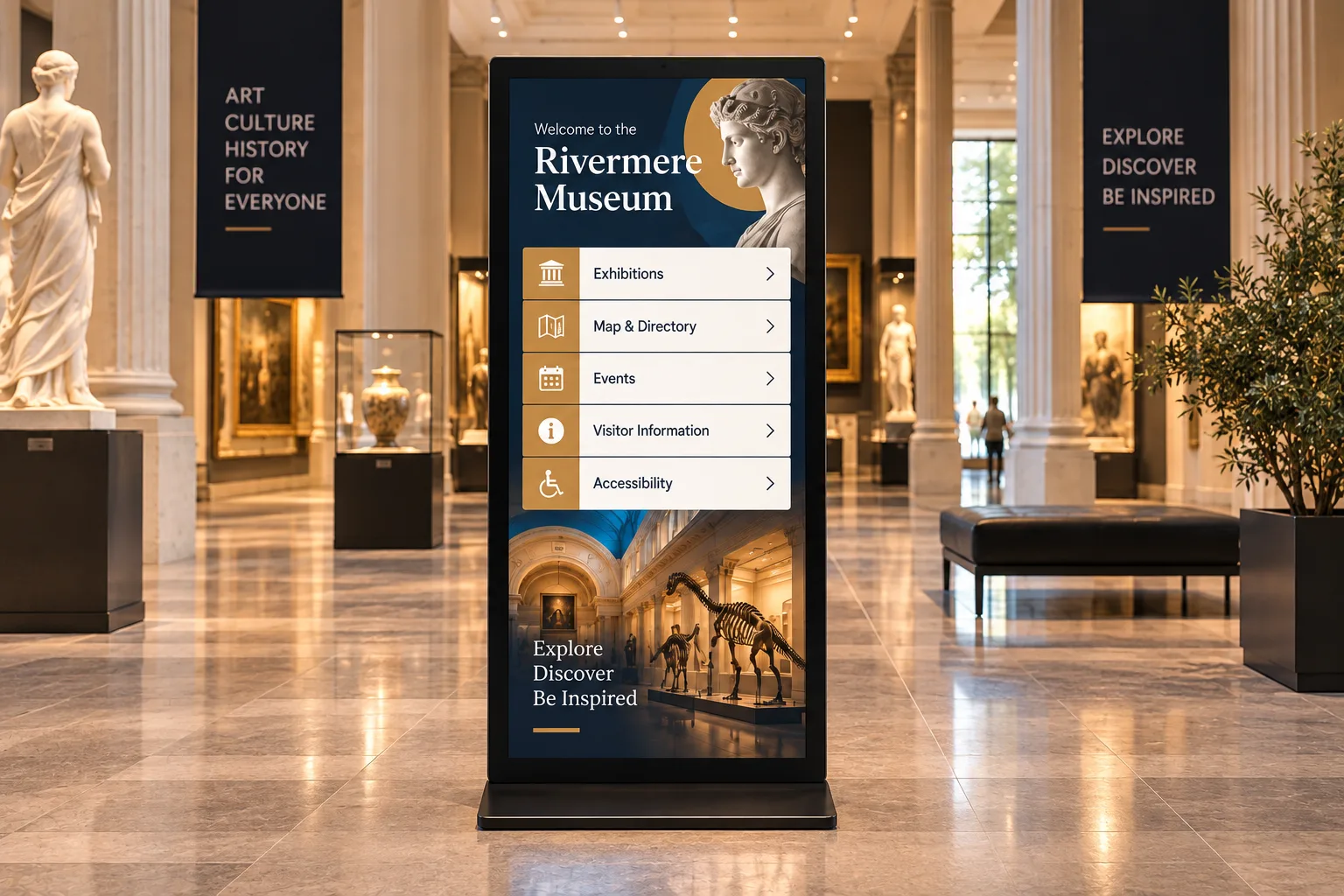 Museums & AttractionsInteractive exhibits, visitor wayfinding and accessible interpretation for museums, science centres, zoos and parks.
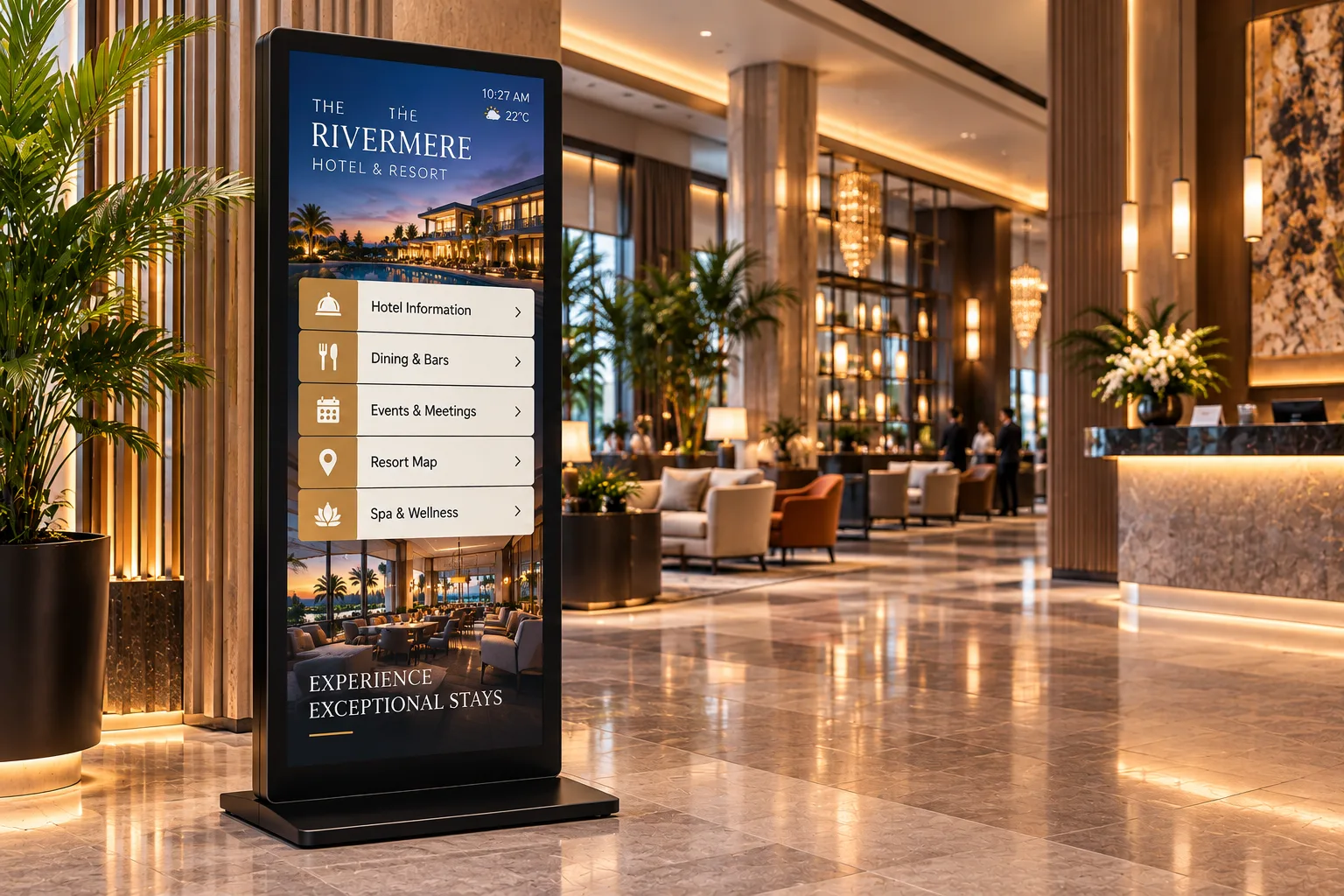 Hospitality & VenuesGuest self-service and wayfinding for hotels, casinos, stadiums, convention centres and trade shows.
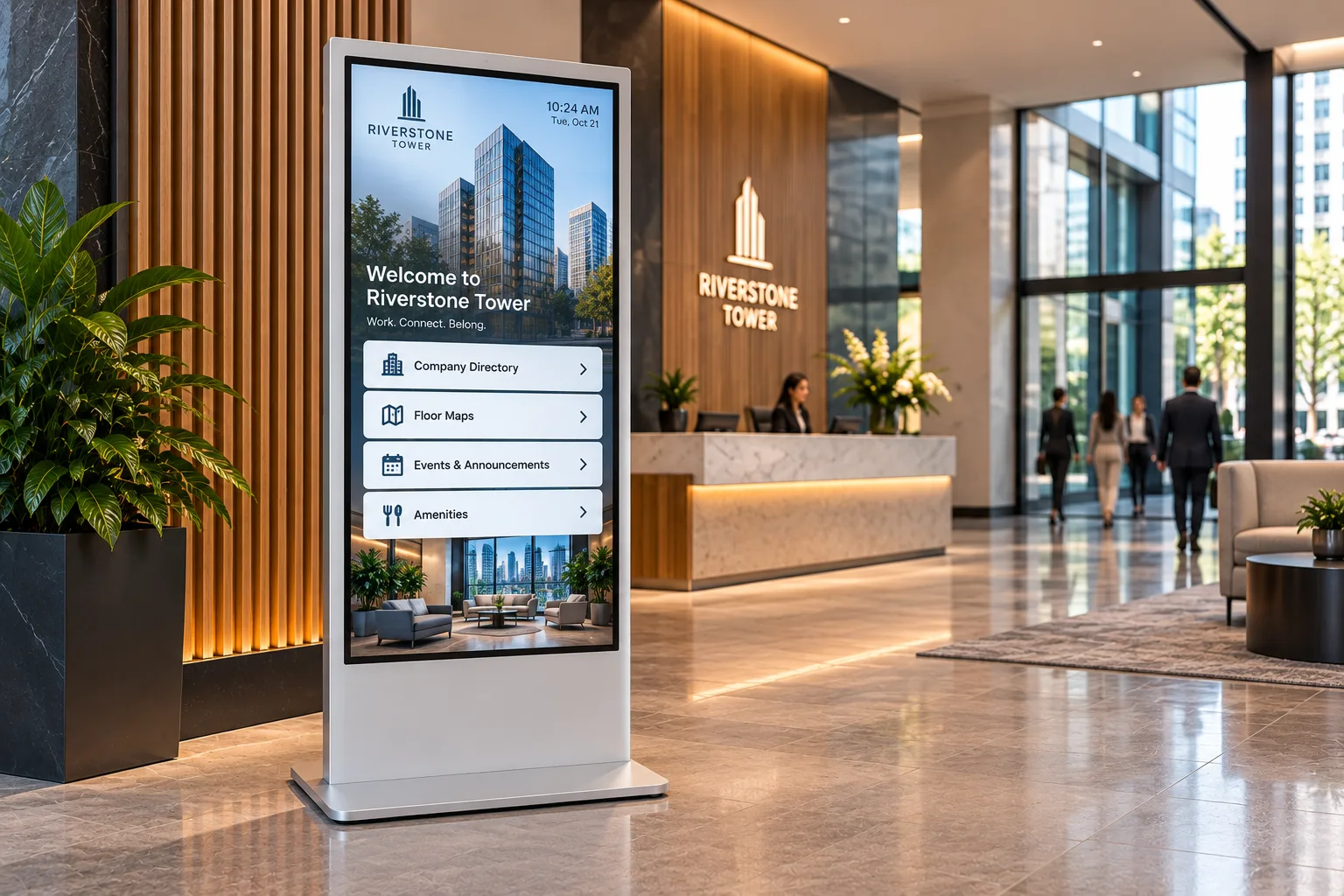 Corporate & Real EstateLobby directories, visitor check-in and workforce communication for offices, buildings and plants.
Related Articles
Planning a Kiosk Rollout: From Site Walk to Launch Day
Read more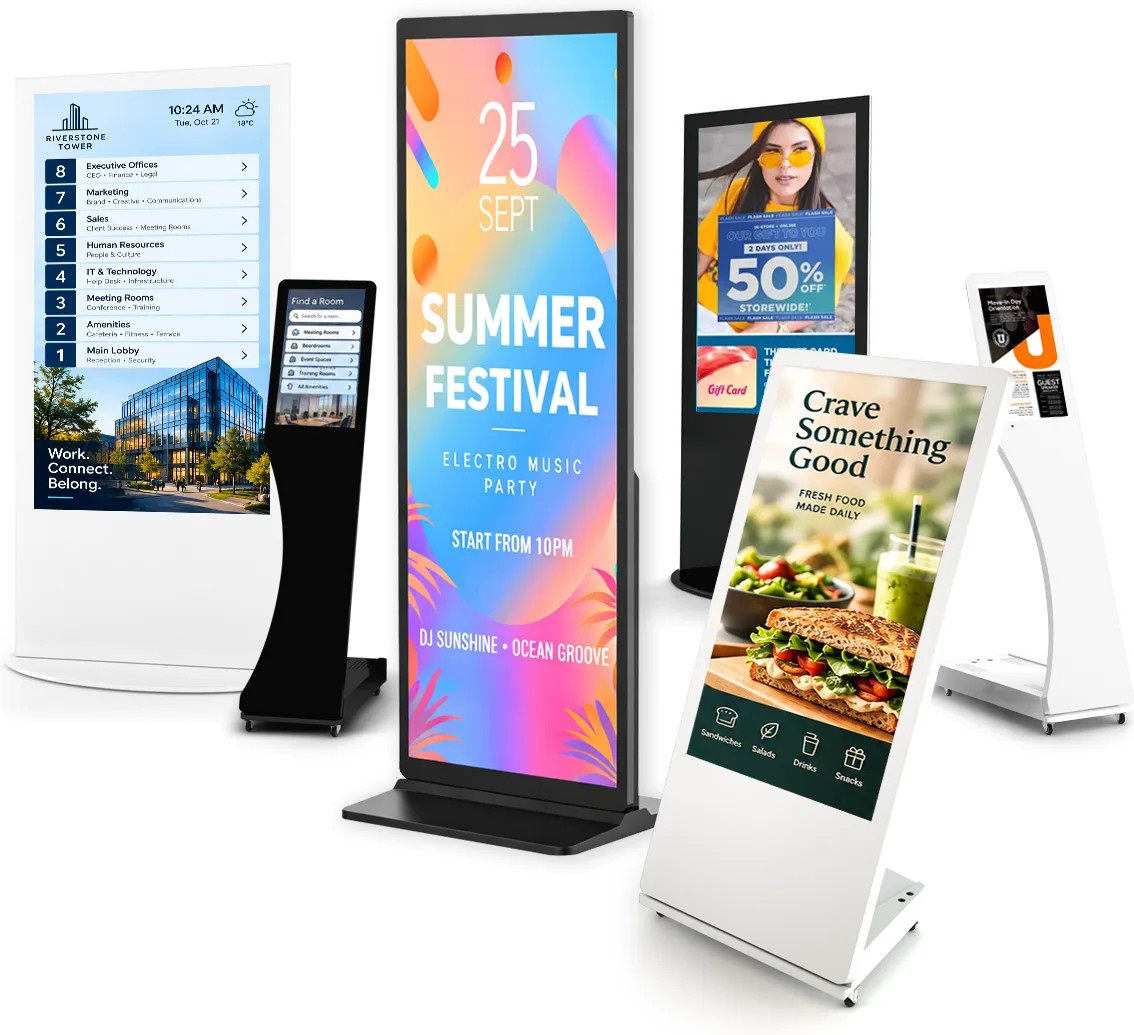
Kiosk Form Factors Explained: Upright, Angled, Double-Sided and Portable
Read moreIndoor or Outdoor Kiosk? What Changes When It Goes Outside
Read moreWhat Is a Digital Kiosk?
Read more
Kiosk, Directory or Digital Sign: Which Does Your Space Need?
Read more
Accessible Kiosks: What Makes a Kiosk Usable by Everyone
Read more
Campus Wayfinding Kiosks: A Planning Guide for Schools and Colleges
Read more
Kiosk Screens People Actually Use: Seven Design Tips
Read moreGet Started
Adding digital signage is a great way to increase brand awareness and increases customer engagement. If you are looking to start or expand on your visual communication needs, please send us an email or give us a call.