
Blog
Kiosk, Directory or Digital Sign: Which Does Your Space Need?
Three kinds of screen often get lumped together, but they do different jobs. Choose by what people need to do in front of it, and the right one is usually obvious.
Three screens, three jobs
A digital sign talks and people glance at it: a menu board, a promotion by the entrance, a departures screen. Nobody touches it, and the message changes on a schedule.
A touch screen directory is usually mounted on a wall and answers one question: where is it? Visitors search a tenant list, tap a name and see the floor and suite.
A digital kiosk is a freestanding unit, a screen and a computer in one enclosure, that people walk up to and use on their own. It can do what a directory does, and it can also take a task from start to finish: check in, print a pass, place an order, sign a waiver or book a room.
Start with what people need to do
Ask what a visitor should be able to do in the ten seconds after they walk in. The answer points to the screen:
- Notice something: today's specials, an event, a safety notice. A digital sign does it.
- Find a name or a room: a directory, or a kiosk if the building is large or changes often.
- Complete a task: check-in, ordering, payment, registration. That takes a kiosk, with the software and the peripherals the task needs.
Look at the space
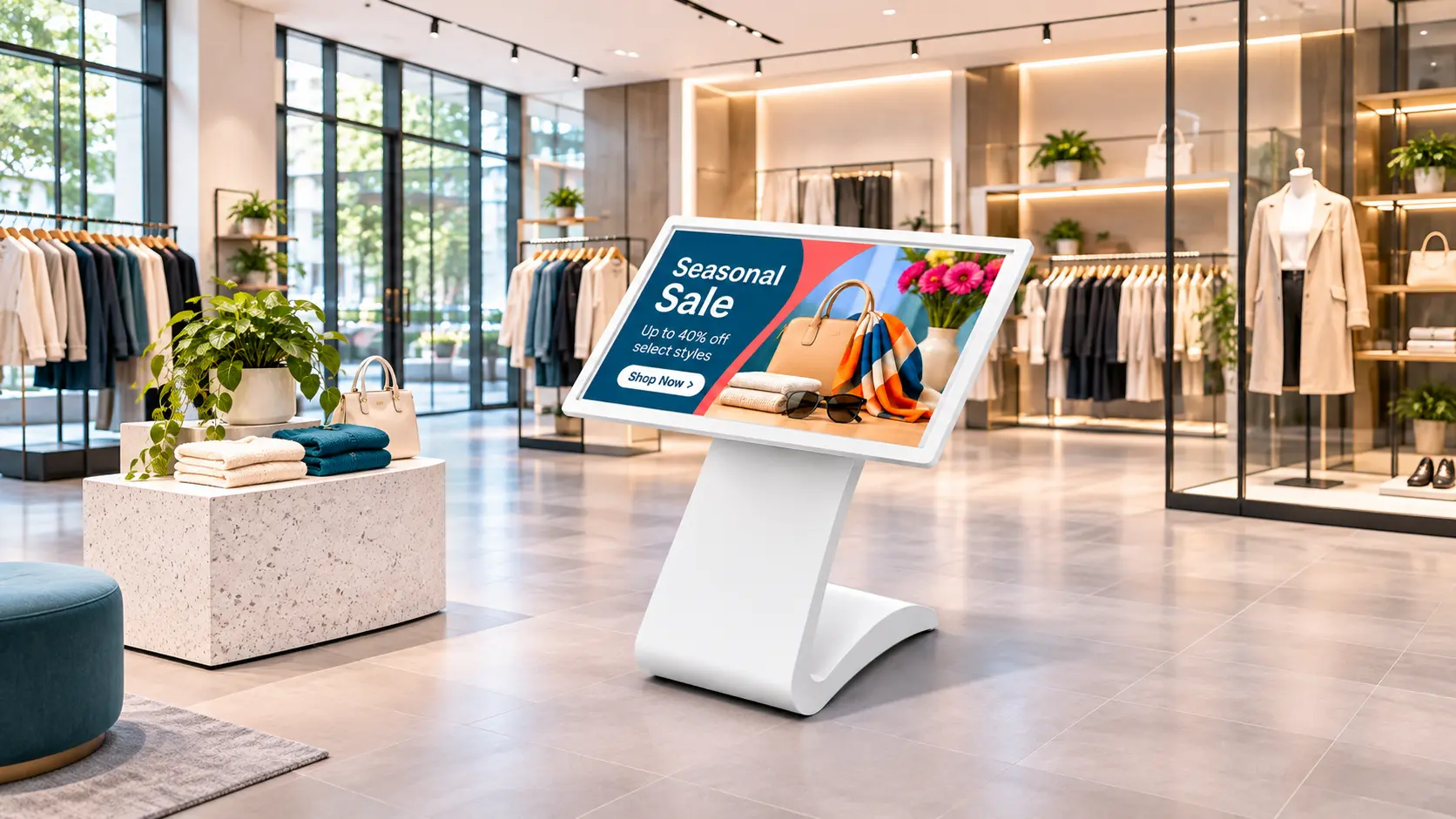
A wall directory saves floor space in a narrow corridor. A freestanding kiosk becomes a landmark in an open lobby, the place people head for when they are lost. In a corridor with traffic both ways, a double-sided unit such as the Linea Double Sided Kiosk reaches people walking in each direction without taking twice the floor.
Check what is at the spot before you choose: power, a network connection, and a clear route for a wheelchair to approach the screen.
Think about who uses it
Regular staff need a directory for a few seconds. First-time visitors in a hospital, an airport or a campus need more help, and they need it in more than one language. A screen mounted for a standing adult may be out of reach for a wheelchair user or a child: if your building must meet an accessibility standard, start with a kiosk designed to it, such as the Duraline Angled Accessibility Kiosk.
A quick way to decide
| If visitors need to | Choose |
|---|---|
| See a message as they pass | Digital sign |
| Look up a name or suite | Touch screen directory or kiosk |
| Find their way across a large site | Wayfinding kiosk |
| Check in, order, pay or register | Self-service kiosk |
Many buildings use all three: signs for messages, a kiosk at the main entrance, and directories at the lifts.
Where to go from here
See how other organizations combine them in corporate and real estate lobbies, retail and restaurants and hotels and venues, or start with what a digital kiosk is.
Kiosks for Your Industry
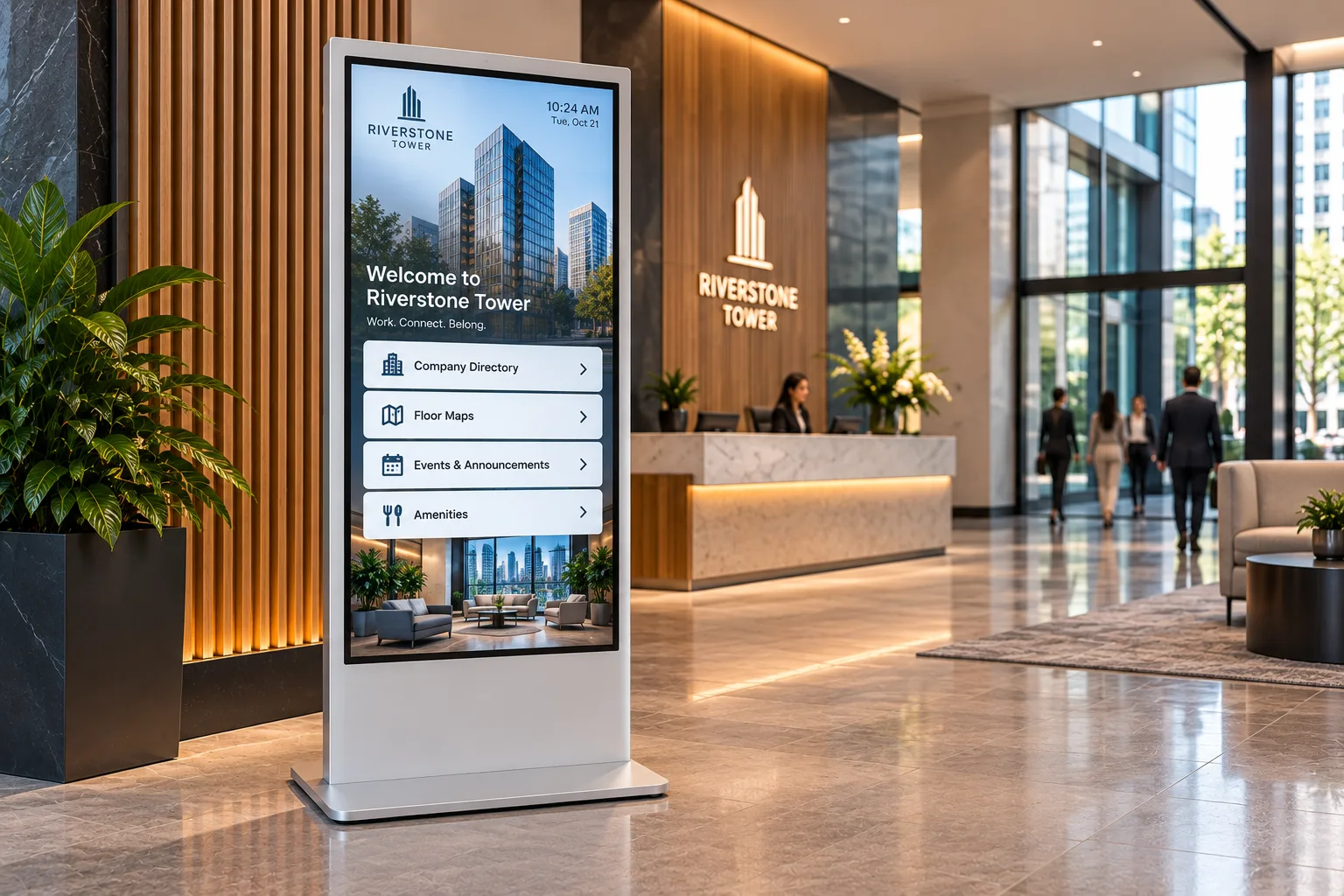 Corporate & Real EstateLobby directories, visitor check-in and workforce communication for offices, buildings and plants.
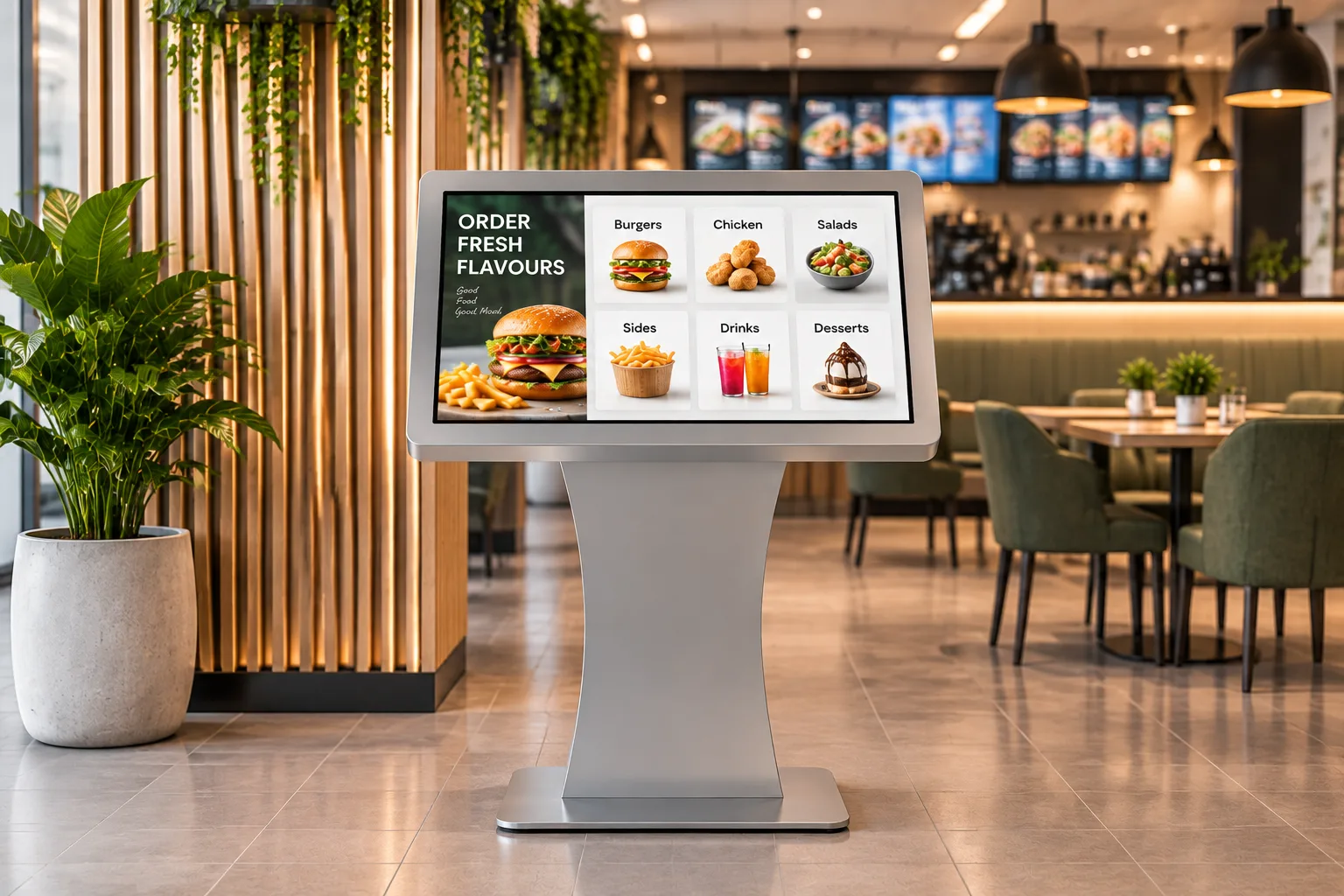 Retail & RestaurantsSelf-ordering, product lookup and promotion for stores, restaurants, malls and bank branches.
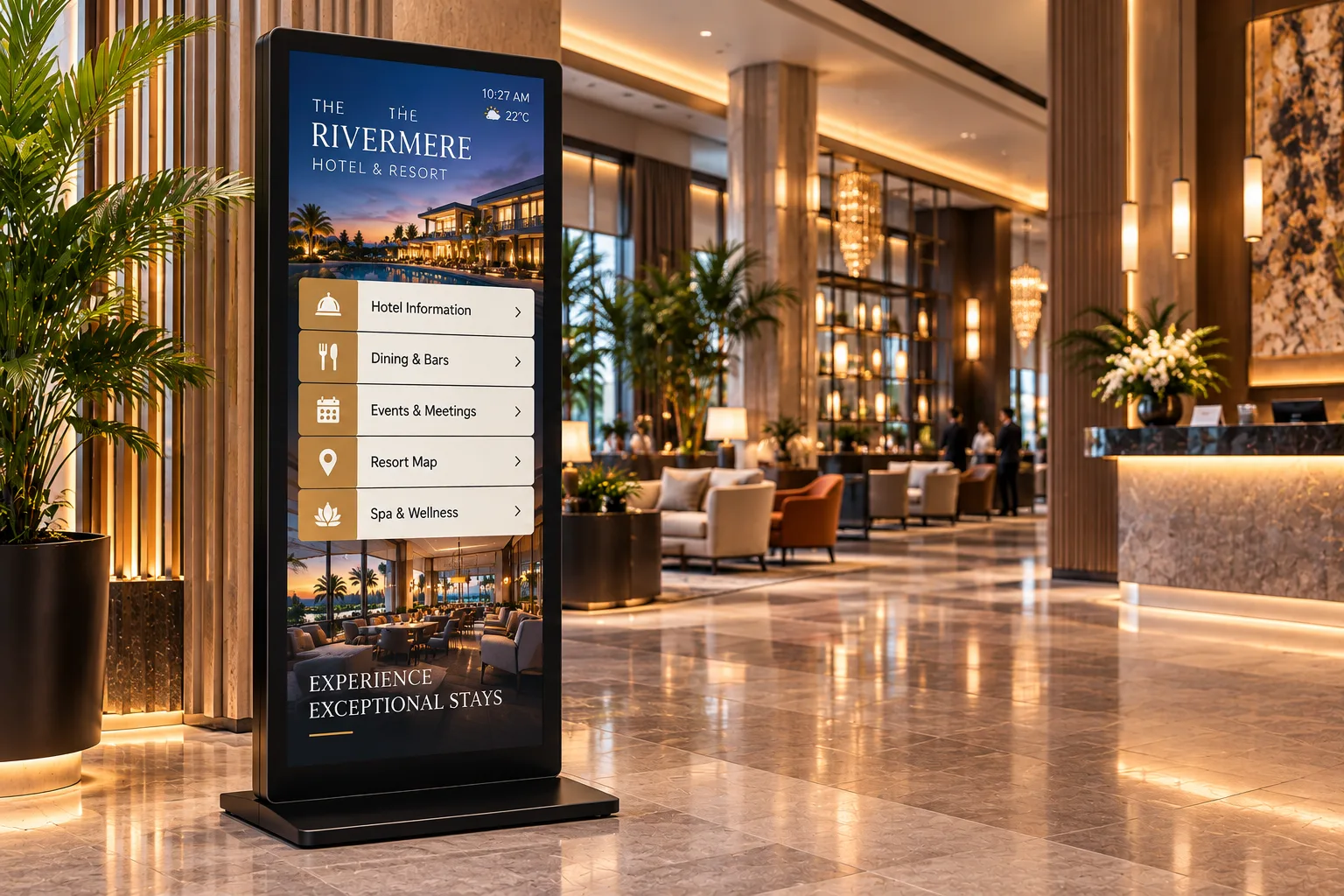 Hospitality & VenuesGuest self-service and wayfinding for hotels, casinos, stadiums, convention centres and trade shows.
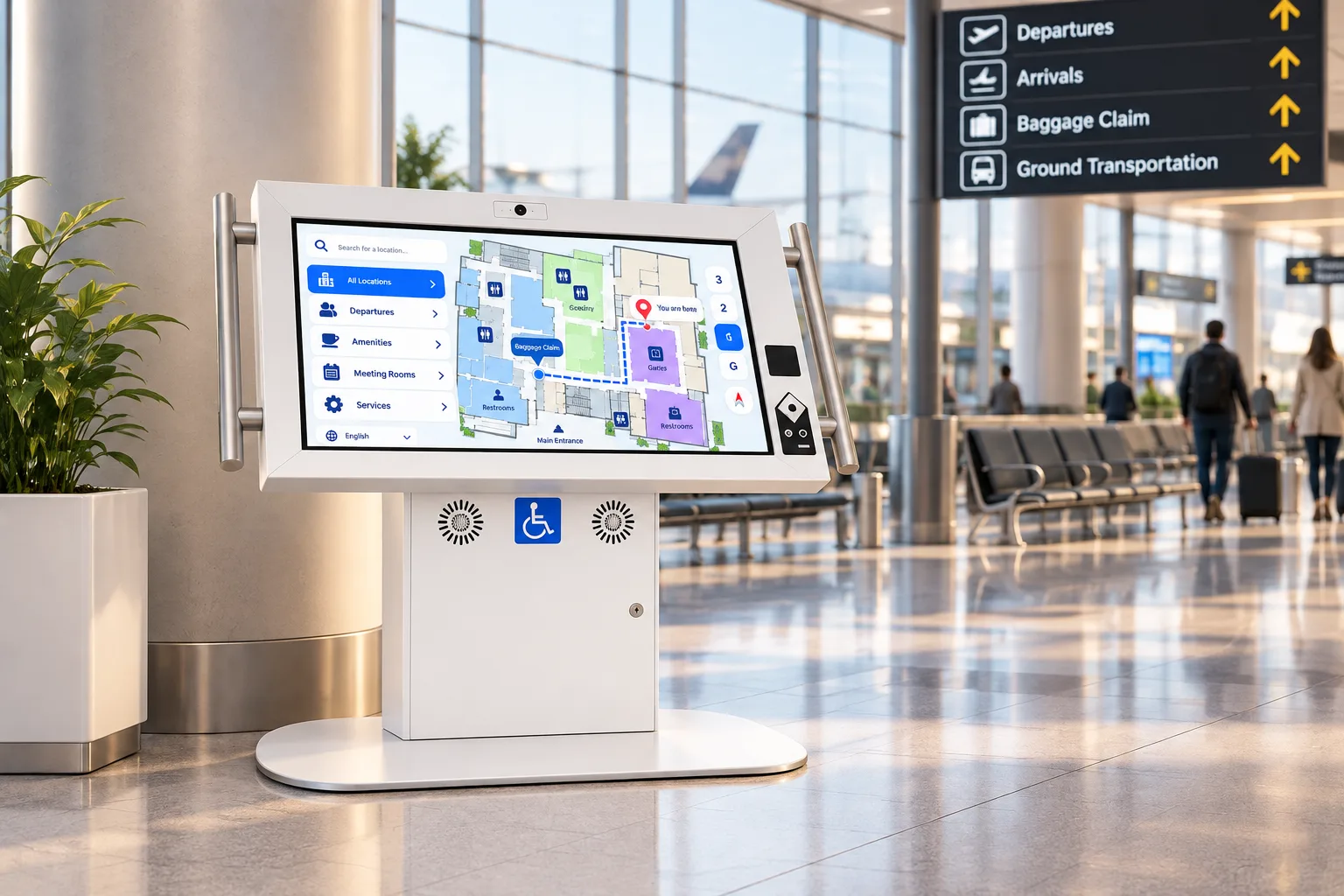 TransportationAccessible, rugged kiosks for airports, transit stations, rail and ferry terminals.
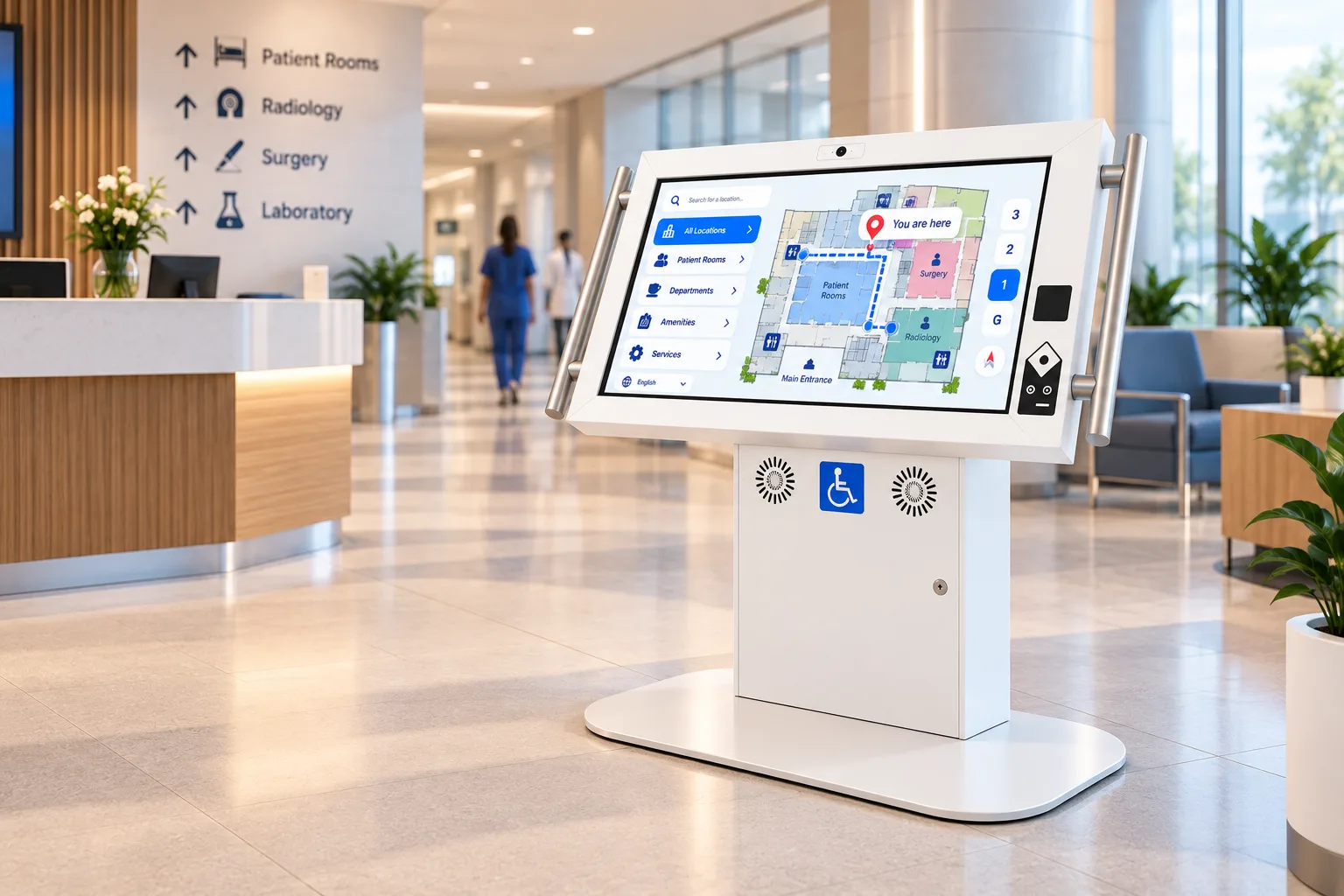 HealthcareCheck-in, wayfinding and patient information on accessible kiosks with an antimicrobial finish.
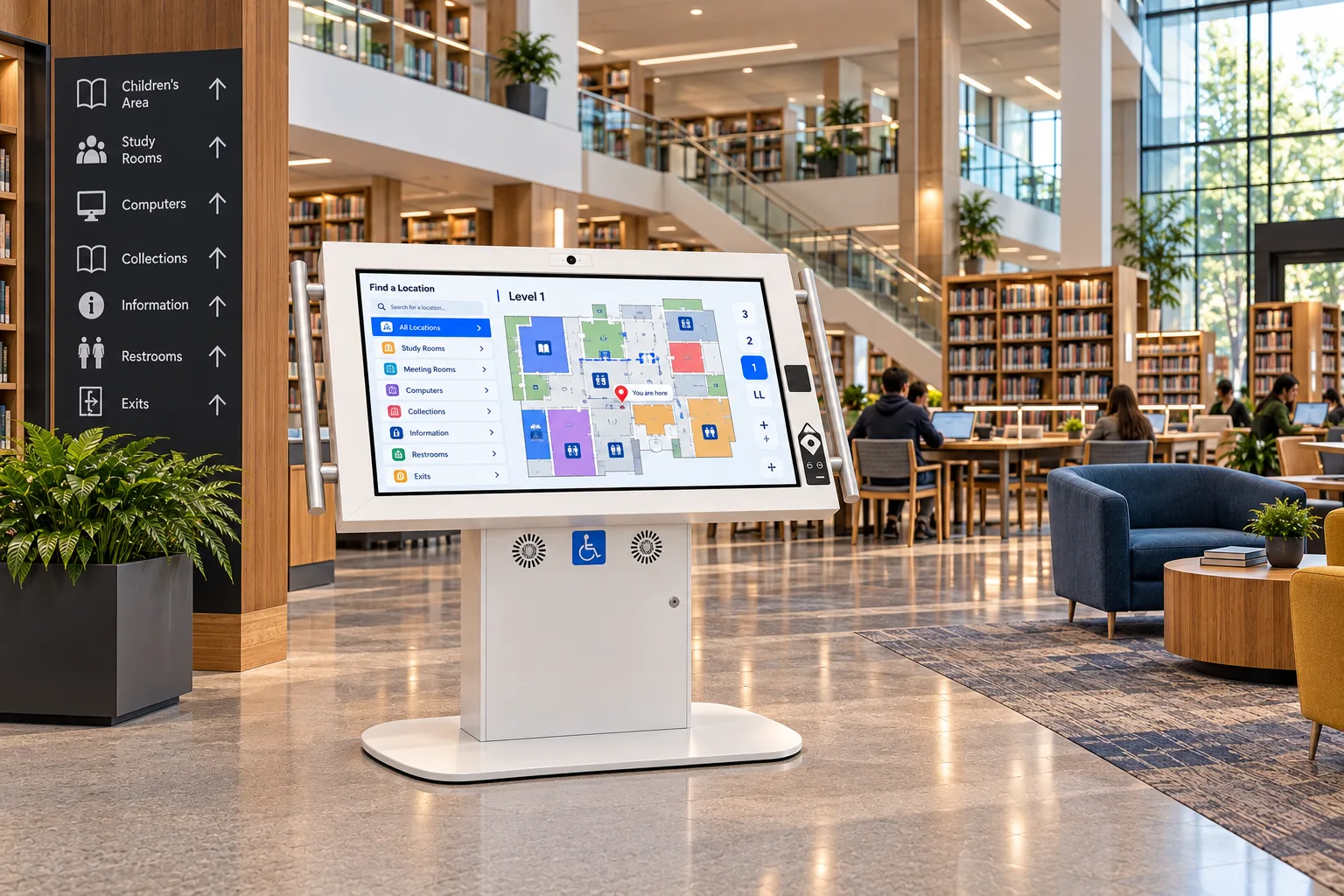 Government & LibrariesAccessible self-service for city halls, service centres, courts and public libraries.
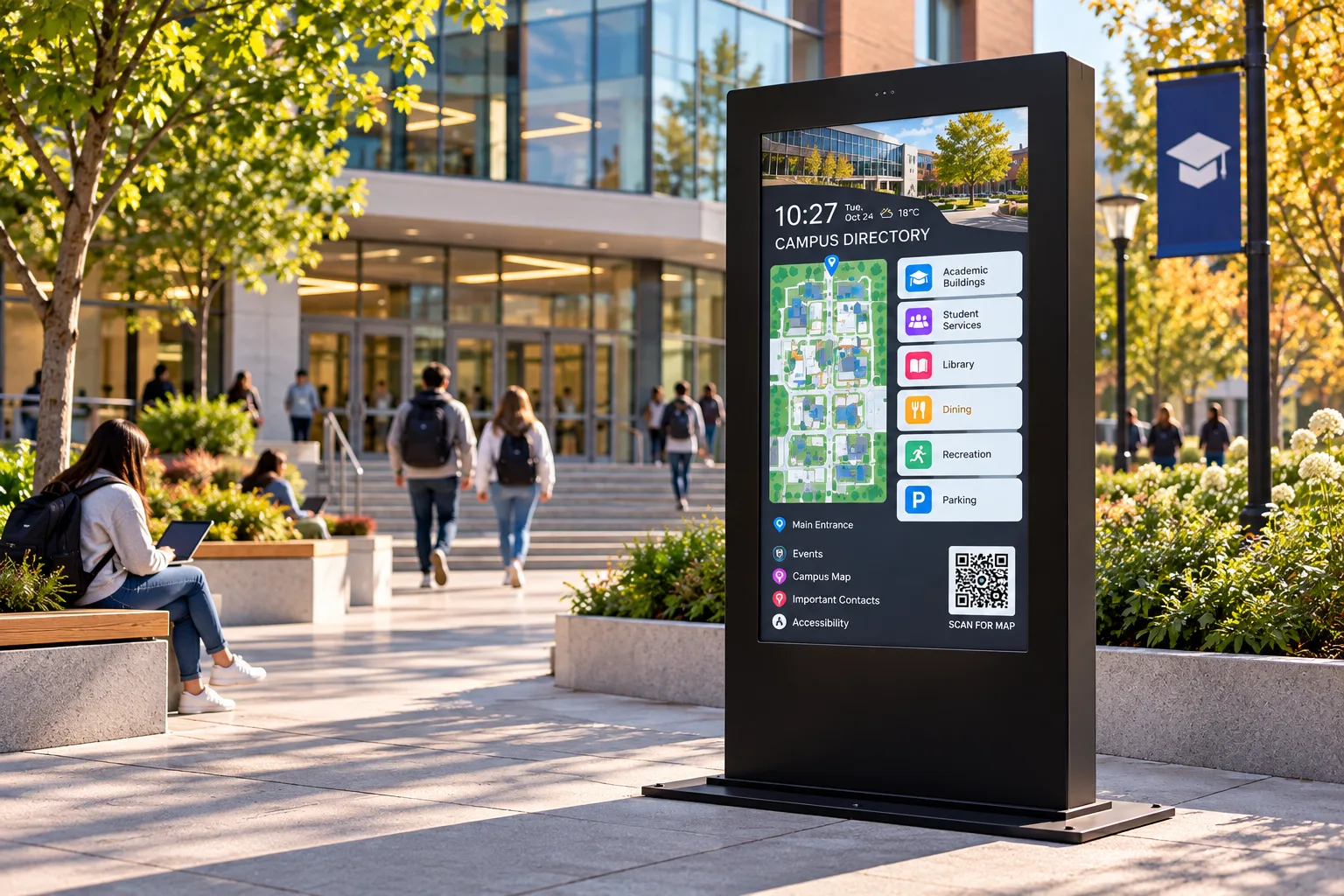 EducationWayfinding, student services and campus-wide notices on kiosks built for a student body.
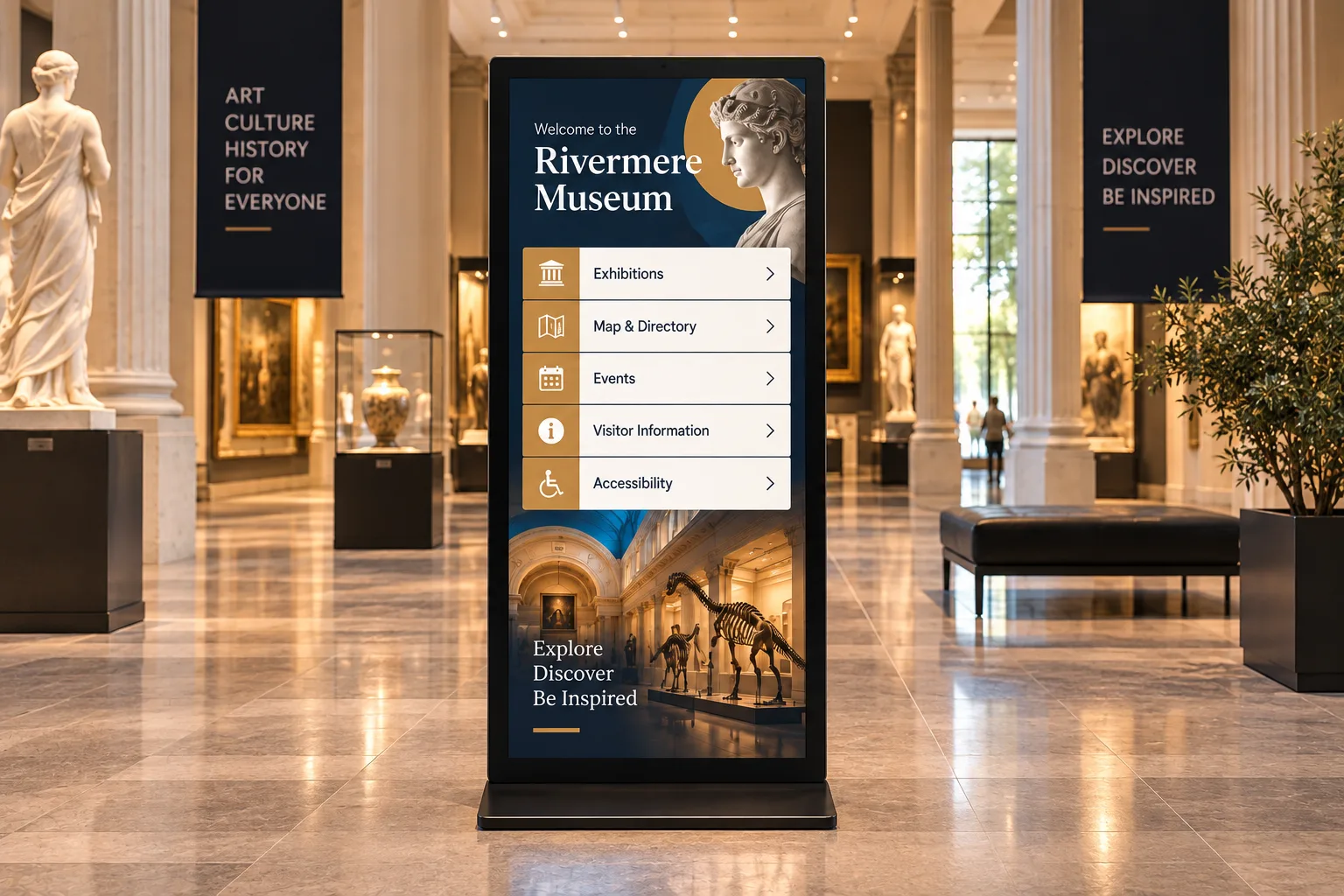 Museums & AttractionsInteractive exhibits, visitor wayfinding and accessible interpretation for museums, science centres, zoos and parks.
Related Articles
How to Choose a Digital Kiosk: Eight Questions to Answer First
Read more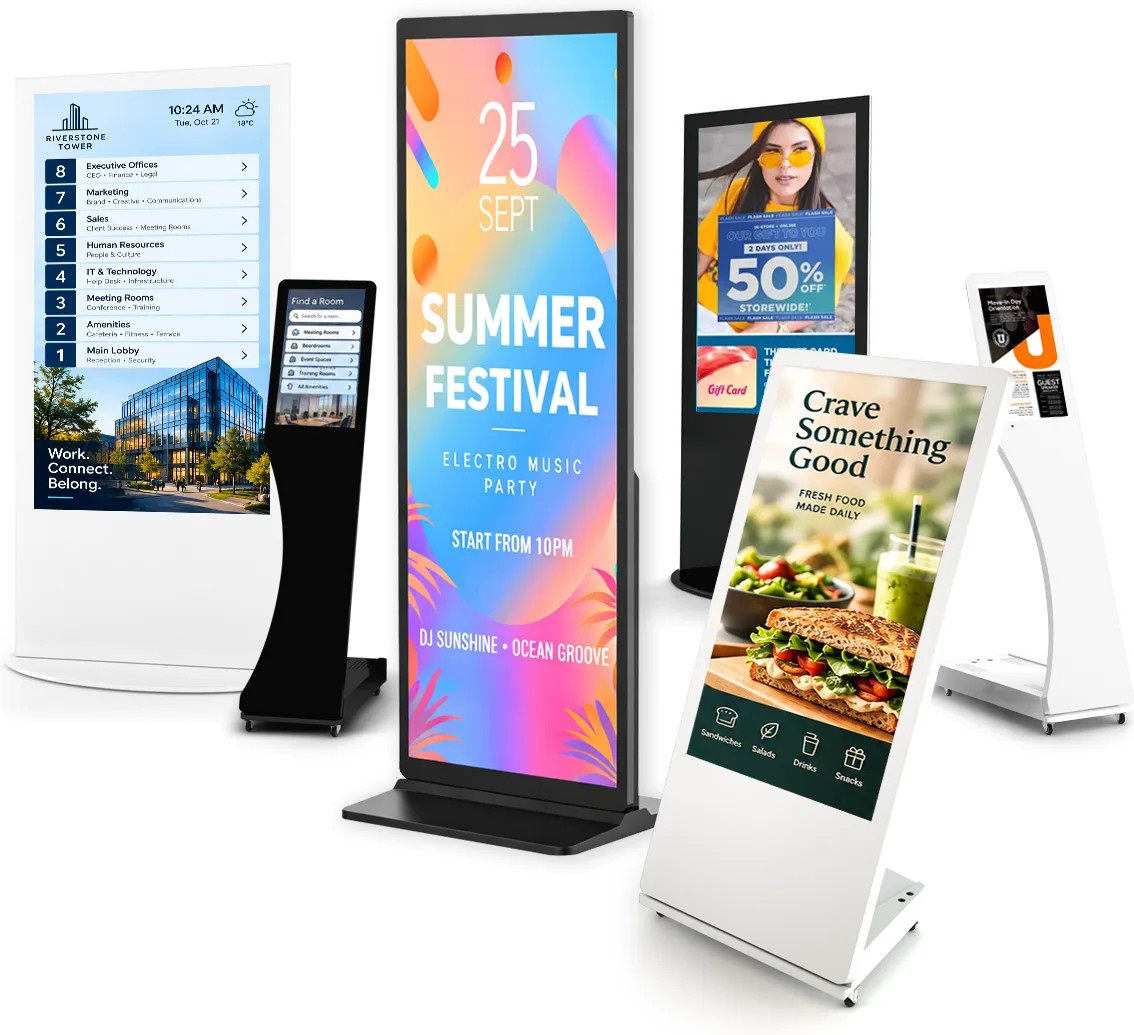
Kiosk Form Factors Explained: Upright, Angled, Double-Sided and Portable
Read more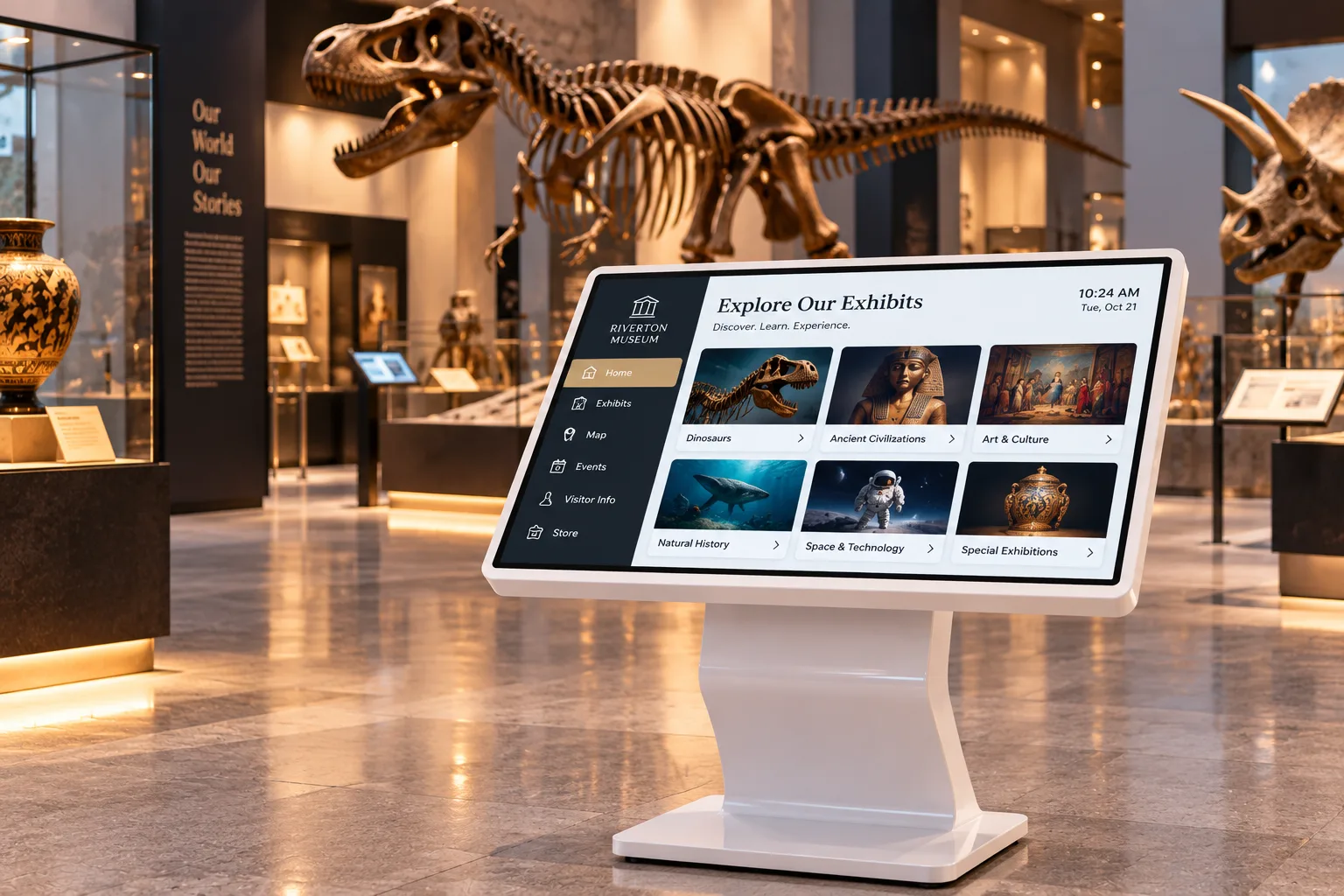
Kiosk Screens People Actually Use: Seven Design Tips
Read moreWhat Is a Digital Kiosk?
Read moreIndoor or Outdoor Kiosk? What Changes When It Goes Outside
Read more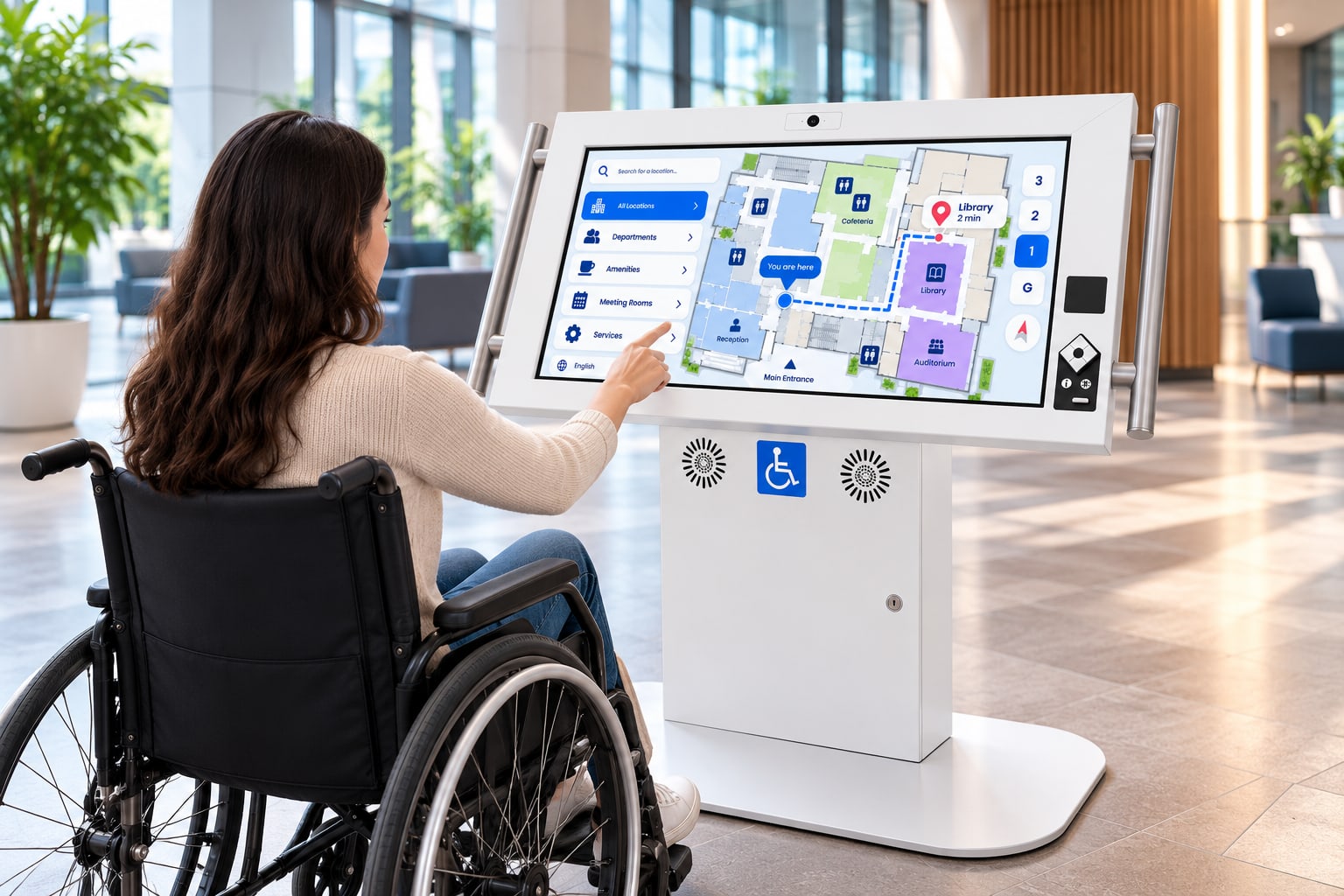
Accessible Kiosks: What Makes a Kiosk Usable by Everyone
Read more
Campus Wayfinding Kiosks: A Planning Guide for Schools and Colleges
Read more
Planning a Kiosk Rollout: From Site Walk to Launch Day
Read moreGet Started
Adding digital signage is a great way to increase brand awareness and increases customer engagement. If you are looking to start or expand on your visual communication needs, please send us an email or give us a call.